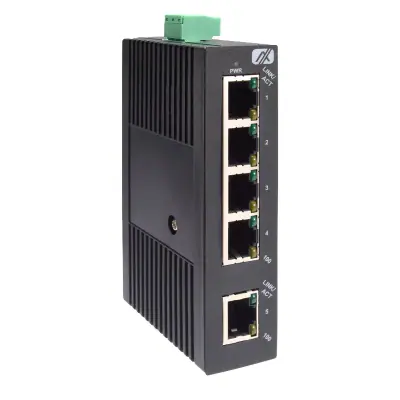
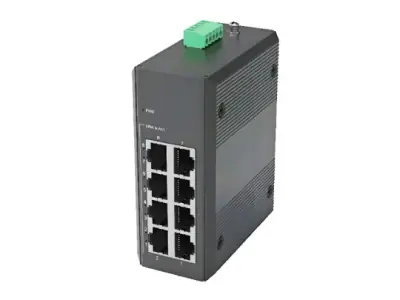
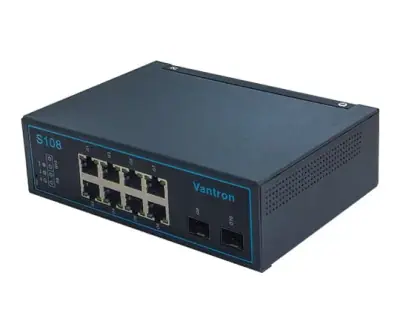
S108
Industrial Ethernet Switches, PoE & TSN Networking
Industrial Gigabit unmanaged switch, 8 ports
- 10V/m (80MHz~2GHz)
- -20℃ ~ +70℃
Price on request

An unmanaged switch forwards frames without configuration. A managed switch is configured and monitored: VLANs, redundancy, priorities, port statistics and access control.
An unmanaged switch can connect devices where no switch configuration is needed. A managed model helps segment traffic using VLANs, monitor port errors or constrain multicast. Verify these capabilities on the selected model rather than assuming them from a Layer 2 label.
List port rates, uplink, PoE requirements and loads. If you use multicast, test delivery and unintended flooding with the actual topology and querier. In a cabinet check rail, width and supply independently.
It forwards traffic without the user administration available on a configurable model.
No. Verify group handling, the querier and the required network behaviour.
No. It describes mounting; check the electrical data separately.
Sources : IETF · RFC 4541, IGMP snooping, Ethernet Alliance · PoE certification
Parts are matched to this technology by category or description. Confirm support in the datasheet.
Industrial Ethernet Switches, PoE & TSN Networking
Industrial Gigabit unmanaged switch, 8 ports
Price on request
Industrial Ethernet Switches, PoE & TSN Networking
Industrial 10/100 Mbps Ethernet switch
Price on request
Industrial PoE Switches
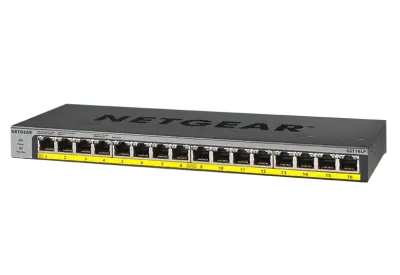
16-Port Gigabit Ethernet Unmanaged PoE+ Switch · Ref. : GS116LP
Price on request
Industrial Ethernet Switches, PoE & TSN Networking
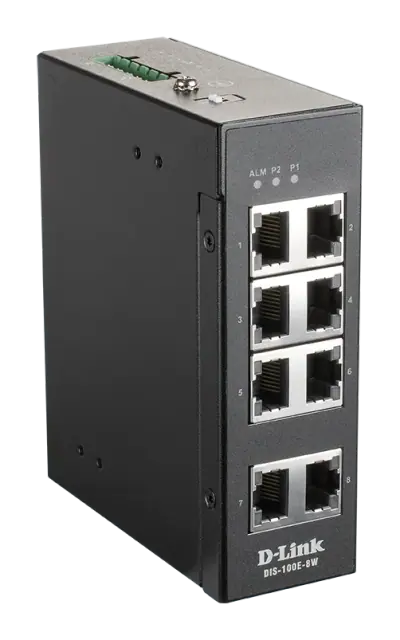
Industrial unmanaged Fast Ethernet switch, 8 ports · Ref. : DIS-100E-8W
Price on request
Industrial Ethernet Switches, PoE & TSN Networking
24-Port Multigigabit PoE Access Ethernet Switch · Ref. : 8200-24XP2
Price on request
Industrial PoE Switches
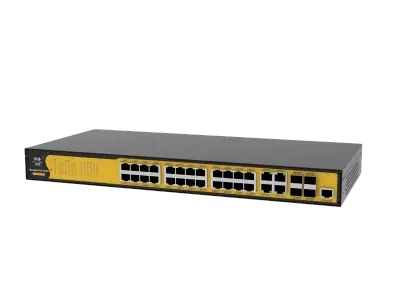
Industrial managed PoE switch with 32 ports and 4 SFP · Ref. : F-SW1032
Price on request
Industrial Ethernet Switches, PoE & TSN Networking
5-port industrial Fast Ethernet switch · Ref. : DC-105
Price on request
Industrial Ethernet Switches, PoE & TSN Networking
Industrial PoE+ gigabit unmanaged Ethernet switch, 18 ports · Ref. : LNP-1802G-SFP
Price on request
With your consent, we use Google cookies to measure the site’s audience and our advertising. Your quote basket and comparison stay in your browser either way. Details