HUB
Jeweller
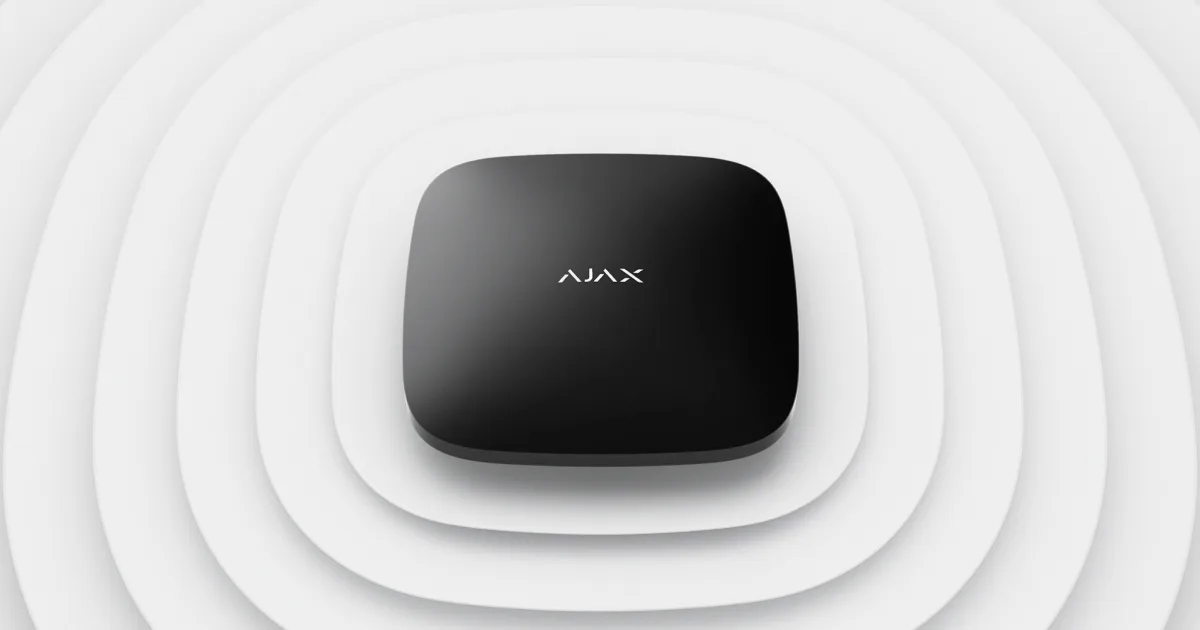
Limited record: this part has neither specifications nor a datasheet in the catalog yet. It is shown for reference and is not indexed.
Jeweller
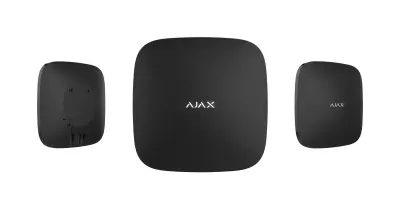
Intelligent security control panel Ajax Hub for security alarms from Ajax Systems | The device monitors the operation of all Ajax sensors and instantly sends an alarm
Hub Jeweller
Control panel with Jeweller support
Product versions
Ajax Ultra DP: dual-path reliability with ready-to-use presets
Ajax Ultra DP offers a simple way to configure compliant dual-path alarm transmission (DP2, DP3, or DP4). It complements Ajax SIM to deliver reliable and uninterrupted system operation from the very start. All is up and running within minutes thanks to quick and intuitive in-app setup.
More info for PROs
Ajax SIM: stable connection with no effort
Ajax SIM provides instant and reliable cellular communication right out of the box. No complicated setup, no tricky activation — the SIM card does almost everything on its own. Unlimited traffic and reliable connection are available from the very first minute of operation.
More info for PROs
Security foundation
Hub Jeweller is a smart control panel and a key element of the Ajax system. With an unprecedented communication range, it supports up to 100 wireless Ajax devices, providing advanced autonomy, anti-sabotage, and supervision of all system elements. This device is a true game changer among professional security systems. Hub Jeweller is ready to operate straight out of the box, allowing for easy setup via Ajax apps on-site or remotely.
100 wireless Ajax devices
can be added to one hub
Remote control and configuration
9 security groups
can be created to manage the security of the facility
2 independent communication channels
SIM
Ethernet
Informative push notifications
10:00 Critical
Ajax
Office: Opening detected, DoorProtect in Hall
10:00 Critical
Ajax
Home: Motion detected, MotionProtect in Main room
Video surveillance
with Ajax and third-party devices
Up to 2,000 m
communication range with wireless Ajax devices
Effortless installation
no need to disassemble the enclosure
Up to 15 hours
of autonomous operation with backup battery
Jeweller radio communication
Power adjustment
Stable system operation
with OS Malevich
Multi-tier account security
2FA, session control, and password/biometric login
5 automation scenarios
Enclosure protection
with tamper alarm
2 colors
of matte enclosure
Some Ajax devices may not be compatible with Hub Jeweller as they require enhanced hub models.
Wherever there is a need for protection
Educational institution
Store
Office or Coworking
Warehouse
Cafe
House
Ready to operate straight out of the box
LED logo
LED logo
The hub’s LED has various indications for the system state and events. The Ajax logo on the front side of the hub can light up in different colors, displaying the current state of the device.
SmartBracket mounting panel
SmartBracket mounting panel
With the SmartBracket mounting panel, installing the hub takes just a few minutes — no need to disassemble the device’s enclosure. Additionally, detaching the hub from SmartBracket triggers the tamper button.
Communication channels
Communication channels
Hub Jeweller can be simultaneously connected to two Internet providers — via Ethernet and cellular network. If one channel becomes unavailable, the hub automatically switches to the second one.
Ajax SIM is already pre-installed in some regions.
Backup battery
Backup battery
The built-in rechargeable battery provides up to 15 hours of autonomous operation. In case of a power outage, the system will keep protecting the object with the battery power.
Pre-installed power supply unit
Pre-installed power supply unit
Hub Jeweller operates from a pre-installed 110–230 V~ power supply unit, ensuring effortless and quick installation of the device, as there is no need to provide a separate power supply unit.
There is an alternative 12 V or 12–24 V power supply unit.
Antennas
Antennas
The hub features built-in antennas, ensuring a stable and reliable connection with all wireless devices added to it.
A complete set of business tools
App data is protected by encryption and automatic backups. With cloud synchronization, starting seamlessly on a new smartphone or computer takes just a few minutes — simply install the app and log into your account.
Ajax PRO: Tool for Engineers
Mobile app for professional Ajax system installation, configuration, and maintenance
App Store App Store
Google Play
Download
Ajax PRO Desktop
Desktop app for centralized incident monitoring and streamlined security operations
Windows x64 Windows x64
macOS Apple Silicon
macOS Intel
Download
All features at your fingertips
We refrained from control buttons on the enclosure of Hub Jeweller and outdated interfaces — apps are more convenient. Ajax apps connect to the device via a secure channel through the Ajax Cloud server located in several AWS data centers. The apps enable managing the security of the facility, adjusting settings of Hub Jeweller and devices added to it, creating scenarios, and monitoring events — with a smartphone, both on-site and remotely.
App Store
Google Play
Security management
Automation
Push notifications
Event log
Always online via Ethernet and cellular networks
Hub Jeweller can be connected to two Internet providers at a time via an Ethernet cable and a 2G or LTE SIM card⁴. Automatic switching between channels takes seconds, ensuring the device stays online despite sudden connectivity issues. Ajax apps display the status of each communication channel and SIM traffic consumption. The apps also notify about the loss and restoration of the connection between the hub and the Ajax Cloud server.
Two communication channels
Instant channel switch
Real-time status updates
Jeweller
Unique wireless technology
An Ajax system uses two-way secure radio communication based on the Jeweller proprietary protocol. It provides block cipher encryption and device authentication at each communication session between the hub and connected devices to prevent sabotage, spoofing, or data theft.
Learn more
Up to 2,000 m of radio communication between wireless devices and a hub
Encrypted two-way radio communication
Notifications about jamming and connection loss
For facilities of different sizes
Hub Jeweller is a versatile security solution suitable for a range of facilities, from small shops to larger offices, offering up to 2,000 m of radio communication range. The Ajax range extender expands coverage, ensuring a stable connection for devices located on different floors or at a long distance. The hub efficiently manages 100 devices without lags, accommodating 50 users and supporting 9 security groups for advanced access control. Whether for homes or businesses, Hub Jeweller is well-equipped to ensure comprehensive security.
security groups
users
100
devices
Up to 2,000 m
of communication range
Beyond alerts
The hub offers versatile capabilities, such as arming and disarming a facility or a group by schedule. Additionally, it can instantly activate a smoke machine if an intruder enters the premises. In case of a fire, the hub identifies the cause and initiates a blackout while turning on emergency lighting. Users can also manage electric locks, roller shutters, and garage doors by arming/disarming, button presses, or detector alarms.
Hub Jeweller supports up to 5 automation scenarios by alarm or schedule. However, theres no limit on scenarios by arming/disarming — users can configure as many scenarios as there are automation devices in the system. This flexibility enables PRO users to set up various security configurations to meet their specific requirements.
Home activity simulation
Users planning a vacation can ask an installer to set up a schedule simulating home activity with lights and audio system sounds. This way, the house wont look empty, reducing the risk of attracting the attention of potential burglars.
Schedule
WallSwitch Jeweller
Lighting
Spotlighting
Automation devices can be configured to react to alarms from one, several, or all connected devices. For example, an installer can set up the system to turn on the lights when MotionProtect Outdoor Jeweller detects motion.
MotionProtect Outdoor Jeweller
WallSwitch Jeweller
Outdoor lighting
Automatic doors and roller shutters
Situations where staff forgets to close a roller shutter or lock a door are now completely excluded. Installers can set up scenarios to activate electric locks and roller shutters automatically when arming the system or by schedule.
Arming
Relay Jeweller
Roller shutter
Learn more
Immune to lags, freezing, and viruses
Hub Jeweller runs on OS Malevich, a real-time operating system. It does not lag or freeze, instantly loading and executing all actions. It takes less than a second from tapping on a smartphone to the lights switching on. A scenario is executed within the same rapid timeframe.
Learn more
Sabotage protection
Discover ultimate sabotage protection for all system elements
Learn more
Effortless installation and setup
Ajax has streamlined every step of the installation, making it simpler than ever — from system design to maintenance and customer support. Installing the hub doesnt require disassembling its enclosure, and adding the device is quick and easy with Ajax apps. All necessary fasteners are included, and adjustments to settings can be made without the need to visit the facility.
Connection
Installation
Setup
Monitoring
It’s easy to add Hub Jeweller to the system by scanning a QR code. Once added, the device receives a default name and settings suitable for most cases.
Pairing by scanning the QR code
Versatile default settings
Using the SmartBracket mounting panel, an installer can effortlessly mount the device on the wall without disassembling the enclosure. Holding screws fix the hub on the SmartBracket mounting panel. For efficient and reliable cable management, use holders.
No need to disassemble the enclosure
All necessary fasteners are included in the installation kit
Holding screws to fix Hub Jeweller on the SmartBracket mounting panel
Configuring Hub Jeweller and added devices is possible via mobile and desktop apps. It can always be reconfigured remotely without the need for on-site visits.
Configuring and testing Hub Jeweller on-site or remotely
Mobile and desktop apps
Accounts for companies and installers
The Ajax security system sends alarms to PRO Desktop and the central monitoring station (CMS) using proprietary protocols.
Addressability of each device
Instant notifications in Ajax apps
Alarm and event monitoring in PRO Desktop for security companies
The Li-ion 3 A⋅h battery provides up to 15 hours of Hub (4G) Jeweller autonomous operation when using a SIM with inactive Ethernet. Learn more.
In an open space.
12V PSU for Hub/Hub Plus/ReX for Hub (2G) Jeweller; 12–24V PSU for Hub 2/Hub 2 Plus/ReX 2 for Hub (4G) Jeweller.
Hub Jeweller is available in two versions: Hub (2G) Jeweller supports only 2G cellular networks, and Hub (4G) Jeweller supports 4G (LTE) networks.
Hub (2G) Jeweller makes phone calls and sends USSD codes, while Hub (4G) Jeweller doesn’t support these features
Depends on settings.
Tools
Ajax devices compatibility
Comparison of hubs
Technical information
Hub (2G) Jeweller
Technical specifications
User manual
Technical data sheet
Demo & Tips for engineers and PRO users
Hub (4G) Jeweller
Technical specifications
User manual
Technical data sheet
Demo & Tips for engineers and PRO users
More Hub models
Hub 2 Plus Jeweller
Wireless control panel with support for photo verification. Connectable via Wi-Fi, Ethernet, and two SIM cards (2G/3G/LTE)
Color:
Ajax product categories
In an Ajax system, you can combine devices of all product categories: Intrusion protection, Video surveillance, Fire and life safety, or Comfort and automation. Create the system to suit your needs and manage it in a single interface.
Intrusion protection
Video surveillance
Fire and life safety
Comfort and automation
Ajax Hub. smart control panel for security alarms
The control panel of the security alarm system is used to receive and then
No published question about this part yet. Questions are reviewed before publication.
Official documents and the technical data recorded for HUB. For a missing document or a specific revision, our experts send it to you.
Intelligent security control panel Ajax Hub for security alarms from Ajax Systems | The device monitors the operation of all Ajax sensors and instantly sends an alarm
Similar parts to answer your needs. Compare the main characteristics. A recorded replacement is a documented relation; a similar product is a similarity only, never a compatibility claim.
Jeweller
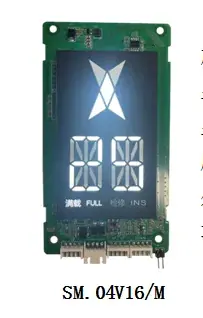
SM.04V16/M Elevator Human-Machine Interface Display Board
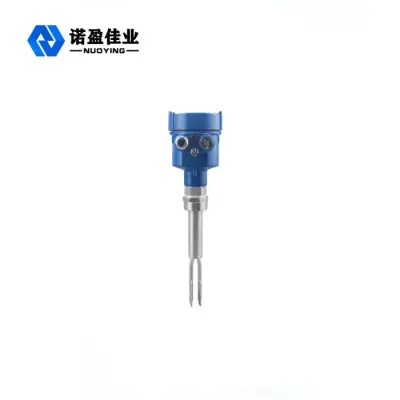
High Low Alarm Tuning Fork Level Switch IP65 8A 220V Flange Installment
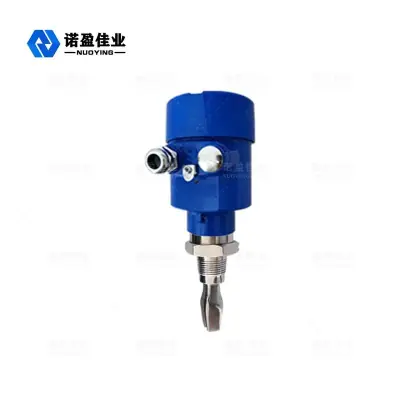
Intelligent Explosion Proof Tuning Fork Switch Level Meter High Low Alarm Limit Level Switch
Describe your application and constraints in a request.
What is recorded about the regulatory status and the life of this part.
No compliance statement is recorded for this part. Ask the supplier for the RoHS and REACH declarations and, for a radio product, the EU declaration of conformity.
| Current status | Status not stated |
| Key dates | Not recorded |
| Manufacturer part number | HUB |
| Manufacturer | Ajax Systems |
Alarm Panels
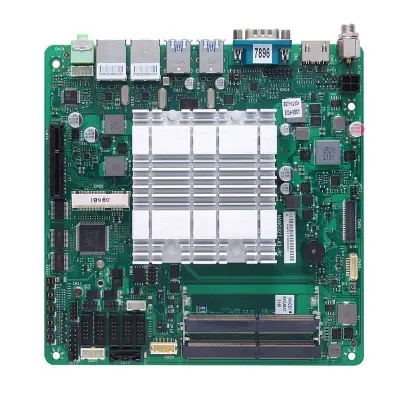
Industrial Mini-ITX motherboard with Intel Celeron J6412 processor · Ref. : MANO321
Price on request
Alarm Panels
Jeweller radio range extender for alarm system · Ref. : REX-2-JEWELLER
Price on request
Alarm Panels
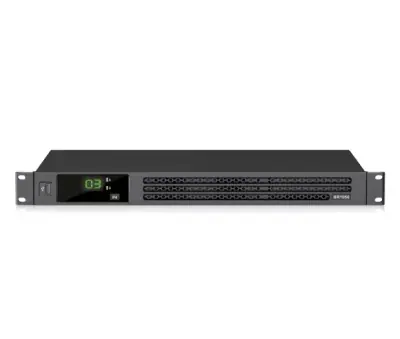
Ultra-slim professional DMR repeater, dual band VHF UHF · Ref. : BR1050
Price on request
Alarm Panels
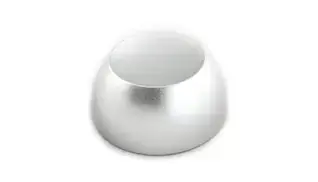
Magnetic EAS detacher 4500 GS · Ref. : D300
Price on request
No advertising or analytics cookies. A single, strictly necessary cookie is set only if you sign in to your account. Your quote basket and comparison stay in your browser. Details