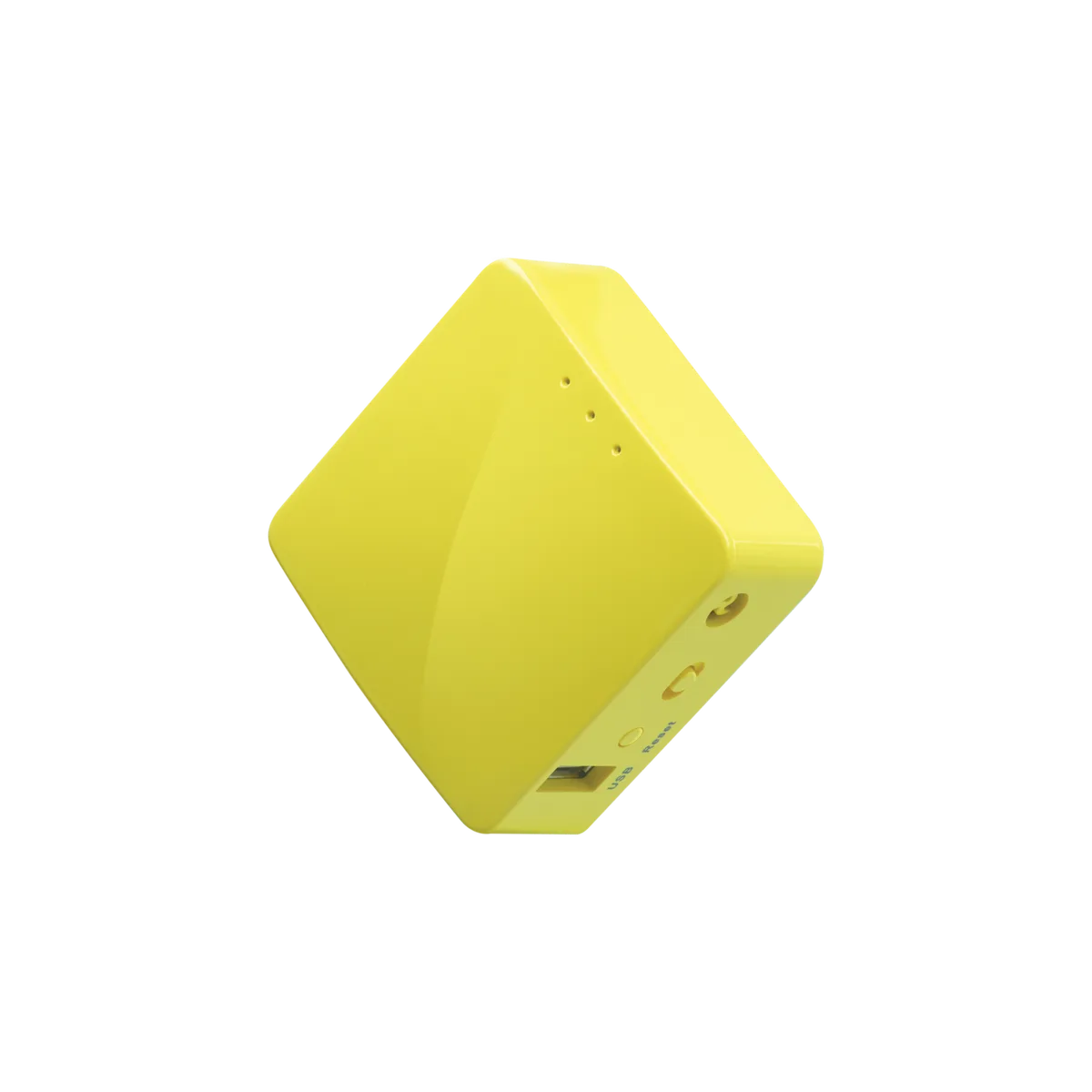
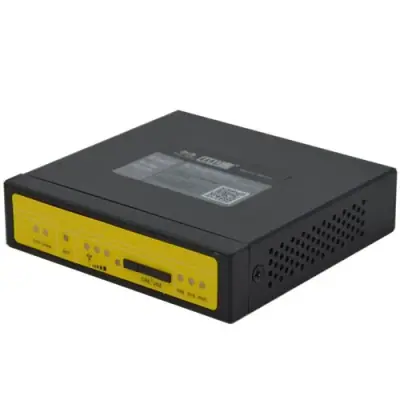
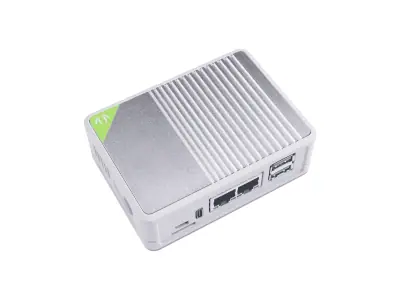
The GL.iNet GL-MT300N-V2 is a compact mini Wi-Fi router that creates a secure private network from a wired, wireless or USB modem connection.
Operating Temperature0 ~ 40°C (32 ~ 104°F)
Power consumption<2.75W
Memory StorageDDR2 128MB / NOR Flash 16MB
Storage Temperature-20~70°C (-4~158°F)
Ethernet Speed10/100Mbps
AnleitungGl.iNet VPN-Client Router Einrichtung
Product overview
Overview. The GL.iNet GL-MT300N-V2 is a mini Wi-Fi router listed under industrial cellular routers, built around an MTK MT7628NN processor clocked at 580 MHz. It turns a public wired or wireless network into a private Wi-Fi network.
Main characteristics. The router supports IEEE 802.11b/g/n with a maximum Wi-Fi speed of 300 Mbps in the 2.4 GHz band and a transmit power below 20 dBm. It provides 128 MB of DDR2 memory and 16 MB of NOR flash storage. Its dimensions are 58 x 58 x 25 mm and it weighs 40 g.
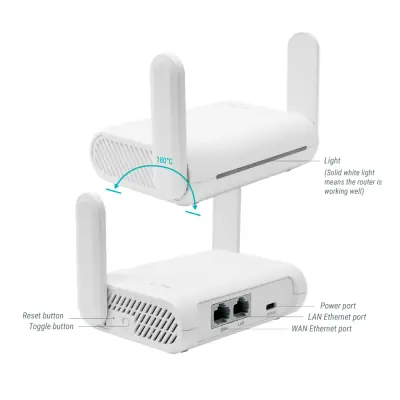
Interfaces and connectivity. The router has one WAN Ethernet port and one LAN Ethernet port running at 10/100 Mbps, one USB 2.0 port, a reset button, a toggle button and three LEDs (power, Wi-Fi). It is compatible with 3G/4G USB modems.
Power and environment. It is powered through a Micro USB port at 5 V/2 A, with a power consumption below 2.75 W. It operates between 0 and 40 °C and can be stored between -20 and 70 °C.
Typical uses. The router suits secure browsing on public networks, connectivity while travelling and tethering. Its VPN functions, with OpenVPN and WireGuard support, allow remote access to files as if connected from the home network.
No published question about this part yet. Questions are reviewed before publication.
Complete specifications
Every characteristic recorded for GL-MT300N-V2, with where it comes from. Use the filters to find one quickly.
All specifications (16)
Characteristic
Value
Anleitung
Gl.iNet VPN-Client Router Einrichtung
Antennas
Internal
CPU
MTK MT7628NN @580Mhz SoC
Dimension / Weight
58 x 58 x 25mm / 40g
Ethernet Speed
10/100Mbps
Interface
1 x WAN Ethernet port; 1 x LAN Ethernet port; 3 x LEDs; 1 x USB 2.0 port; 1 x Micro USB power port; 1 x Reset button; 1 x Toggle button
LEDs
Power / Wi-Fi
Memory Storage
DDR2 128MB / NOR Flash 16MB
Operating Temperature
0 ~ 40°C (32 ~ 104°F)
Power consumption
<2.75W
Power Input
Micro USB, 5V/2A
Protocol
IEEE 802.11b/g/n
Storage Temperature
-20~70°C (-4~158°F)
Tools & Downloadables
Firmware | App | First Time Setup | Tutorials
Tx Power
<20dBm
Wi-Fi Speed
300Mbps (2.4GHz)
No specification matches.
Last verification : 2026-11-02
Technical documentation
Official documents and the technical data recorded for GL-MT300N-V2. For a missing document or a specific revision, our experts send it to you.
1. Technical overview
The GL.iNet GL-MT300N-V2 is a compact mini Wi-Fi router that creates a secure private network from a wired, wireless or USB modem connection.
Operating Temperature0 ~ 40°C (32 ~ 104°F)
Power consumption<2.75W
Memory StorageDDR2 128MB / NOR Flash 16MB
Storage Temperature-20~70°C (-4~158°F)
Ethernet Speed10/100Mbps
2. Datasheet extract (recorded values)
Parameter
Value
Anleitung
Gl.iNet VPN-Client Router Einrichtung
Antennas
Internal
CPU
MTK MT7628NN @580Mhz SoC
Dimension / Weight
58 x 58 x 25mm / 40g
Ethernet Speed
10/100Mbps
Interface
1 x WAN Ethernet port; 1 x LAN Ethernet port; 3 x LEDs; 1 x USB 2.0 port; 1 x Micro USB power port; 1 x Reset button; 1 x Toggle button
LEDs
Power / Wi-Fi
Memory Storage
DDR2 128MB / NOR Flash 16MB
Operating Temperature
0 ~ 40°C (32 ~ 104°F)
Power consumption
<2.75W
Power Input
Micro USB, 5V/2A
Protocol
IEEE 802.11b/g/n
Storage Temperature
-20~70°C (-4~158°F)
Tools & Downloadables
Firmware | App | First Time Setup | Tutorials
Tx Power
<20dBm
Wi-Fi Speed
300Mbps (2.4GHz)
Integration
Points to check before using GL-MT300N-V2 in a design. They are derived from the recorded characteristics, not from the manufacturer's application circuits.
1Thermalrated operating range 0 ~ 40°C (32 ~ 104°F) — check it against the installation environment.
Power and communication
Power consumption
<2.75W
Power Input
Micro USB, 5V/2A
Tx Power
<20dBm
Check the exact pin assignment and the application circuit in the datasheet, or ask our experts.
Implementation checklist
Thermal : rated operating range 0 ~ 40°C (32 ~ 104°F) — check it against the installation environment.
Applications and use cases
Architectures in which GL-MT300N-V2 can play a role, derived from its category. This is not a compatibility statement: check the specifications against your requirements.
Every intervention on a remote machine means a trip on site. A 4G or 5G router with VPN gives the maintenance team secure access to the PLC and the operator panel from the office
To check
VPN type and how access rights are granted and removed
Mobile coverage at the machine site
Separation between the machine network and the customer network
Some sites have neither fixed line nor mobile network. A satellite terminal provides the uplink, a router shares it on site, and a LoRaWAN gateway collects the sensors around
A proprietary PLC locks the project into one vendor’s tools. Industrial controllers built on the Raspberry Pi Compute Module run Linux, Node-RED, Python or CODESYS on DIN rail, with I/O modules, an operator panel and a cellular router for remote access
Adding a mobile connection to a product means choosing a modem, a SIM and a way to manage both. A cellular modem or HAT, an IoT SIM and a router or gateway form one connectivity chain, managed from a single platform
To check
Countries and networks where the devices will operate
Data volume per device and per month
Network technology (LTE-M, NB-IoT, 4G, 5G) supported by the modem and the SIM
Hundreds of routers and gateways in the field are hard to keep updated and secure. Industrial routers and edge gateways managed from a cloud platform can be configured, updated and monitored remotely
To check
Management platform offered by the hardware maker
Firmware update policy and rollback
Access rights for installers and customers
Associated system blocks
RoutersEdge gateways
Need a complete solution?
Send a request for GL-MT300N-V2 and the other parts of your project.
Answers to the questions that the recorded characteristics of GL-MT300N-V2 can answer. A question is not asked when nothing is recorded to answer it.
1Does it include Wi-Fi?
Yes — recorded under "LEDs": Power / Wi-Fi.
2Does it have an Ethernet port?
Yes — recorded under "Ethernet Speed": 10/100Mbps.
3Does it have a USB interface?
Yes — recorded under "Interface": 1 x WAN Ethernet port; 1 x LAN Ethernet port; 3 x LEDs; 1 x USB 2.0 port; 1 x Micro USB power port; 1 x Reset button; 1 x Toggle button.
Similar parts to answer your needs. Compare the main characteristics. A recorded replacement is a documented relation; a similar product is a similarity only, never a compatibility claim.
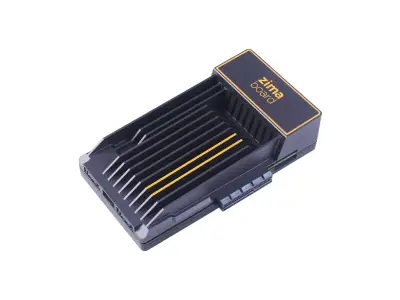
ZimaBoard 216-X86 Single Board Server - Hardware Router | personal cloud | Plex Media Server - Intel Celeron N3350 x86 - SATA 6.0 Gb/s for pfsense PCIe x4 - UHD output | Low post cost | High-security traffic - Pre-installed CasaOS
Display
4K
Ethernet
2x
Graphics
Intel® HD Graphics 500 - 200MHz Base Frequency | 650MHz Burst
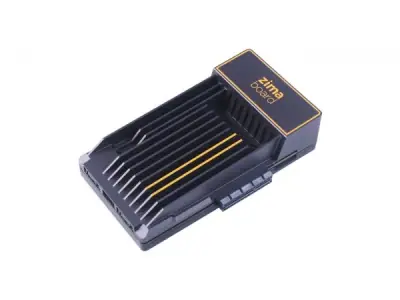
ZimaBoard 432-X86 Single Board Server - Hardware Router | personal cloud | Plex Media Server - Intel Celeron N3450 x86 - SATA 6.0 Gb/s for pfsense PCIe x4 - UHD output | Low post cost | High-security traffic - Pre-installed CasaOS
Display
4K
Ethernet
2x
Graphics
Intel® HD Graphics 500 - 200MHz Base Frequency | 700MHz Burst
What is recorded about the regulatory status and the life of this part.
Regulatory compliance
No compliance statement is recorded for this part. Ask the supplier for the RoHS and REACH declarations and, for a radio product, the EU declaration of conformity.
No advertising or analytics cookies. A single, strictly necessary cookie is set only if you sign in to your account. Your quote basket and comparison stay in your browser. Details