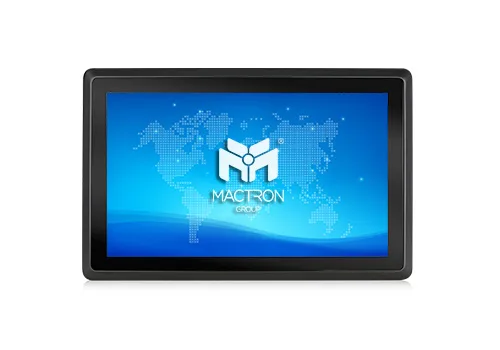
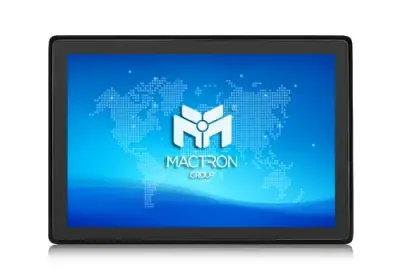
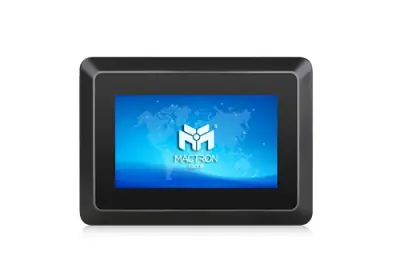
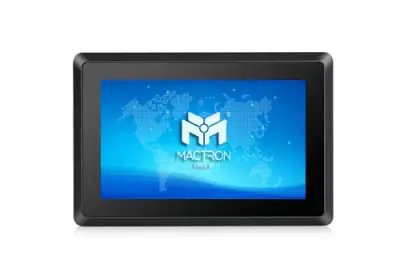
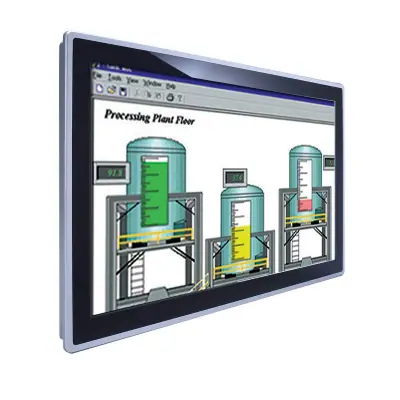
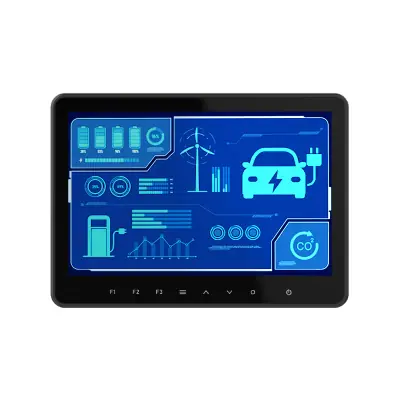
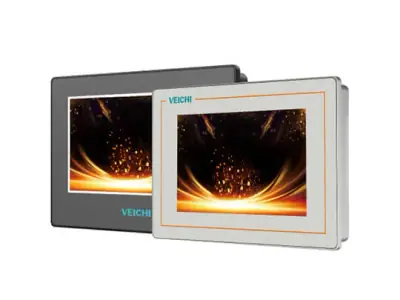
Mactron WAM1560 industrial panel PC with a 15.6-inch Full HD PCAP touch screen and Intel Celeron J6412 processor, for HMI, machine vision and IIoT gateway applications.
Operating Temperature-10°C ~ 60°C
Memory8GB
Storage256GB
Storage Temperature-20°C ~ 70°C
Aspect Ratio16:9
Brightness300 nits (Optional to 1000 nits)
Product overview
Overview. The Mactron Group WAM1560 is an industrial touch panel PC with a 15.6-inch screen, designed for human-machine interfaces (HMI) and control stations in industrial environments. It combines a 16:9 TFT display with a resolution of 1920 x 1080 and a 10-point multiple PCAP touch panel.
Main characteristics. The system is built around a quad-core Intel Celeron J6412 processor, with Intel HD Graphics, 8 GB of memory and 256 GB of storage. The aluminum alloy housing is fanless and the front panel is rated IP65. Brightness is 300 nits, optionally up to 1000 nits. The system supports Windows 10 Pro, Windows 10 IoT, Windows 11 and Linux.
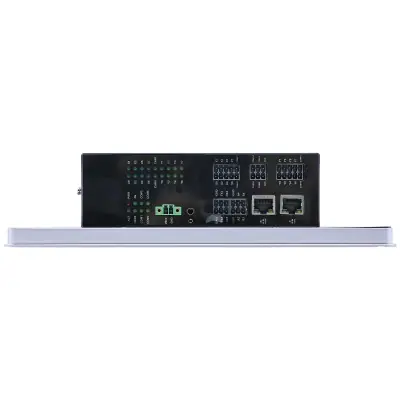
Interfaces and connectivity. The WAM1560 provides a 12-pin Phoenix connector including a DC input, an RS232 port, an RS485 port and 5 GPIO, plus a DB9 RS232 port. It also offers 2 RJ-45 ports with Wake-on-LAN support, 2 USB 2.0 ports, 2 USB 3.0 ports, an HDMI output, a VGA output (DB15), a line-out audio port, a SIM card slot and a full-size Mini-PCIe socket. Wi-Fi 802.11 a/b/g/n/ac with an external antenna and Bluetooth 4.0 are integrated.
Power and environment. The power input accepts DC 12-36V, with a DC 24V/2.5A power adapter supplied. The operating temperature range is -10°C to 60°C, and the storage range is -20°C to 70°C. Relative humidity tolerance reaches 95% RH non-condensing.
Mounting and integration. The WAM1560 can be installed in panel mount, wall mount, on VESA 75 x 75 mm or 100 x 100 mm mounts, or on a desktop stand. A clamp mount kit is supplied as standard. Its RS232 and RS485 serial ports and GPIO facilitate communication with PLCs and field devices. This product is available on quotation from Atlas Electronics.
Bluetooth 4.0; WiFi 802.11 a/b/g/n/ac 2.4G (External Antenna); RTC; Time Switch
GPU
Intel HD Graphics Engine
Housing
Aluminum Alloy Housing
Intermal Speaker
2 x 2W
IO Ports
1 x 12-Pin Phoenix type connector (1 x DC/1 x RS232/1 x RS485/5 x GPIO); 1 x DC-in; 2 x USB2.0; 2 x USB3.0; 2 x RJ-45 (Support Wake-on-LAN); 1 x HDMI; 1 x SIM card slot; 1 x DB15 (VGA); 1 x Audio (Line-out); 1 x DB9 (RS232); 1 x Power Button
Memory
8GB
Mounting
Panel Mount, VESA 75 x 75 mm & 100 x 100 mm, Wall mount, Desktop stand
Official documents and the technical data recorded for WAM1560. For a missing document or a specific revision, our experts send it to you.
1. Technical overview
Mactron WAM1560 industrial panel PC with a 15.6-inch Full HD PCAP touch screen and Intel Celeron J6412 processor, for HMI, machine vision and IIoT gateway applications.
Bluetooth 4.0; WiFi 802.11 a/b/g/n/ac 2.4G (External Antenna); RTC; Time Switch
GPU
Intel HD Graphics Engine
Housing
Aluminum Alloy Housing
Intermal Speaker
2 x 2W
IO Ports
1 x 12-Pin Phoenix type connector (1 x DC/1 x RS232/1 x RS485/5 x GPIO); 1 x DC-in; 2 x USB2.0; 2 x USB3.0; 2 x RJ-45 (Support Wake-on-LAN); 1 x HDMI; 1 x SIM card slot; 1 x DB15 (VGA); 1 x Audio (Line-out); 1 x DB9 (RS232); 1 x Power Button
Memory
8GB
Mounting
Panel Mount, VESA 75 x 75 mm & 100 x 100 mm, Wall mount, Desktop stand
Points to check before using WAM1560 in a design. They are derived from the recorded characteristics, not from the manufacturer's application circuits.
1Thermalrated operating range -10°C ~ 60°C — check it against the installation environment.
Power and communication
Power Adapter
DC 24V/2.5A
Power Input
DC 12-36V
Check the exact pin assignment and the application circuit in the datasheet, or ask our experts.
Implementation checklist
Thermal : rated operating range -10°C ~ 60°C — check it against the installation environment.
Applications and use cases
Architectures in which WAM1560 can play a role, derived from its category. This is not a compatibility statement: check the specifications against your requirements.
Every intervention on a remote machine means a trip on site. A 4G or 5G router with VPN gives the maintenance team secure access to the PLC and the operator panel from the office
To check
VPN type and how access rights are granted and removed
Mobile coverage at the machine site
Separation between the machine network and the customer network
A proprietary PLC locks the project into one vendor’s tools. Industrial controllers built on the Raspberry Pi Compute Module run Linux, Node-RED, Python or CODESYS on DIN rail, with I/O modules, an operator panel and a cellular router for remote access
Answers to the questions that the recorded characteristics of WAM1560 can answer. A question is not asked when nothing is recorded to answer it.
1Does it support RS-485?
Yes — recorded under "IO Ports": 1 x 12-Pin Phoenix type connector (1 x DC/1 x RS232/1 x RS485/5 x GPIO); 1 x DC-in; 2 x USB2.0; 2 x USB3.0; 2 x RJ-45 (Support Wake-on-LAN); 1 x HDMI; 1 x SIM card slot; 1 x DB15 (VGA); 1 x Audio (Line-out); 1 x DB9 (RS232); 1 x Power Button.
2Does it support RS-232?
Yes — recorded under "IO Ports": 1 x 12-Pin Phoenix type connector (1 x DC/1 x RS232/1 x RS485/5 x GPIO); 1 x DC-in; 2 x USB2.0; 2 x USB3.0; 2 x RJ-45 (Support Wake-on-LAN); 1 x HDMI; 1 x SIM card slot; 1 x DB15 (VGA); 1 x Audio (Line-out); 1 x DB9 (RS232); 1 x Power Button.
3Does it include Wi-Fi?
Yes — recorded under "Function Support": Bluetooth 4.0; WiFi 802.11 a/b/g/n/ac 2.4G (External Antenna); RTC; Time Switch.
4Does it include Bluetooth?
Yes — recorded under "Function Support": Bluetooth 4.0; WiFi 802.11 a/b/g/n/ac 2.4G (External Antenna); RTC; Time Switch.
5Does it support 4G/LTE?
Yes — recorded under "Function Support": Bluetooth 4.0; WiFi 802.11 a/b/g/n/ac 2.4G (External Antenna); RTC; Time Switch.
Similar parts to answer your needs. Compare the main characteristics. A recorded replacement is a documented relation; a similar product is a similarity only, never a compatibility claim.
Current productMactron Group
WAM1560
Industrial touch panel PC 15.6" Full HD Intel J6412
No advertising or analytics cookies. A single, strictly necessary cookie is set only if you sign in to your account. Your quote basket and comparison stay in your browser. Details