RAK3172 – LoRa Breakout Board 923 MHz AS923-1 XBee Form Factor

LoRa Breakout Board 923 MHz AS923-1 XBee Form Factor

Microcontroller Development Boards

  • -40° C ~ 85° C
  • 2.0 V ~ 3.6 V
  • CE, UKCA
  • UART/I2C/GPIO/SPI
Manufacturer part number
319046
Manufacturer
RAKwireless
Temperature range
-40° C ~ 85° C
Supply voltage
2.0 V ~ 3.6 V

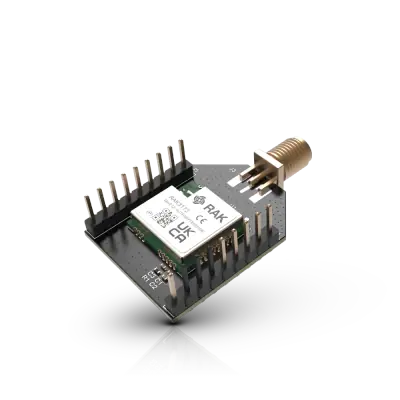
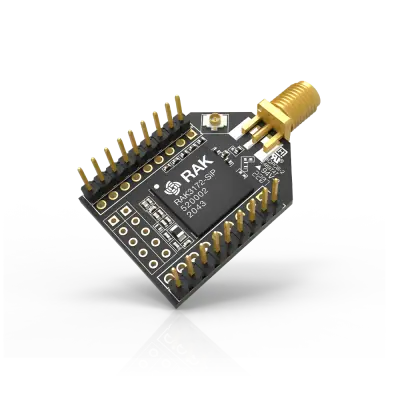
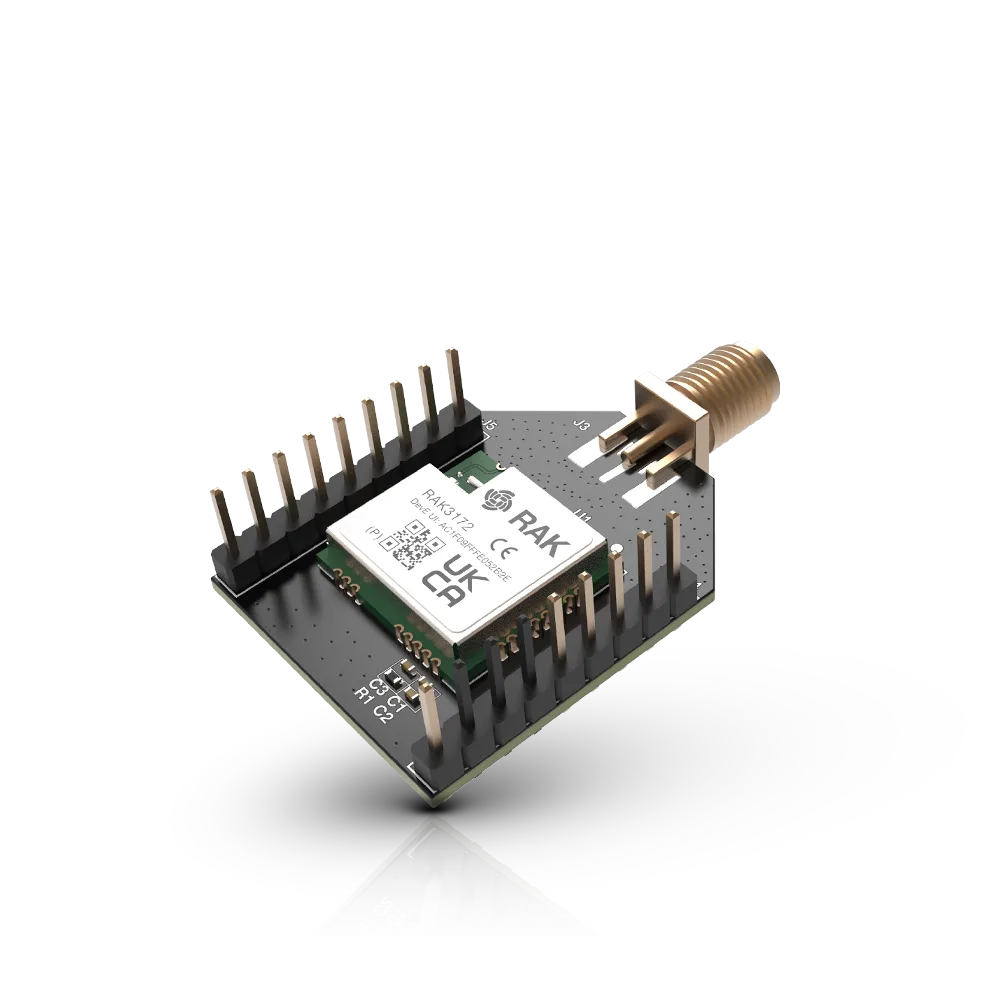
RAKwireless breakout board in XBee form factor for the RAK3172 LoRa module, intended for development and testing in the 923 MHz AS923-1 band, with RP-SMA antenna connector.

Product overview

Overview. The RAK3272S from RAKwireless is a breakout board in XBee form factor that gives access to the pins of the RAK3172 LoRa module for development and testing, in the 923 MHz AS923-1 (Japan) band. The module pins are transferred to 2.54 mm headers.

Main characteristics. The RAK3172 integrates an STM32WLE5CC chip and RUI3 firmware, whose APIs let you create custom functionality. The module measures 25.4 x 32.3 mm and its default baud rate in RUI3 is 115200.

Interfaces and connectivity. The board exposes UART, I2C, SPI and GPIO interfaces. The antenna connects through an RP-SMA female connector. The wireless technology is LoRa.

Power and environment. The supply voltage ranges from 2.0 V to 3.6 V. The typical operating temperature range of the module is -35 °C to 70 °C, and the stated temperature range is -40 °C to 85 °C.

Certifications. The board is CE and UKCA certified.

Integration. These interfaces allow connecting the module to a microcontroller or host system to drive LoRa communications during prototyping.

See all specifications

Highlights

  • Frequency band: 923MHz for AS923-1 Japan
  • Supply voltage: 2.0 V ~ 3.6 V
  • Certifications: CE, UKCA
  • I/O ports: UART/I2C/GPIO/SPI
  • Model: RAK3172
  • Module size: 25.4 x 32.3 mm

Typical applications

Derived from the part category, not a compatibility statement.

Good to know before integrating

  • Power: plan for a supply compatible with 2.0 V ~ 3.6 V.
  • Thermal: rated operating range Minimum: -35; Typical: 25; Maximum: 70; Unit: °C — check it against the installation environment.

See also

Technical questions

Ask a question

No published question about this part yet. Questions are reviewed before publication.

Request a quote