F82A
A4 Front-Eject Portable Thermal Printer
- motherboard — interface
- Bluetooth+USB
- motherboard — FLASH
- 1MB
- motherboard — SRAM (built-in)
- 192KB
- Printing Parameters — Effective Printing Width
- ≤208mm
A4 Front-Eject Portable Thermal Printer
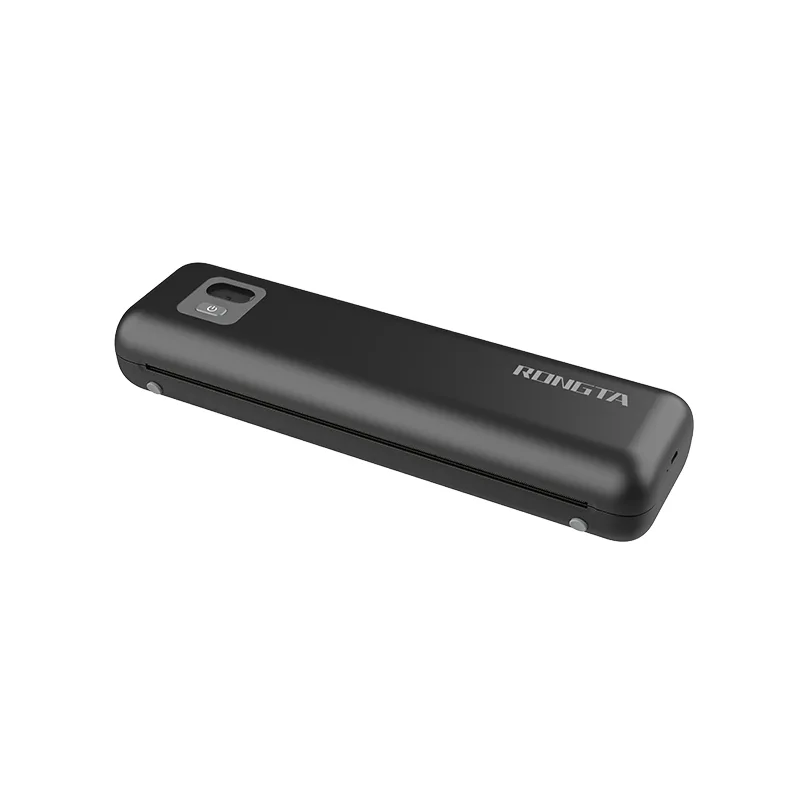
Rongta F82A portable thermal printer in A4 format, with rear paper feed and front paper output, Bluetooth and USB connectivity and a built-in battery for cable-free printing.
Overview. The Rongta F82A is a portable A4 thermal printer with front paper ejection, a built-in paper compartment and a 7.4 V 2550 mAh battery. It weighs 725 g and measures 272*78*48.5 mm.
Main characteristics. Line thermal dot printing at 203 dpi, print speed of 8 mm/s and effective print width of up to 208 mm. It accepts roll and sheet paper, folding paper in A4, A5 and B5, and continuous self-adhesive labels of 4, 3 and 2 inches, with a roll diameter of 30 mm or less. The paper is waterproof, oil-proof and scratch-resistant, with a thickness of 0.055 to 0.15 mm.
Interfaces and connectivity. The printer combines dual-mode Bluetooth, compatible with Android and iOS, and a USB interface. The Soprint app is available for iOS and Android. Drivers are provided for Windows and Mac, and an SDK for Chrome OS, Webprint, Android and iOS.
Power and environment. The battery charges through USB Type-C at 5 V 2 A in up to 3.9 hours. It delivers around 180 prints and a standby battery life of 54 hours, with automatic shutdown after 10 minutes. Operation is rated from 0 °C to 45 °C at 10 to 80 % humidity, and storage from -10 °C to 60 °C.
Detection and use. The printer detects paper out, axis position and heating head temperature. A 0.96-inch screen shows the Bluetooth status, battery level and error messages. It suits mobile document printing, travel itineraries and site printouts, and is available on quotation from Atlas Electronics.
No published question about this part yet. Questions are reviewed before publication.
Every characteristic recorded for F82A, with where it comes from. Use the filters to find one quickly.
| Characteristic | Value |
|---|---|
| Accessories | ■Quick installation■USB-Type-C data cable ■paper roll; ■Optiona: ■U disk■Flannel bag |
| App Name | Soprint |
| APP — System | iOS/Android |
| Buttons and display — Display content | 1) Bluetooth icon: always on when connected; 2) Battery indicator: displays the number of bars; 3) Error status: displayed as a large icon (paper out/overheating/hardware error), which takes priority over the battery indicator |
| Buttons and display — POWER button | Power on, self-test page printing, paper out of study, etc. |
| Buttons and display — Reset button | Pinhole reset |
| Detection — Axis position detection | Support |
| Detection — Front detection optocoupler | Support |
| Detection — Heating head temperature | Thermistor |
| Detection — Out of paper | Support |
| Driver | WINDOWS/MAC |
| Driver — SDK | Chrome OS plug-in/Webprint SDK/Android/IOS |
| Environment — Storage Environment | Storage temperature: -10~60℃ Storage humidity: 10~90% |
| Environment — Work Environment | Working temperature: 0℃—45℃ Working humidity: 10~80% |
| motherboard — Bluetooth | Dual mode (support Android and IOS) |
| motherboard — FLASH | 1MB |
| motherboard — interface | Bluetooth+USB |
| motherboard — SRAM (built-in) | 192KB |
| Overall size — Color | White |
| Overall size — Net weight | 725g |
| Overall size — noise | The printing process noise is less than 6 0 dB |
| Overall size — Overall dimensions (length, width, height) | 272*78*48.5mm |
| Overall size — Paper feeding method | Paper ejection from the front, supports automatic paper feeding function (shared paper-out optocoupler) |
| Package | ■Outer box■Pearl cotton sleeve■CPE belt■Color box |
| Paper Cutter — Paper tearing knife | support |
| Paper specifications — Paper properties | Waterproof, oil-proof and scratch-resistant |
| Paper specifications — Paper thickness | 0.055~0.15mm |
| Paper specifications — Paper types | Roll paper/sheet paper/folding paper (black label) (US A4, GB A4, A5, B5) Continuous self-adhesive/label paper (4-inch, 3-inch, 2-inch) (roll diameter ≤ 30mm); stepless adjustment |
| Paper specifications — Paper width | 216mm Max |
| Power/battery — Battery | 7.4V 2550mAh |
| Power/battery — Charging method | 5V 2A TYPE-C Charge |
| Power/battery — Charging time requirements | ≤3.9 hours |
| Power/battery — Printing endurance (number of prints) | 180 sheets |
| Power/battery — Standby battery life (hours) | 54H |
| Power/battery — Standby protection | 10min to shutdown |
| Printing Parameters — Effective Printing Width | ≤208mm |
| Printing parameters — Liftspan | 10KM |
| Printing Parameters — Print Speed | 8mm/s |
| Printing Parameters — Printing Method | Thermal line dot printing |
| Printing Parameters — Resolution | 203dpi |
| Screen Resolution | 80*160 |
| Screen Size | 0.96-inch square screen |
| Sound — Buzzer | Not supported |
No specification matches.
Last verification : 2026-11-02
Official documents and the technical data recorded for F82A. For a missing document or a specific revision, our experts send it to you.
Rongta F82A portable thermal printer in A4 format, with rear paper feed and front paper output, Bluetooth and USB connectivity and a built-in battery for cable-free printing.
| Parameter | Value |
|---|---|
| Accessories | ■Quick installation■USB-Type-C data cable ■paper roll; ■Optiona: ■U disk■Flannel bag |
| App Name | Soprint |
| APP — System | iOS/Android |
| Buttons and display — Display content | 1) Bluetooth icon: always on when connected; 2) Battery indicator: displays the number of bars; 3) Error status: displayed as a large icon (paper out/overheating/hardware error), which takes priority over the battery indicator |
| Buttons and display — POWER button | Power on, self-test page printing, paper out of study, etc. |
| Buttons and display — Reset button | Pinhole reset |
| Detection — Axis position detection | Support |
| Detection — Front detection optocoupler | Support |
| Detection — Heating head temperature | Thermistor |
| Detection — Out of paper | Support |
| Driver | WINDOWS/MAC |
| Driver — SDK | Chrome OS plug-in/Webprint SDK/Android/IOS |
| Environment — Storage Environment | Storage temperature: -10~60℃ Storage humidity: 10~90% |
| Environment — Work Environment | Working temperature: 0℃—45℃ Working humidity: 10~80% |
| motherboard — Bluetooth | Dual mode (support Android and IOS) |
| motherboard — FLASH | 1MB |
| motherboard — interface | Bluetooth+USB |
| motherboard — SRAM (built-in) | 192KB |
| Overall size — Color | White |
| Overall size — Net weight | 725g |
| Overall size — noise | The printing process noise is less than 6 0 dB |
| Overall size — Overall dimensions (length, width, height) | 272*78*48.5mm |
| Overall size — Paper feeding method | Paper ejection from the front, supports automatic paper feeding function (shared paper-out optocoupler) |
| Package | ■Outer box■Pearl cotton sleeve■CPE belt■Color box |
| Paper Cutter — Paper tearing knife | support |
| Paper specifications — Paper properties | Waterproof, oil-proof and scratch-resistant |
| Paper specifications — Paper thickness | 0.055~0.15mm |
| Paper specifications — Paper types | Roll paper/sheet paper/folding paper (black label) (US A4, GB A4, A5, B5) Continuous self-adhesive/label paper (4-inch, 3-inch, 2-inch) (roll diameter ≤ 30mm); stepless adjustment |
| Paper specifications — Paper width | 216mm Max |
| Power/battery — Battery | 7.4V 2550mAh |
| Power/battery — Charging method | 5V 2A TYPE-C Charge |
| Power/battery — Charging time requirements | ≤3.9 hours |
| Power/battery — Printing endurance (number of prints) | 180 sheets |
| Power/battery — Standby battery life (hours) | 54H |
| Power/battery — Standby protection | 10min to shutdown |
| Printing Parameters — Effective Printing Width | ≤208mm |
| Printing parameters — Liftspan | 10KM |
| Printing Parameters — Print Speed | 8mm/s |
| Printing Parameters — Printing Method | Thermal line dot printing |
| Printing Parameters — Resolution | 203dpi |
| Screen Resolution | 80*160 |
| Screen Size | 0.96-inch square screen |
| Sound — Buzzer | Not supported |
Answers to the questions that the recorded characteristics of F82A can answer. A question is not asked when nothing is recorded to answer it.
Yes — recorded under "Buttons and display — Display content": 1) Bluetooth icon: always on when connected; 2) Battery indicator: displays the number of bars; 3) Error status: displayed as a large icon (paper out/overheating/hardware error), which takes priority over the battery indicator.
Yes — recorded under "Accessories": ■Quick installation■USB-Type-C data cable ■paper roll; ■Optiona: ■U disk■Flannel bag.
Similar parts to answer your needs. Compare the main characteristics. A recorded replacement is a documented relation; a similar product is a similarity only, never a compatibility claim.
A4 Front-Eject Portable Thermal Printer
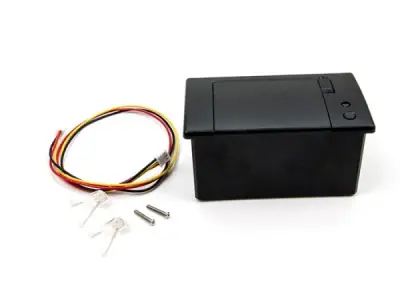
Embedded Thermal Printer
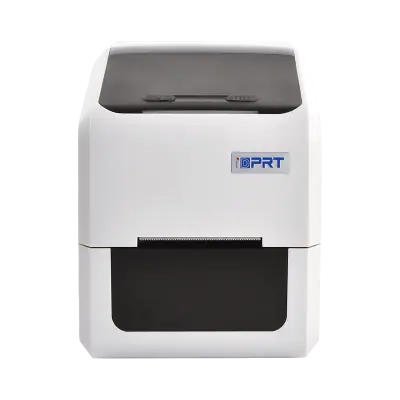
Desktop Direct Thermal Printer
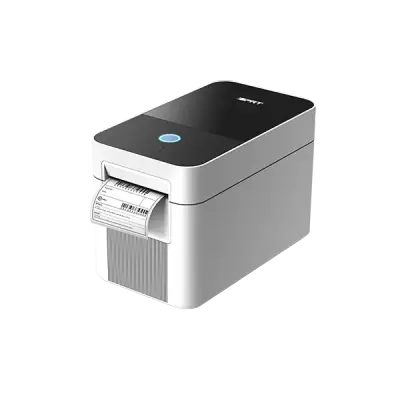
2 Inch Desktop Barcode Printers
Describe your application and constraints in a request.
What is recorded about the regulatory status and the life of this part.
No compliance statement is recorded for this part. Ask the supplier for the RoHS and REACH declarations and, for a radio product, the EU declaration of conformity.
| Current status | Status not stated |
| Key dates | Not recorded |
| Manufacturer part number | F82A |
| Manufacturer | Rongta |
Thermal Transfer Printers
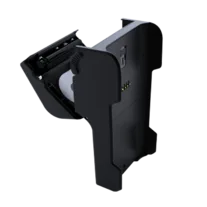
58 mm portable thermal printer for ACR89 reader · Ref. : PTR89
Price on request
Thermal Transfer Printers
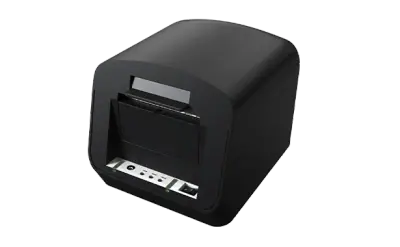
80 mm direct thermal receipt printer
Price on request
Thermal Transfer Printers
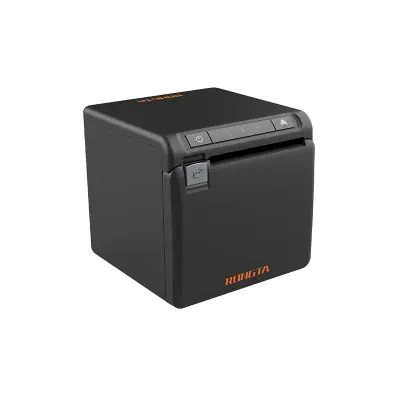
80 mm thermal receipt printer with automatic paper cutter
Price on request
Thermal Transfer Printers
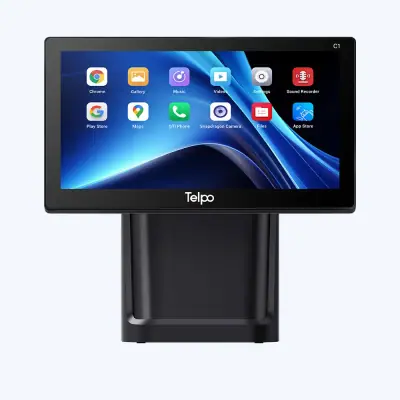
Android Touch Screen Cash Register with Printer · Ref. : TELPO-C1
Price on request
With your consent, we use Google cookies to measure the site’s audience and our advertising. Your quote basket and comparison stay in your browser either way. Details