105990110
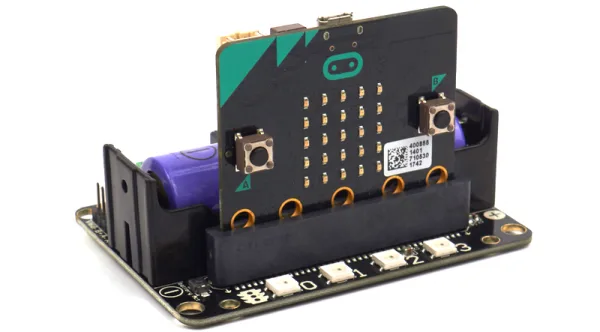
Robot expansion board for micro:bit with DC motor and servo drivers
Limited record: this part has neither specifications nor a datasheet in the catalog yet. It is shown for reference and is not indexed.

Robot expansion board for micro:bit with DC motor and servo drivers
Robotics Kits, Motor Controllers & STEM Education
Robot expansion board for micro:bit from Seeed Studio, designed by the KittenBot team to drive DC motors, stepper motors and servos in robotics learning projects.
Overview. The Seeed Studio RobotBit is a robot expansion board designed for the micro:bit by the KittenBot team. It targets primary schools, training institutions, parents and hobbyists as a robotics accessory.
Main characteristics. The board can drive DC motors, stepper motors, servos, an onboard buzzer and RGB pixels, and it exposes all valid I/O of the micro:bit. It supports the most common electronics modules on the market.
Power. It includes an 18650 battery holder with an integrated lithium battery boost, charging and protection chip, and accepts an external 5 V power input with anti-reverse protection. It also has a power switch, a power indicator, a battery indicator and a battery protection recovery push button. Charging is done through a Micro USB port.
Interfaces and connectivity. The board provides 4 DC motor channels or 2 stepper motor channels, 8 I/O channels corresponding to micro:bit pins P0-P2, P8 and P12-P15, an 8-channel servo port driven by a PCA9685, an I2C interface for expansion modules, 4 RGB pixels and a jumper for buzzer selection. DRV8833 drivers handle the motor control.
Mechanical integration. It is compatible with the KittenBot robot chassis through its mounting holes and offers standard LEGO Technic holes.
Typical uses. It suits robotics and programming initiation in schools, using Microsoft MakeCode, KittenBlock (based on Scratch 3.0) or Python through the Mu editor in micro:bit mode.
Software integration. The Robotbit extension can be found directly by searching for it in the MakeCode extensions panel, including in the offline version of MakeCode.
No published question about this part yet. Questions are reviewed before publication.
Official documents and the technical data recorded for 105990110. For a missing document or a specific revision, our experts send it to you.
Robot expansion board for micro:bit from Seeed Studio, designed by the KittenBot team to drive DC motors, stepper motors and servos in robotics learning projects.
Similar parts to answer your needs. Compare the main characteristics. A recorded replacement is a documented relation; a similar product is a similarity only, never a compatibility claim.
Robot expansion board for micro:bit with DC motor and servo drivers
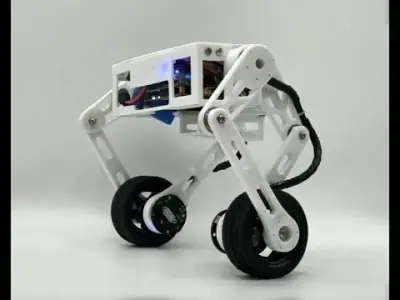
StackForce Mini Wheeled-Legged Robot
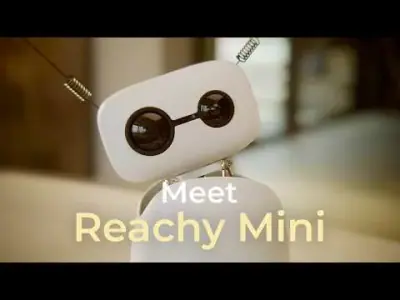
Reachy Mini Wireless - 9-DoF Open Source Desktop Humanoid Robot with Raspberry Pi 4, Powered by Hugging Face & Pollen Robotics
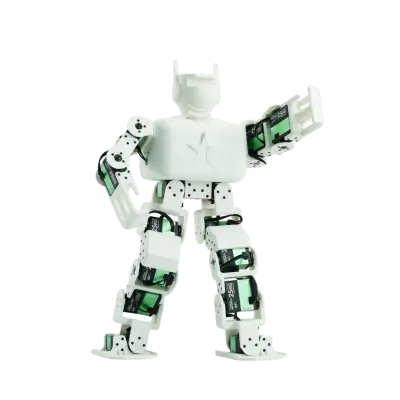
Fashionstar Atom X 17-DOF Open Source Humanoid Robot Kit
Describe your application and constraints in a request.
What is recorded about the regulatory status and the life of this part.
No compliance statement is recorded for this part. Ask the supplier for the RoHS and REACH declarations and, for a radio product, the EU declaration of conformity.
| Current status | Status not stated |
| Key dates | Not recorded |
| Manufacturer part number | 105990110 |
| Manufacturer | Seeed Studio |
Robotics Kits, Motor Controllers & STEM Education
Desktop humanoid robot 9 DoF with Raspberry Pi 4 and 12 MP camera · Ref. : 100090917
Price on request
Robotics Kits, Motor Controllers & STEM Education
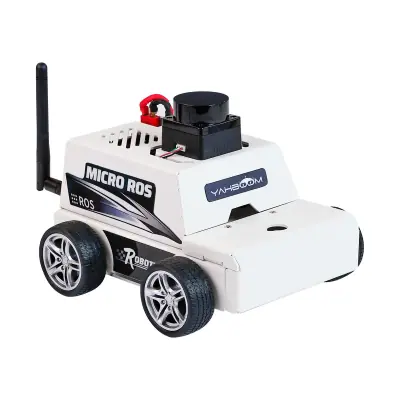
ROS2 educational robot car with ESP32 and virtual machine control
Price on request
Robotics Kits, Motor Controllers & STEM Education
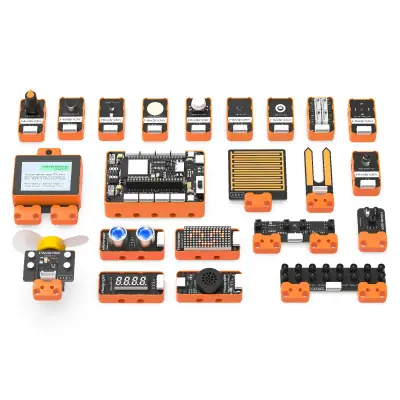
ESP32 sensor kit for programmable robot building blocks
Price on request
Robotics Kits, Motor Controllers & STEM Education
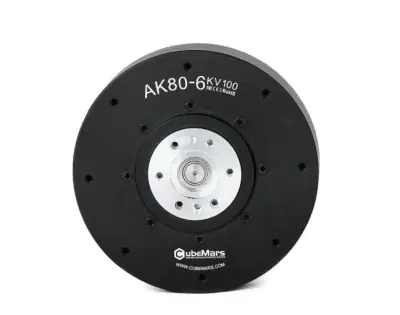
6 Nm brushless robotic actuator with 6:1 gearbox · Ref. : T-MOTOR000981
Price on request
No advertising or analytics cookies. A single, strictly necessary cookie is set only if you sign in to your account. Your quote basket and comparison stay in your browser. Details