SWITCH-2.3
[Switch-2.3] Computers cannot access the Internet after connecting to the switch
Limited record: this part has neither specifications nor a datasheet in the catalog yet. It is shown for reference and is not indexed.
[Switch-2.3] Computers cannot access the Internet after connecting to the switch
[Switch-2.3] Computers cannot access the Internet after connecting to the switch
[Switch-2.3] Computers cannot access the Internet after connecting to the switch
Update: 2024-07-25 Format:html Mobile View
For:
TEM2010F Switches
Material Center | Details
[Switch-2.3] Computers cannot access the Internet after connecting to the switch
2024-07-25
Related Documents
The switch is connected to a router that can access the Internet, but some computers connected to the switch cannot access the Internet.
Please follow the following methods to troubleshoot:
1. Check the Physical Connection
If the network cable is too long or the interface contact is poor, the computer may not be able to access the Internet or the network may be abnormal. It is recommended to try to use a better quality network cable to connect the computer that cannot access the Internet to the switch, and make sure that the interface is firmly connected and the indicators of the corresponding interface are on.
2.Check computer settings
If the computer specifies wrong network parameters, it will also not be able to access the Internet. Unless otherwise required, please set the computer to automatically obtain an IP address and DNS address. Different operating systems have different settings
3.Determine whether there are upper-level routing restrictions
Remove the switch and connect the computer directly to the LAN port of the router. If you cannot access the Internet, check for problems with the router or the computer itself (i.e. IP address settings, browser problems or network card failures, etc.).
Does it help you?
Yes No
No published question about this part yet. Questions are reviewed before publication.
Official documents and the technical data recorded for SWITCH-2.3. For a missing document or a specific revision, our experts send it to you.
[Switch-2.3] Computers cannot access the Internet after connecting to the switch
Similar parts to answer your needs. Compare the main characteristics. A recorded replacement is a documented relation; a similar product is a similarity only, never a compatibility claim.
[Switch-2.3] Computers cannot access the Internet after connecting to the switch
GbE L2+ Managed Switch
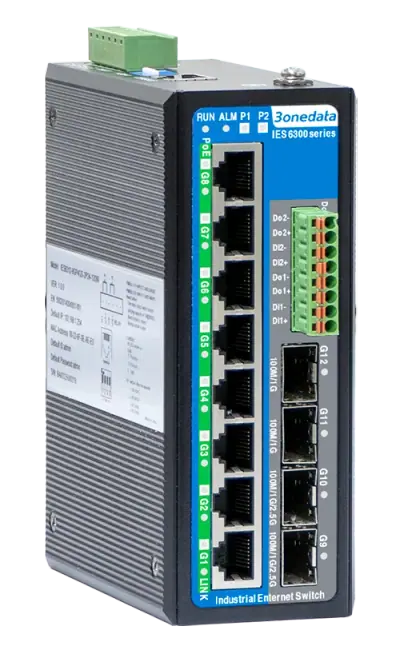
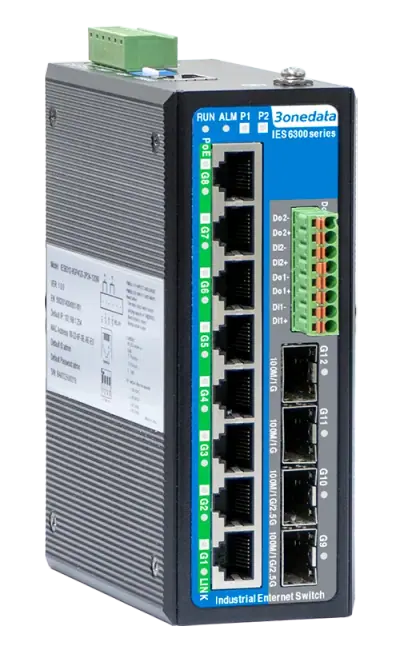
12 Port Gigabit Layer 2 Managed Industrial PoE++ Switch
10 Port or 12 Port 2.5 Gigabit Layer 2 Managed PoE Switch
Describe your application and constraints in a request.
What is recorded about the regulatory status and the life of this part.
No compliance statement is recorded for this part. Ask the supplier for the RoHS and REACH declarations and, for a radio product, the EU declaration of conformity.
| Current status | Status not stated |
| Key dates | Not recorded |
| Manufacturer part number | SWITCH-2.3 |
| Manufacturer | Tenda |
Campus Access Switches
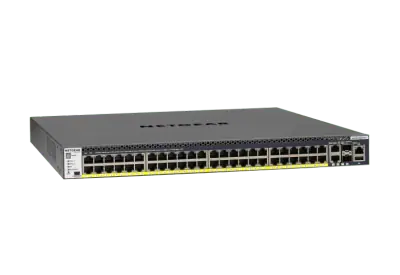
Fully managed 48-port 1G PoE+ switch with 2 10G and 2 SFP+ ports · Ref. : GSM4352PB
Price on request
Campus Access Switches
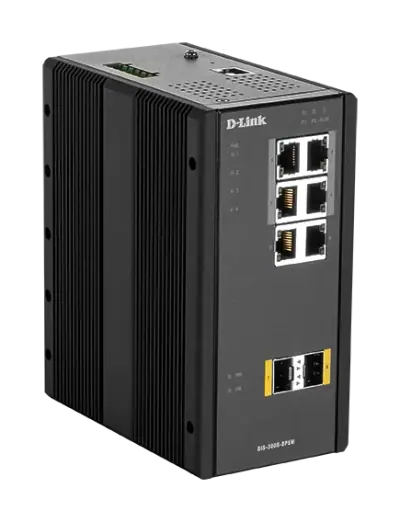
Industrial Gigabit managed PoE switch with SFP ports · Ref. : DIS-300G-8PSW
Price on request
Campus Access Switches
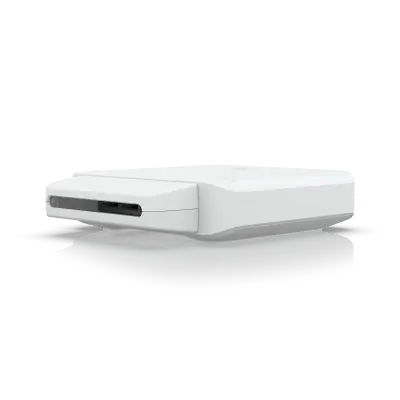
Layer 2 PoE campus access switch, 5 ports
Price on request
Campus Access Switches
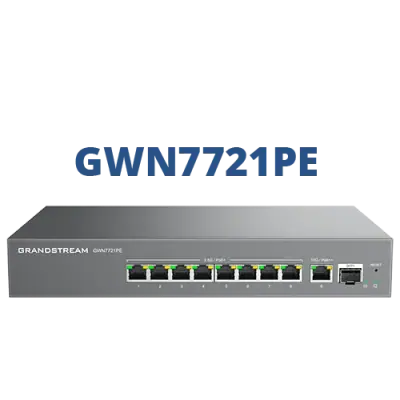
Multi-gigabit managed switch with 8x 2.5G ports and 10G SFP+ ports · Ref. : GWN7721
Price on request
No advertising or analytics cookies. A single, strictly necessary cookie is set only if you sign in to your account. Your quote basket and comparison stay in your browser. Details