
Why e-paper for a static display
An e-paper display uses energy only while the image refreshes: once shown, the information stays readable without continuous power. This property suits labels, information panels and autonomous sensors. In return, refreshing is slower than on an LCD screen, and animated images are not suitable. Check these limits before choosing a module.
Modules for prototypes and sensors
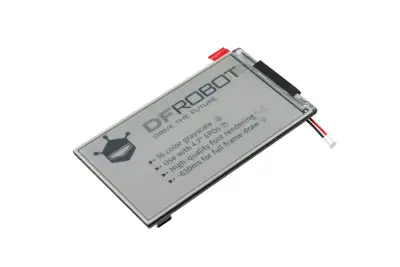
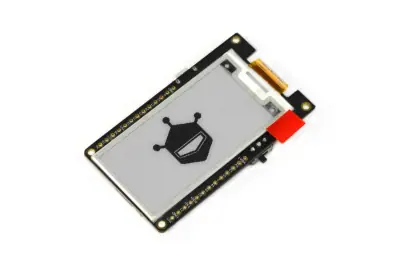
The DFR0676 2.13-inch module from DFRobot and the SC011 from SunFounder connect to a development board. The DFR0835 from DFRobot, at 4.7 inches, is intended for an ESP32-S3 board. The SSD1680 e-paper module from RAKwireless (110024) shows black, white and red. For a prototype, compare the resolution, the number of colours and the driver library supplied by the manufacturer.
HMI screens and signage panels
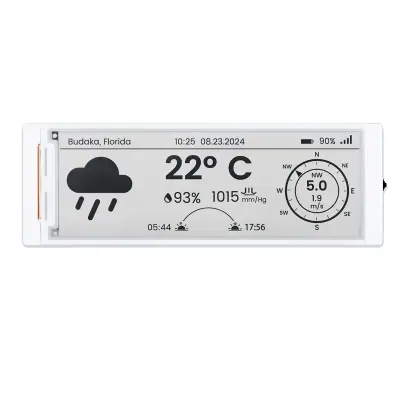
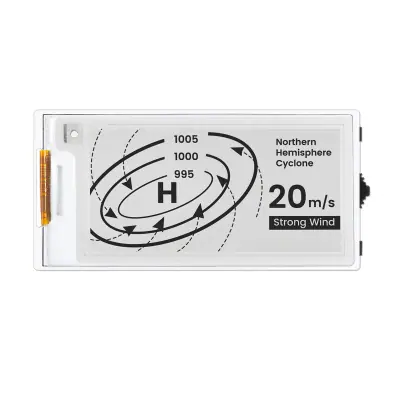
For an operator interface, the CrowPanel screens from Elecrow, such as the DIE01021S and the DIE07300S, combine the display and its driver. The DIS08792E, at 5.79 inches, is presented as an e-paper HMI. The DS3604 from Milesight is a LoRaWAN display for connected signage, and the S315E6 from Seekink is a wall-mounted panel. The choice depends on the reading distance, the lighting and the update frequency.
Colours, resolution and size
Black-and-white modules and three-colour modules are not compared in the same way. The two Seeed Studio three-colour modules 104990448 (2.13 inches) and 104990449 (2.7 inches) are presented for Raspberry Pi. The resolution, panel size and refresh time are listed in each datasheet. Note these three values before fitting the module into your enclosure.
Power and driving
An e-paper display is most often driven over SPI, directly or through a development board. Check the supply voltage, the consumption during refresh and whether a battery is included. The driving mode and the pinouts are described in the datasheet of each module.
How Atlas prepares your quotation
Tell us the usable size, the number of colours you need, the update frequency, the available power and the quantity. Atlas Electronics gathers the catalogue references that match and quotes the list on quotation. Your team validates the datasheet of each display before integration.
Frequently asked questions
Can an e-paper display show video?
No. An e-paper display refreshes slowly and suits static images or updates spaced in time.
What is the difference between e-paper and e-ink?
In practice, both terms refer to electronic ink displays. The datasheet of each module states the technology used.
How do I request a quotation?
Send us the size, the colours, the update frequency, the power supply and the quantity. Atlas Electronics quotes the list on quotation.
Products mentioned
DFR0835
Display Modules
4.7" E-ink display with ESP32-S3 controller and 16 grayscale levels · Ref. : DFR0835
Price on request
DFR0676
Display Modules
Wireless e-paper display module with WiFi and Bluetooth
Price on request
CrowPanel ESP32-S3 5.79" E-Paper HMI
Industrial HMI Touch Panels, Keypads & Operator Interfaces
5.79" e-paper HMI display 272×792 with ESP32-S3 · Ref. : DIS08792E
Price on request
CrowPanel 2.13" ESP32-S3 E-Paper HMI
Industrial HMI Touch Panels, Keypads & Operator Interfaces
2.13-inch ESP32-S3 e-paper HMI display, 122×250, SPI interface · Ref. : DIE01021S
Price on request
CrowPanel ESP32 4.2" E-Paper HMI
Industrial HMI Touch Panels, Keypads & Operator Interfaces
ESP32-S3 4.2-inch E-Paper HMI Display, 400×300 · Ref. : DIE07300S
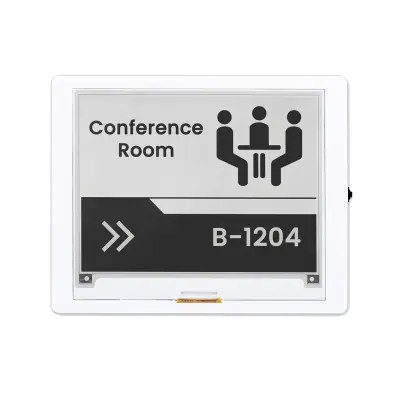
Price on request
DS3604
ePaper Displays
4.2-inch black white red LoRaWAN e-ink display · Ref. : DS3604
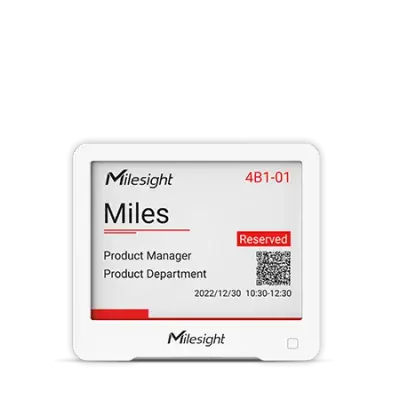
- Multicast
- Internal Antenna
Price on request
RAK14000
Display Modules
E-paper display module 2.13 inch black-white-red · Ref. : 110024
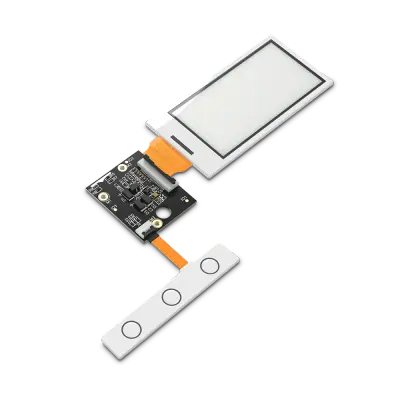
Price on request
104990449
E-Paper Panels and Driver Boards
Triple-color e-ink display 2.7 inch for Raspberry Pi
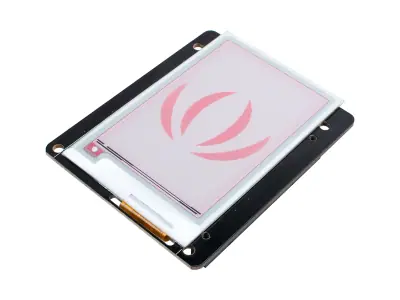
Price on request
A project? Our engineers build the solution with you.
Send your requirements: Atlas proposes the architecture, the bill of materials and a quotation, then follows the supply.
Request a quotation