
Objective and hardware prerequisites
This guide details the procedure for connecting, configuring, and commissioning industrial communication hardware. Prior to starting, ensure you have device datasheets, appropriate communication cables, and a regulated 24VDC power supply.
Always de-energize the main cabinet supply before handling DIN-rail wiring to prevent accidental electrical short circuits.
Prepare a dedicated engineering laptop equipped with diagnostic tools and a direct Ethernet interface.
Datasheet review and physical wiring
Carefully inspect the manufacturer wiring schematic. Identify positive and negative power terminals as well as signal polarity (A and B lines for RS-485, or RX and TX for point-to-point serial links).
The MikroTik REF-HW (Home Cellular Routers) addresses these field integration requirements and connects seamlessly to industrial networks.
The MikroTik REF-HW (Home Cellular Routers) addresses these field integration requirements and connects seamlessly to industrial networks.
Secure conductors respecting recommended terminal block screw torque. Ground cable shielding to functional earth at a single termination point to prevent ground loop formation.
Communication parameter configuration
Access the gateway or controller configuration interface through a web browser or dedicated diagnostic utility. Set the baud rate, parity, and stop bit values to match attached field instruments precisely.
Assign a static IP address within the local industrial subnet plan. Disable unused network services to reinforce device operational security.
Always export a verified configuration backup prior to committing changes into permanent flash storage.
Security recommended practices and network hardening
Deploying networked hardware requires rigorous security practices: immediate replacement of factory default credentials, closing non-essential ports (such as Telnet or unencrypted HTTP), and enforcing encrypted protocols exclusively (SSH, HTTPS).
Assigning equipment to an isolated industrial VLAN segregates automation traffic from administrative office networks, minimizing intrusion vectors.
Functional testing and validation
Power up the system and monitor LED diagnostic indicators (status, power, and communication activity). Execute Modbus register read queries to confirm accurate telemetry reception.
Perform a simulated power interruption test to ensure the hardware boots cleanly and re-establishes communication sessions automatically upon restoration.
Atlas technical assistance and review
If you encounter configuration difficulties or abnormal bus behavior, Atlas application engineers provide dedicated assistance. We assist in diagnosing root causes and validating configuration compliance.
We provide all required industrial cables, gateways, and protection units on quotation. Contact our team to support your procurement needs.
Step by step
Inventory and requirements audit
List all field devices to connect, their communication protocols, and site environmental constraints to prepare integration.
Hardware selection and sizing
Validate the electrical schematic, confirm power budgets, and select appropriate gateways and power supplies meeting production needs.
Cabinet mounting and wiring
Mount modules onto TS-35 DIN rails, connect regulated 24VDC power feeds, and terminate communication buses according to EMC guidelines.
Software configuration and addressing
Configure static IP addresses, serial communication parameters, and network security credentials inside device firmware.
Acceptance testing and commissioning
Verify live telemetry reception, test communication interruption recovery, and validate overall operation across the operational site.
Frequently asked questions
How can I obtain a quotation for this hardware?
Submit your bill of materials or operational requirements to our engineers. Atlas provides a comprehensive quotation covering all hardware and support.
Is this hardware compliant with industrial standards?
Yes, all selected devices meet rigorous industrial standards for electromagnetic compatibility, temperature resilience, and electrical isolation.
Does Atlas provide integration support?
Our application engineers verify the technical coherence of your hardware architecture and advise you on selecting necessary wiring accessories.
What prerequisites are required for commissioning?
You must provide a regulated power source matching device specifications and establish an addressing plan for devices on the local network.
Products mentioned
DWR-933
Home Cellular Routers
Portable 4G LTE Cat 6 Wi-Fi hotspot with 3000 mAh battery · Ref. : DWR-933-4G
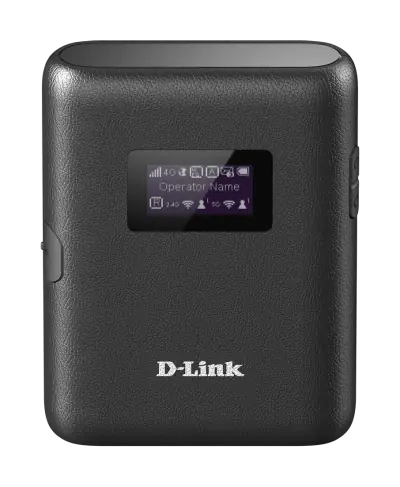
- 1.545 W/kg
- Live
- Wireless AC
Price on request
MT115
Home Cellular Routers
4G LTE Wi-Fi 6 portable cellular router with display · Ref. : MT115
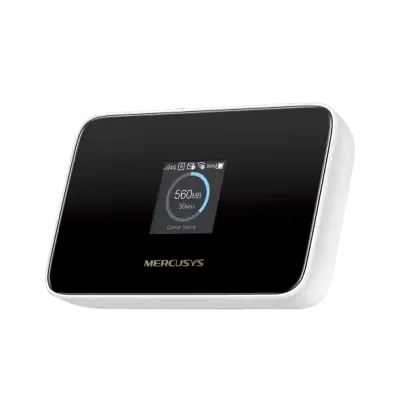
- Internal Antennas
- 5V/1A
Price on request
MT110
Home Cellular Routers
Portable 4G LTE Wi-Fi cellular router with 2200 mAh battery · Ref. : MT110
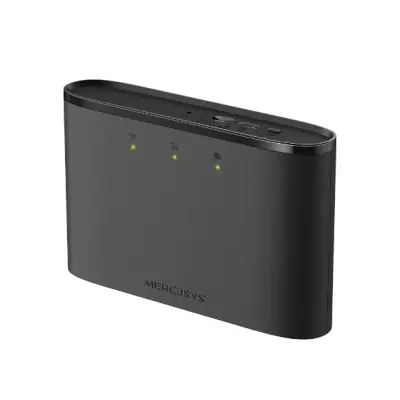
- Internal Antennas
- 111*70*23.8 mm
Price on request
Chateau LTE7 ax
Home Cellular Routers
LTE Cat 7 dual-band Wi-Fi 6 router · Ref. : CHATEAU_LTE7_AX
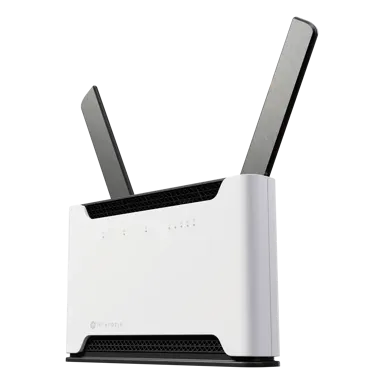
- none (fast path)
- Configuration
- AES-128-CBC + SHA1
Price on request
Chateau LTE12 (2025)
Home Cellular Routers
Cellular LTE Cat 12 router with 4x4 MIMO and dual-band Wi-Fi · Ref. : CHATEAU_LTE12_2025
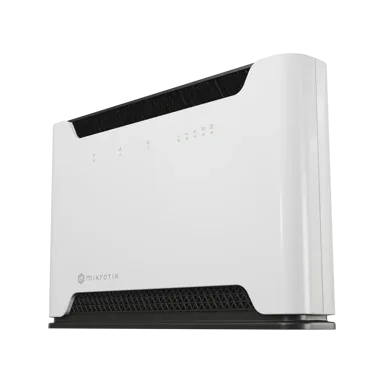
- 64 byte
- Mbps
Price on request
Chateau LTE6 ax
Home Cellular Routers
Dual-band Wi-Fi 6 router with Cat 6 LTE modem · Ref. : CHATEAU_LTE6_AX
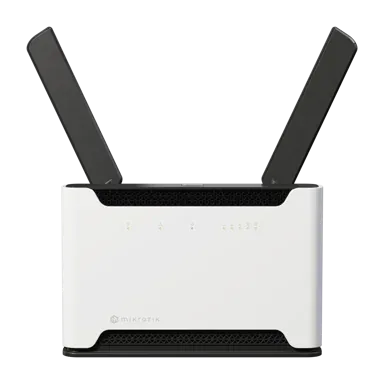
- none (fast path)
- Configuration
- AES-128-CBC + SHA1
Price on request
Chateau LTE7
Home Cellular Routers
4G LTE Cat 7 dual-band Wi-Fi router with five Gigabit ports · Ref. : CHATEAU_LTE7
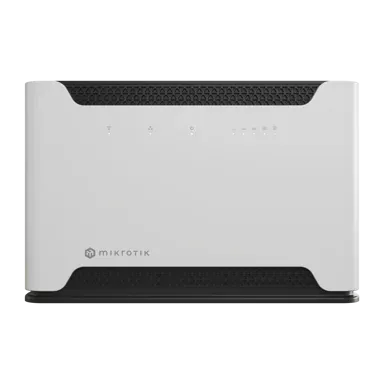
- none (fast path)
- Configuration
- AES-128-CBC + SHA1
Price on request
A project? Our engineers build the solution with you.
Send your requirements: Atlas proposes the architecture, the bill of materials and a quotation, then follows the supply.
Request a quotationRelated pages
 How-toSet up a site-to-site VPN on home cellular routersStep-by-step technical procedure to configure, wire, and commission your industrial equipment in real-world deployment conditions with Atlas technical support.
 Article4 G Cat 1 vs Cat 4: throughput vs power trade-offs for industrial IoTCompare 4 G LTE Cat 1 and Cat 4 throughput, MIMO antenna rules, sleep draw, and industrial router sizing before selecting IoT hardware.
 ProjectAC & DC Electric Vehicle Chargers & OCPP InfrastructureCompare and source AC Type 2 wallboxes and DC CCS2 fast chargers on quotation with OCPP connectivity, load balancing, and RFID.
 ArticleCoaxial cables, connectors and RF link budget for industrial antennasCalculate RF link budgets at 868 MHz, 2.4 GHz and 3.5 GHz: cable loss per meter, 50 ohm impedance, connectors, bend radius and surge arresters.
 Use caseCold Chain Monitoring in Logistics & WarehousingHardware architecture and field deployment guide addressing operational requirements. Certified industrial hardware, custom integration, and supply on quotation.
 OfferCold Chain Monitoring kit for Logistics & WarehousingComplete hardware package ready for industrial deployment. Verified components, architecture review by Atlas engineering desk, and procurement on quotation.
 Use caseDigital Signage and LED Walls in Retail & CommerceHardware architecture and field deployment guide addressing operational requirements. Certified industrial hardware, custom integration, and supply on quotation.
 Use caseDigital Signage and LED Walls in Telecom & NetworksHardware architecture and field deployment guide addressing operational requirements. Certified industrial hardware, custom integration, and supply on quotation.