DP-0009
DeskPi Lite Raspberry Pi 4 Case-With Power Button/ Heatsink with PWM Fan/ Dual Full-Size HDMI/Extra Two USB Port
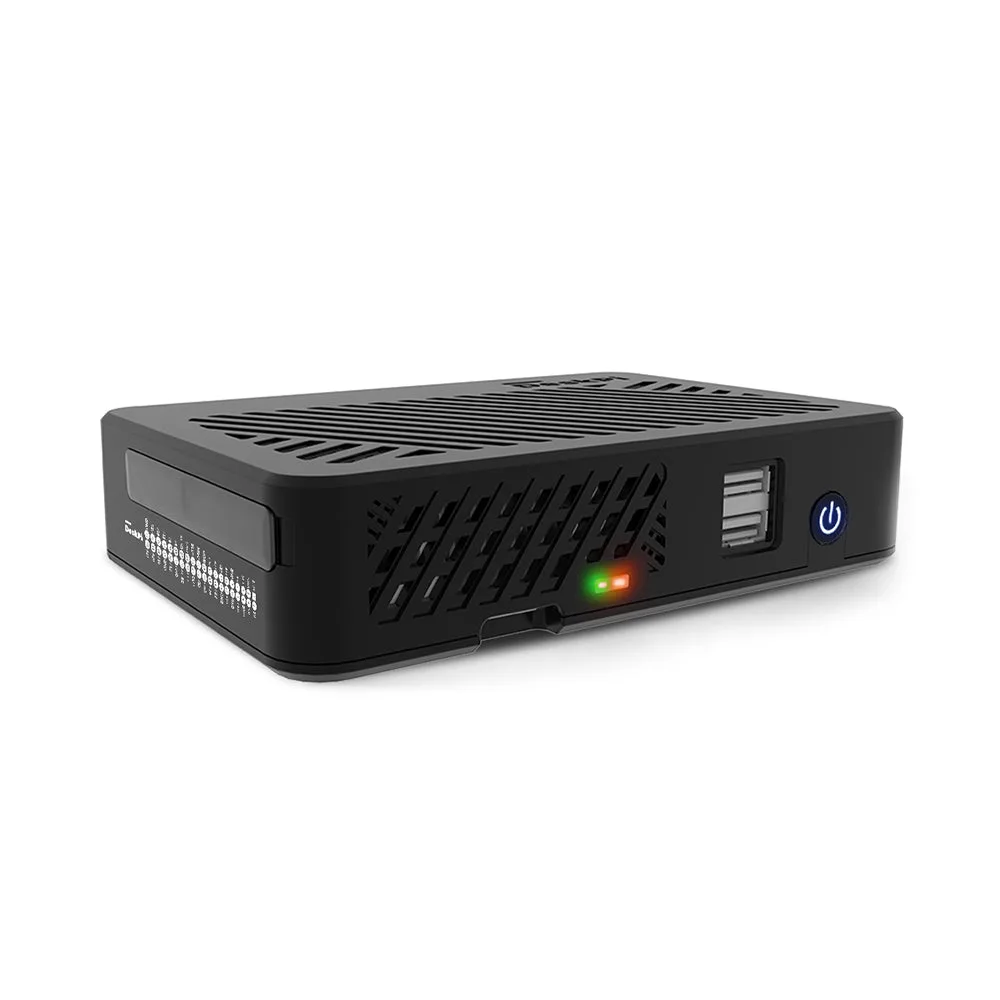
Limited record: this part has neither specifications nor a datasheet in the catalog yet. It is shown for reference and is not indexed.
DeskPi Lite Raspberry Pi 4 Case-With Power Button/ Heatsink with PWM Fan/ Dual Full-Size HDMI/Extra Two USB Port
Maker, Prototyping, Open-Hardware & Developer Boards
52Pi DP-0009, listed under “Maker, Prototyping, Open-Hardware & Developer Boards”.
[Description]
DeskPi Lite is a lightweight version of DeskPi Case.
It is a plastic Case for Raspberry Pi 4B.
It perfectly converts the common interfaces of the Raspberry Pi to the back of the device. It can be used as a set-top box. The customized aluminum alloy radiator with edge expansion board allows users to easily access the GPIO interface. The rubber dust cover prevents the GPIO from falling into dust. Programmable Speed Control PWM Fan can support official speed regulation and Programmable speed regulation, Always-On support can make your Raspberry Pi a server online.
NOTE:
Please do not upgrade Raspberry Pi OS to 2025-05-13 release Due to the CH341 driver's issue, it not compatible with the latest Raspberry Pi OS right now. (2025-05-13 release) We are trying to fix the issue ASAP. Please use the old Raspberry Pi OS instead.
[Features]
Ease to assemble
Micro HDMI ports to Full Size
Expansion of 2 USB Ports
Built-in Heat Sink with PWM fan
Fan supports official speed regulation and Programmable speed regulation
Programmable Power Cut-Off
Always-On Switch (Enable/Disable)
Driver Compatible with DeskPi Pro
Design with all ports on the back
Built-in 5V/GND Sock for addition 5V device
[Package Includes]
1 x DeskPi Lite Case (Plastic)
1 x CNC alloy aluminum heat sink with PWM fan and GPIO expansion board
1 x Port adapter board
1 x Instructions
6 x Thermal Pads
2 x LED indicator lampshade
2 x M2.5 Screw
[How To]
Enable front USB2.0 ports:
NOTE: It requires Raspberry Pi OS or Raspbian OS and enable dwc2 function.
Modify /boot/config.txt file and adding following parameters:
dtoverlay=dwc2,dr_mode=host
save it and reboot Raspberry Pi.
Enable Always-On mode:
Toggle Switches on Port adapter board from D to E.
Note: D-Disable, E-Enable
Enable Fan control via official speed regulation:
Open a terminal on desktop and typing:
sudo raspi-config
Navigate to ` 4 Performance Options ` → ` P4 Fan` → `YES` → `14` and OK → `60` and OK → `Finish` and then reboot Raspberry Pi.
Programmable Control Fan speed via PWM:
Please refer to
[Gallery]
No published question about this part yet. Questions are reviewed before publication.
Official documents and the technical data recorded for DP-0009. For a missing document or a specific revision, our experts send it to you.
52Pi DP-0009, listed under “Maker, Prototyping, Open-Hardware & Developer Boards”.
Similar parts to answer your needs. Compare the main characteristics. A recorded replacement is a documented relation; a similar product is a similarity only, never a compatibility claim.
DeskPi Lite Raspberry Pi 4 Case-With Power Button/ Heatsink with PWM Fan/ Dual Full-Size HDMI/Extra Two USB Port
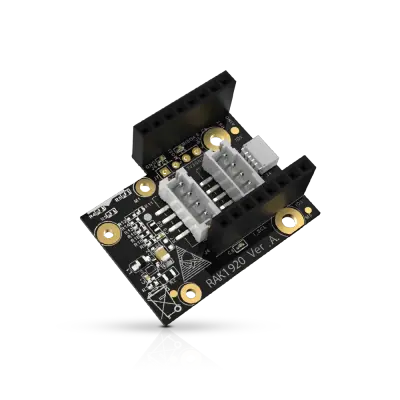
Sensor Adapter for Click, QWIIC and Grove Modules
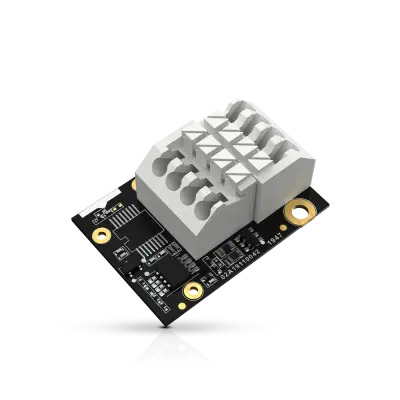
RS485 Module 3PEAK TP8485E
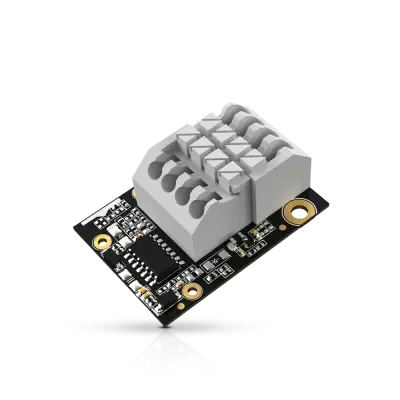
4-20mA Module STMicroelectronics LM2902
Describe your application and constraints in a request.
What is recorded about the regulatory status and the life of this part.
No compliance statement is recorded for this part. Ask the supplier for the RoHS and REACH declarations and, for a radio product, the EU declaration of conformity.
| Current status | Status not stated |
| Key dates | Not recorded |
| Manufacturer part number | DP-0009 |
| Manufacturer | 52Pi |
Maker, Prototyping, Open-Hardware & Developer Boards
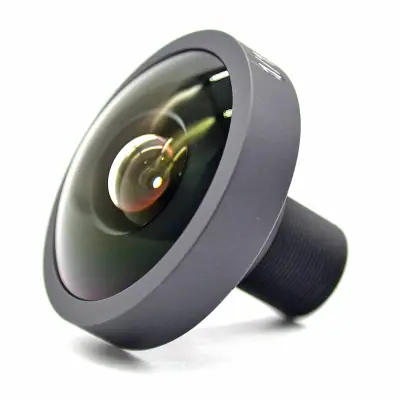
M12 fisheye lens for camera module · Ref. : M12_FISHEYE
Price on request
Maker, Prototyping, Open-Hardware & Developer Boards
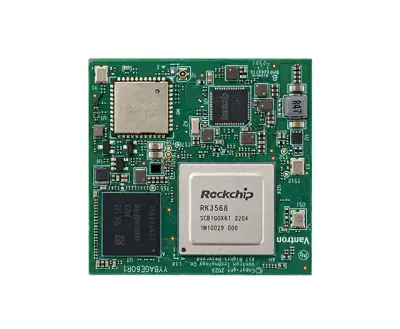
RK3568 System-on-Module with 1 TOPS NPU
Price on request
Maker, Prototyping, Open-Hardware & Developer Boards
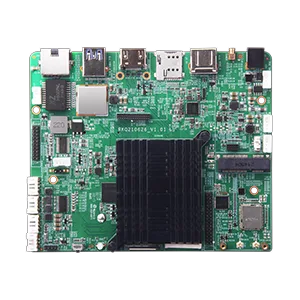
RK3568 Android tablet mainboard with DTV tuner · Ref. : K3-3568
Price on request
Maker, Prototyping, Open-Hardware & Developer Boards
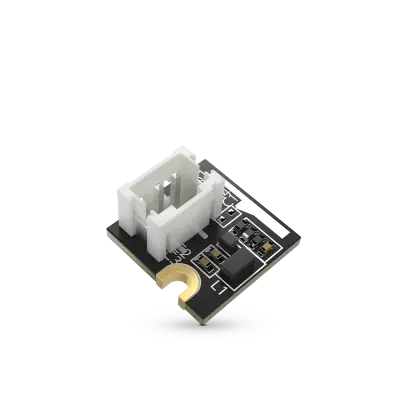
Boost converter module 3.3 V to 12 V 50 mA · Ref. : 110155
Price on request
No advertising or analytics cookies. A single, strictly necessary cookie is set only if you sign in to your account. Your quote basket and comparison stay in your browser. Details