EP-0257
52Pi Level-Shift Shield for Arduino UNO Q, IIC I2C Level Converter 3.3V-5V Bi-Directional Shifter Module
- Step 1
- Pre-Installation Check
- Step 2
- Physical Installation
52Pi Level-Shift Shield for Arduino UNO Q, IIC I2C Level Converter 3.3V-5V Bi-Directional Shifter Module
Maker, Prototyping, Open-Hardware & Developer Boards
52Pi EP-0257, listed under “Maker, Prototyping, Open-Hardware & Developer Boards”.
[Description]
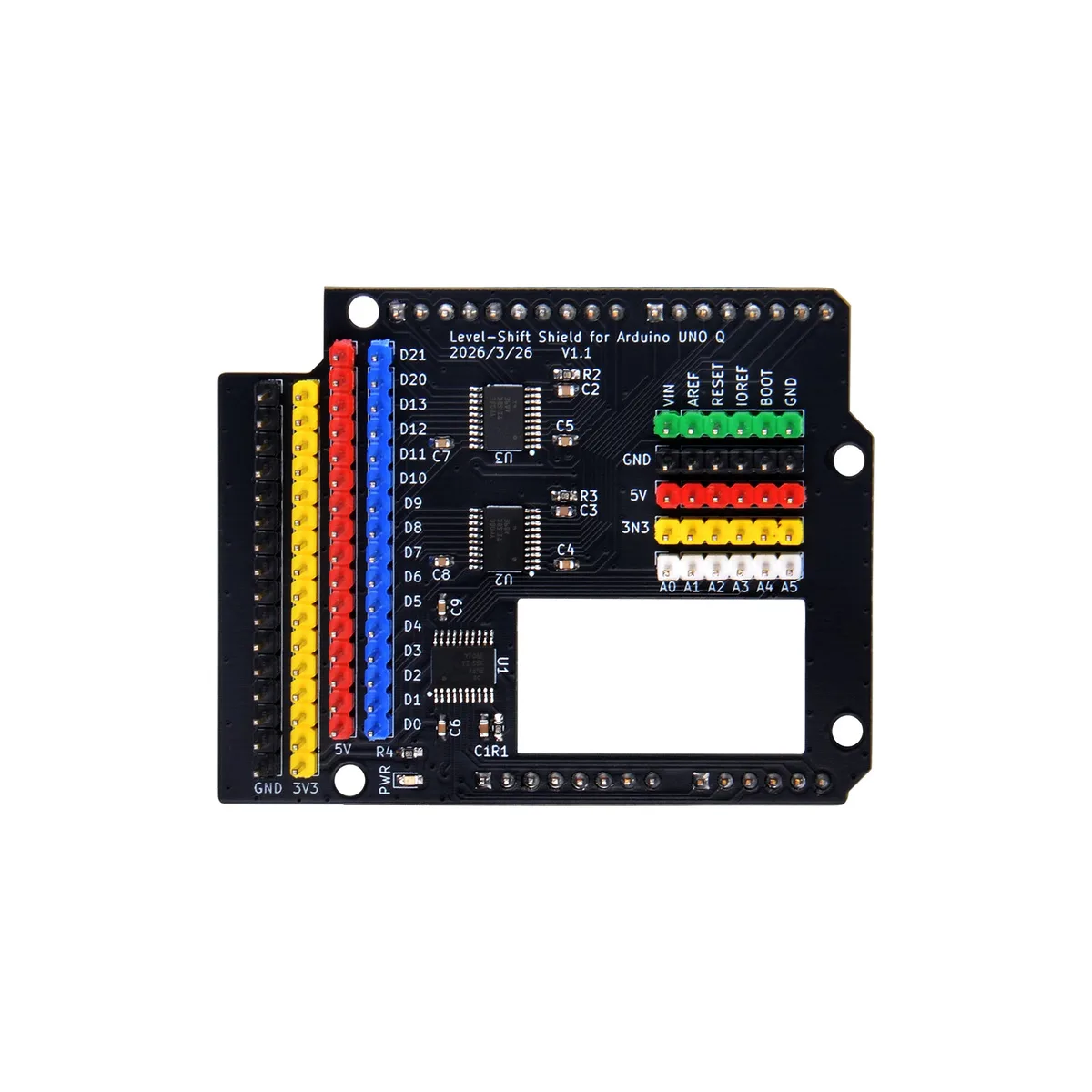
The Level-Shift Shield for Arduino UNO Q is a bidirectional level translation shield purpose-built for the Arduino UNO Q platform. Featuring a standard Shield plug-and-play form factor, it stacks directly onto the mainboard. The core employs the Texas Instruments (TI) TXS0108EPWR auto-direction sensing bidirectional voltage-level translator. This shield is intended for bidirectional level translation between the Arduino UNO Q's 3.3V IO and 5V devices/modules, suitable for interfacing with 5V sensors, communication modules (such as I2C, SPI, and UART devices), and other GPIO peripherals, helping reduce risks of communication failures and device damage caused by logic level mismatches under recommended conditions. Special Design: The board features a rectangular central cutout positioned above the Arduino UNO Q onboard LED Matrix, preserving visibility of LED status indicators during Shield operation.
IMPORTANT NOTE: Do not connect 5V signal lines to VIN, AREF, IOREF, BOOT, or GND — these pins are direct pass-through to the Arduino UNO Q (Green color headers). Incorrect wiring may permanently damage or destroy the Arduino UNO Q. Please exercise extreme caution.
[Features]
Standard Arduino UNO Q Shield form factor, stacks directly with zero additional wiring
Rectangular central cutout preserves visibility of Arduino UNO Q mainboard LED Matrix
8-bit parallel conversion with fully independent per-channel operation
Supports Partial Power-Down mode with automatic high-impedance I/O state
Color-coded headers (red/yellow/blue/black/white) for quick identification and wiring
[Installation Guide]
Step 1: Pre-Installation Check
Before installing the Level-Shift Shield, verify the following:
Ensure the Arduino UNO Q mainboard is powered off and disconnected from USB or external power.
Confirm all pins on the Shield are straight and properly aligned—no bent pins.
Check that the central cutout orientation matches the LED Matrix position on the Arduino UNO Q.
Step 2: Physical Installation
Align the Shield's female headers with the male pin headers on the Arduino UNO Q.
The USB connector side of the Shield faces the same direction as the Arduino UNO Q USB port.
Gently press the Shield down evenly until all pins are fully seated and the boards are parallel.
The central cutout should sit directly above the LED Matrix with no obstruction.
[52Pi Wiki]
EP-0257 - 52Pi Wiki
No published question about this part yet. Questions are reviewed before publication.
Every characteristic recorded for EP-0257, with where it comes from. Use the filters to find one quickly.
| Characteristic | Value |
|---|---|
| Step 1 | Pre-Installation Check |
| Step 2 | Physical Installation |
No specification matches.
Last verification : 2026-11-04
Official documents and the technical data recorded for EP-0257. For a missing document or a specific revision, our experts send it to you.
52Pi EP-0257, listed under “Maker, Prototyping, Open-Hardware & Developer Boards”.
| Parameter | Value |
|---|---|
| Step 1 | Pre-Installation Check |
| Step 2 | Physical Installation |
Similar parts to answer your needs. Compare the main characteristics. A recorded replacement is a documented relation; a similar product is a similarity only, never a compatibility claim.
52Pi Level-Shift Shield for Arduino UNO Q, IIC I2C Level Converter 3.3V-5V Bi-Directional Shifter Module
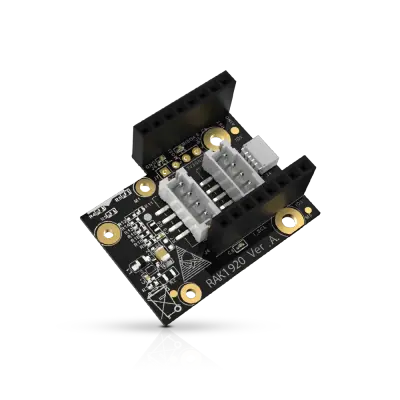
Sensor Adapter for Click, QWIIC and Grove Modules
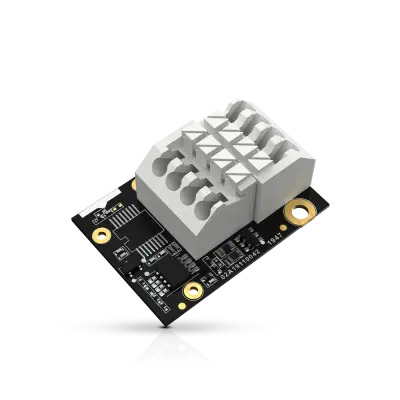
RS485 Module 3PEAK TP8485E
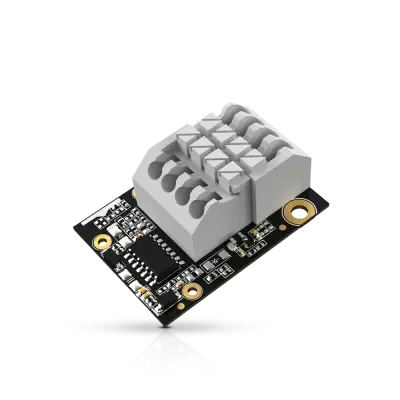
4-20mA Module STMicroelectronics LM2902
Describe your application and constraints in a request.
What is recorded about the regulatory status and the life of this part.
No compliance statement is recorded for this part. Ask the supplier for the RoHS and REACH declarations and, for a radio product, the EU declaration of conformity.
| Current status | Status not stated |
| Key dates | Not recorded |
| Manufacturer part number | EP-0257 |
| Manufacturer | 52Pi |
Maker, Prototyping, Open-Hardware & Developer Boards
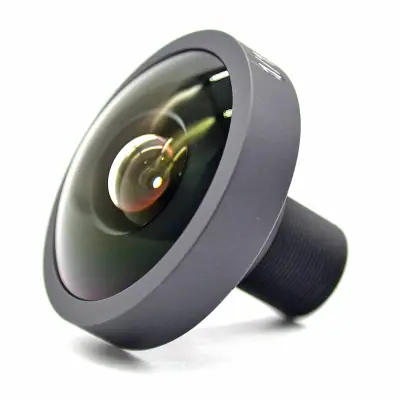
M12 fisheye lens for camera module · Ref. : M12_FISHEYE
Price on request
Maker, Prototyping, Open-Hardware & Developer Boards
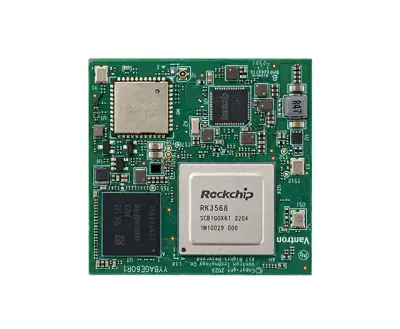
RK3568 System-on-Module with 1 TOPS NPU
Price on request
Maker, Prototyping, Open-Hardware & Developer Boards
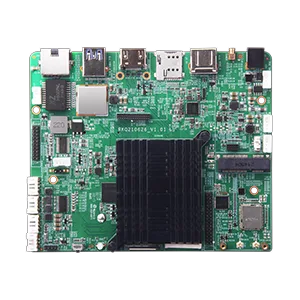
RK3568 Android tablet mainboard with DTV tuner · Ref. : K3-3568
Price on request
Maker, Prototyping, Open-Hardware & Developer Boards
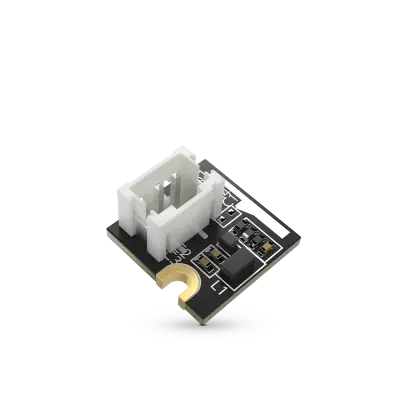
Boost converter module 3.3 V to 12 V 50 mA · Ref. : 110155
Price on request
No advertising or analytics cookies. A single, strictly necessary cookie is set only if you sign in to your account. Your quote basket and comparison stay in your browser. Details