K-0639-US
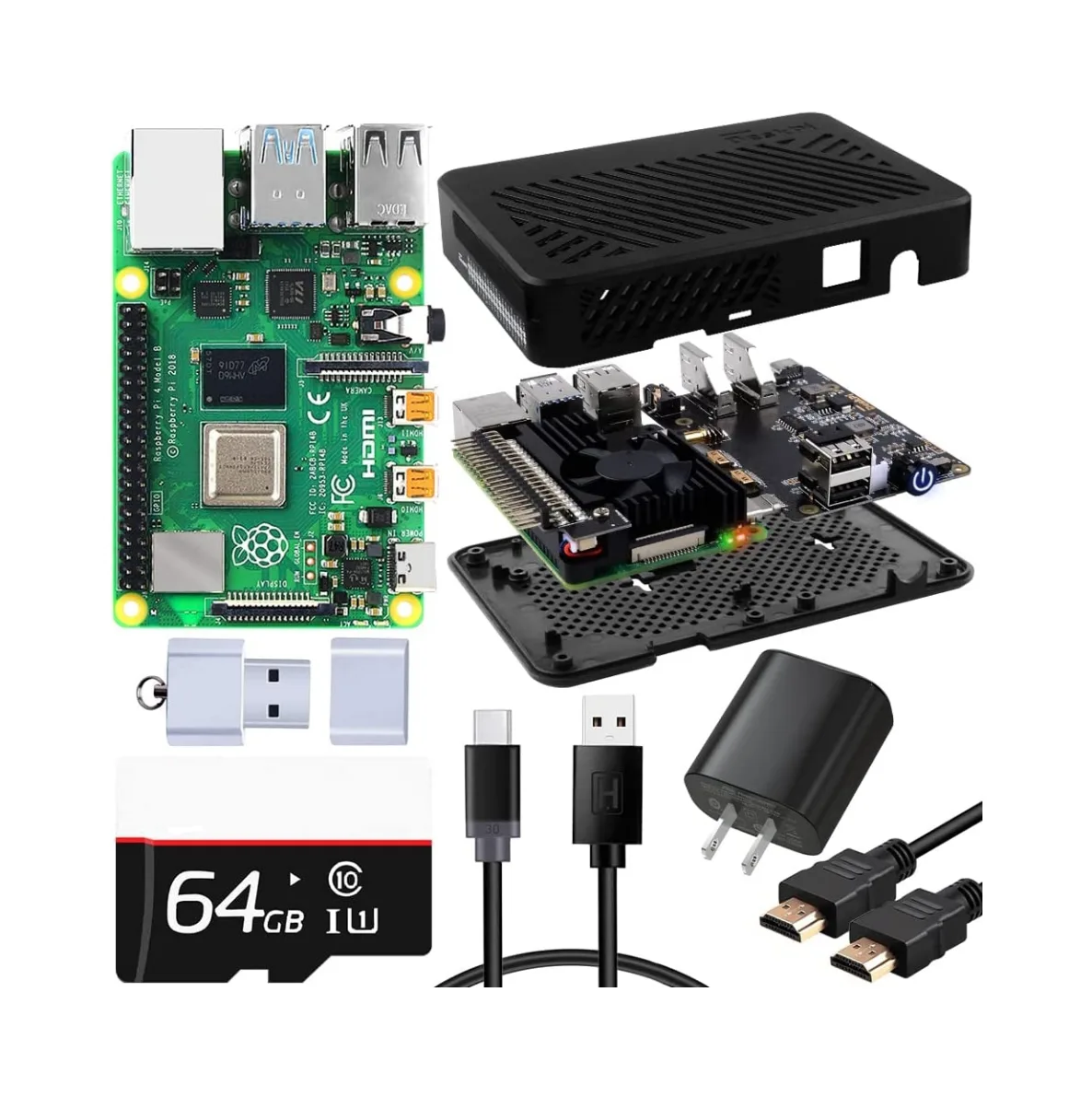
DeskPi Lite Case for Raspberry Pi 4B, with Power Button/Heatsink/PWM Fan, Power Supply 32/64GB Card, 4K HDMI Cable
Limited record: this part has neither specifications nor a datasheet in the catalog yet. It is shown for reference and is not indexed.
DeskPi Lite Case for Raspberry Pi 4B, with Power Button/Heatsink/PWM Fan, Power Supply 32/64GB Card, 4K HDMI Cable
Maker, Prototyping, Open-Hardware & Developer Boards
52Pi K-0639-US, listed under “Maker, Prototyping, Open-Hardware & Developer Boards”.
This kit includes all for you to build a mini desktop.
Package includes: 1x Raspberry Pi 4 (4/8GB RAM), 1x DeskPi Lite Case, 1x 32/64GB Card, 1x 4K HDMI Cable, 1x QC 3.0 Power Plug with Cord, 1x Card Reader
Features
Ease to assemble
Micro HDMI ports to Full Size
Expansion of 2 USB Ports
Built-in Heat Sink with PWM fan
Fan supports official speed regulation and Programmable speed regulation
Programmable Power Cut-Off
Always-On Switch (Enable/Disable)
Driver Compatible with DeskPi Pro
Design with all ports on the back
Built-in 5V/GND Sock for addition 5V device
How to enable the USB2.0 in front of panel?
Install DeskPi V1 driver.
Add following parameter to /boot/config.txt file manually.
dtoverlay=dwc2,dr_mode=host
DO REMEMBER ' reboot ' Raspberry Pi to take effect.
To get more information, please check here
How to enable fan temperature control?
NOTE: Raspberry Pi OS (Latest) will support this function.
Open a terminal and typing following command:
sudo raspi-config
Navigate to Performance Options - > P4 Fan -> Yes -> 14 -> 60 -> yes -> finish -> reboot Raspberry Pi. The fan is support PWM signal control via GPIO14 which is physical pin 12(TXD), it will spinning when the CPU temperature is above 60 degree. and also you can write your code to control the fan via GPIO14, sending PWM signal will trigger the fan spinning.
To get more information, please check here
How to send power_off signal to adapter board to cut off power?
Make sure you have already add dtoverlay=dwc2,dr_mode=host to /boot/config.txt file and reboot Raspberry Pi.
Check if there is a device called /dev/ttyUSB0
Execute the python demo script in deskpi_v1/drivers/python/safecutoffpower.py
you may need to install pyserial library.
Recommend: adding this function after shutdown service, so that it can safely cut off the power of Raspberry Pi.
To get more information, please check here
No published question about this part yet. Questions are reviewed before publication.
Official documents and the technical data recorded for K-0639-US. For a missing document or a specific revision, our experts send it to you.
52Pi K-0639-US, listed under “Maker, Prototyping, Open-Hardware & Developer Boards”.
Similar parts to answer your needs. Compare the main characteristics. A recorded replacement is a documented relation; a similar product is a similarity only, never a compatibility claim.
DeskPi Lite Case for Raspberry Pi 4B, with Power Button/Heatsink/PWM Fan, Power Supply 32/64GB Card, 4K HDMI Cable
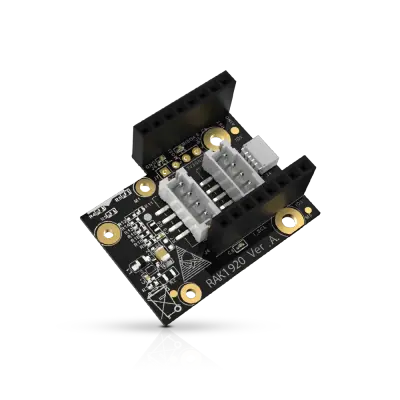
Sensor Adapter for Click, QWIIC and Grove Modules
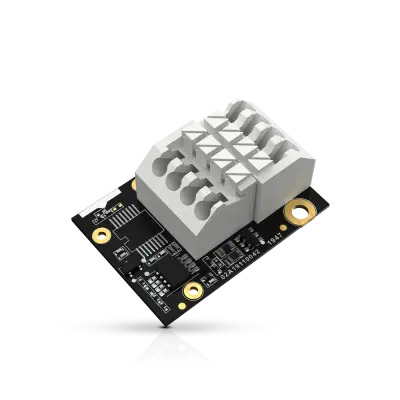
RS485 Module 3PEAK TP8485E
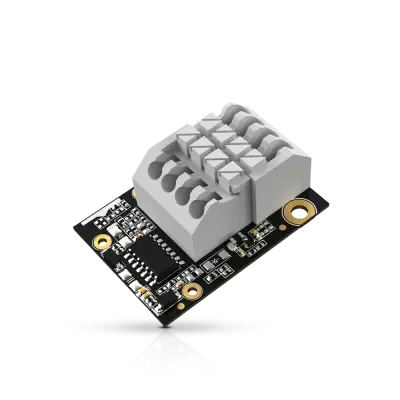
4-20mA Module STMicroelectronics LM2902
Describe your application and constraints in a request.
What is recorded about the regulatory status and the life of this part.
No compliance statement is recorded for this part. Ask the supplier for the RoHS and REACH declarations and, for a radio product, the EU declaration of conformity.
| Current status | Status not stated |
| Key dates | Not recorded |
| Manufacturer part number | K-0639-US |
| Manufacturer | 52Pi |
Maker, Prototyping, Open-Hardware & Developer Boards
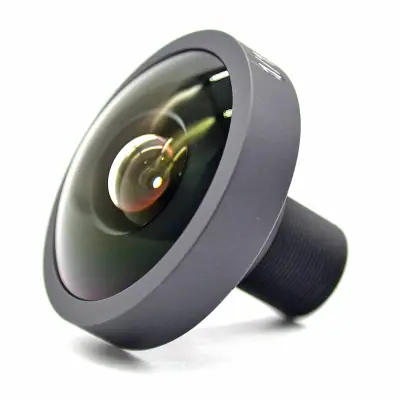
M12 fisheye lens for camera module · Ref. : M12_FISHEYE
Price on request
Maker, Prototyping, Open-Hardware & Developer Boards
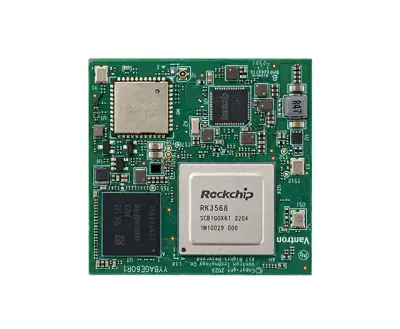
RK3568 System-on-Module with 1 TOPS NPU
Price on request
Maker, Prototyping, Open-Hardware & Developer Boards
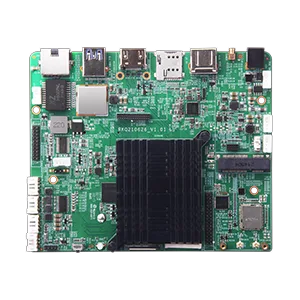
RK3568 Android tablet mainboard with DTV tuner · Ref. : K3-3568
Price on request
Maker, Prototyping, Open-Hardware & Developer Boards
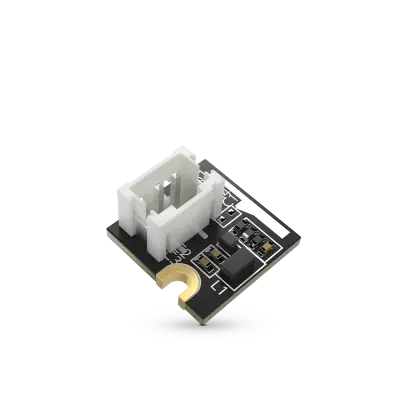
Boost converter module 3.3 V to 12 V 50 mA · Ref. : 110155
Price on request
No advertising or analytics cookies. A single, strictly necessary cookie is set only if you sign in to your account. Your quote basket and comparison stay in your browser. Details