LED-01
LED
Limited record: this part has neither specifications nor a datasheet in the catalog yet. It is shown for reference and is not indexed.
LED
Maker, Prototyping, Open-Hardware & Developer Boards
FriendlyElec LED-01, listed under “Maker, Prototyping, Open-Hardware & Developer Boards”.
LED LED-01
0 reviews / Write a review
(USD)
Buyer responsible for payment of duty.
Brand: FriendlyElec
Product Code: LED-01
Qty:
Description
Reviews (0)
1 Introduction
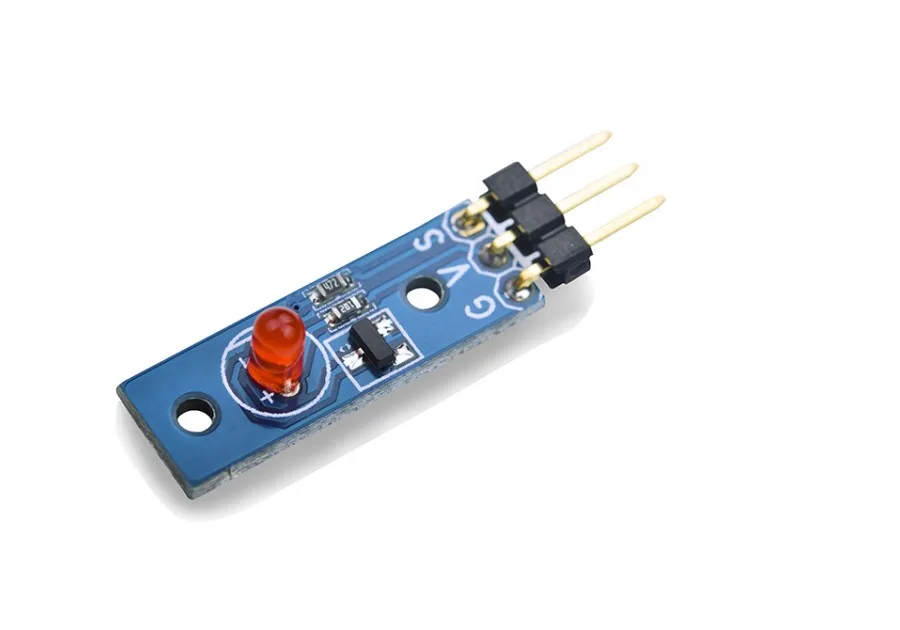
On this module we put a 5mm LED and extend all pins to a 3-Pin 2.54mm spacing pin header. Pin V is power, G is grounded and S is data which is connected to a triode to turn the LED on or off. You can write high or low, or PWN signals(3.3V or 5V) to S. When you write high to S the LED will turn on and become brightest. When you write low to S the LED will turn off. If you write PWM signals to S the LED's brightness will vary depending on the PWM's signal variances. We provide red, green and white LED modules.
2 Features
GPIO/PWM interface, 3.3/5V, PWM brightness control
Tiny, easy to be used in various situations
2.54mm spacing pin
3 How To
Connect to Tiny4412 SDK (1506) Connect the module's pin S to GPIO PIN1, V to 5V and G grounded
Code Sample in C Under Linux
#include <stdio.h> #include <unistd.h> #include "libfahw.h" #define LED_BLINK_TIMES 10 int main ( int argc, char ** argv ) { int ledPin = TINY4412_GPIO_PIN1; int i = 0; int ret = - 1; if ( ( ret = exportGPIOPin ( ledPin ) ) == - 1 ) { printf ( "exportGPIOPin(%d) failed ", ledPin ); } if ( ( ret = setGPIODirection ( ledPin, GPIO_OUT ) ) == - 1 ) { printf ( "setGPIODirection(%d) failed ", ledPin ); } for ( i = 0; i < LED_BLINK_TIMES; i ++ ) { if ( i % 2 ) { ret = setGPIOValue ( ledPin, GPIO_HIGH ); } else { ret = setGPIOValue ( ledPin, GPIO_LOW ); } if ( ret == - 1 ) { printf ( "setGPIOValue(%d) failed ", ledPin ); } printf ( "LED blinking times %d ", i ); sleep ( 1 ); } unexportGPIOPin ( ledPin ); return 0; }
Compile and Run
git clone http: // github.com / friendlyarm / fa-hardware.git cd fa-hardware cd demo cd matrix-led make Copy your compiled bin to your board and you are ready to go.
Resources
Write a review
Write a review
Your Name
Your Review
Note: HTML is not translated!
Rating Bad
Good
Enter the code in the box below
Continue
Copyright © 2008-2026 friendlyelec.com All rights reserved.
Top
Categories
CPU Module (11)
Mini Board (3)
NanoPC & NanoPi (31)
Hats & Docks (12)
Enclosure & Holder (17)
BakeBit Sensors/Modules (2)
Matrix Accessories (71)
LCD Module (17)
Value Pack & Kit (11)
No published question about this part yet. Questions are reviewed before publication.
Official documents and the technical data recorded for LED-01. For a missing document or a specific revision, our experts send it to you.
FriendlyElec LED-01, listed under “Maker, Prototyping, Open-Hardware & Developer Boards”.
Similar parts to answer your needs. Compare the main characteristics. A recorded replacement is a documented relation; a similar product is a similarity only, never a compatibility claim.
LED
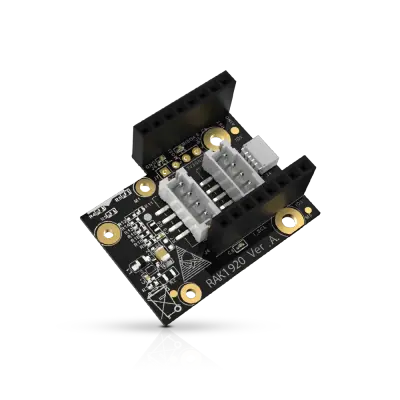
Sensor Adapter for Click, QWIIC and Grove Modules
RS485 Module 3PEAK TP8485E

4-20mA Module STMicroelectronics LM2902

Describe your application and constraints in a request.
What is recorded about the regulatory status and the life of this part.
No compliance statement is recorded for this part. Ask the supplier for the RoHS and REACH declarations and, for a radio product, the EU declaration of conformity.
| Current status | Status not stated |
| Key dates | Not recorded |
| Manufacturer part number | LED-01 |
| Manufacturer | FriendlyElec |
Maker, Prototyping, Open-Hardware & Developer Boards
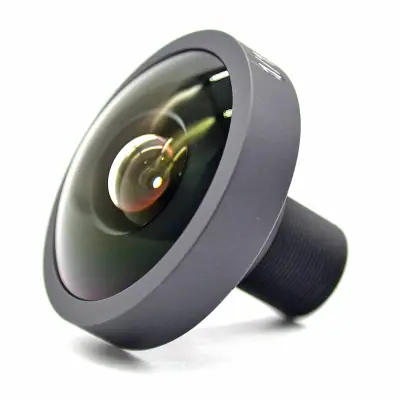
M12 fisheye lens for camera module · Ref. : M12_FISHEYE
Price on request
Maker, Prototyping, Open-Hardware & Developer Boards
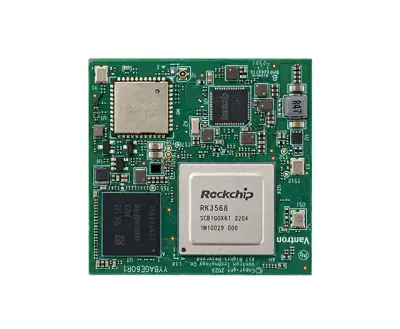
RK3568 System-on-Module with 1 TOPS NPU
Price on request
Maker, Prototyping, Open-Hardware & Developer Boards
RK3568 Android tablet mainboard with DTV tuner · Ref. : K3-3568
Price on request
Maker, Prototyping, Open-Hardware & Developer Boards
Boost converter module 3.3 V to 12 V 50 mA · Ref. : 110155
Price on request
No advertising or analytics cookies. A single, strictly necessary cookie is set only if you sign in to your account. Your quote basket and comparison stay in your browser. Details