518037-10
5-inch 800x480 HDMI capacitive touch screen for Raspberry Pi, 10-pack
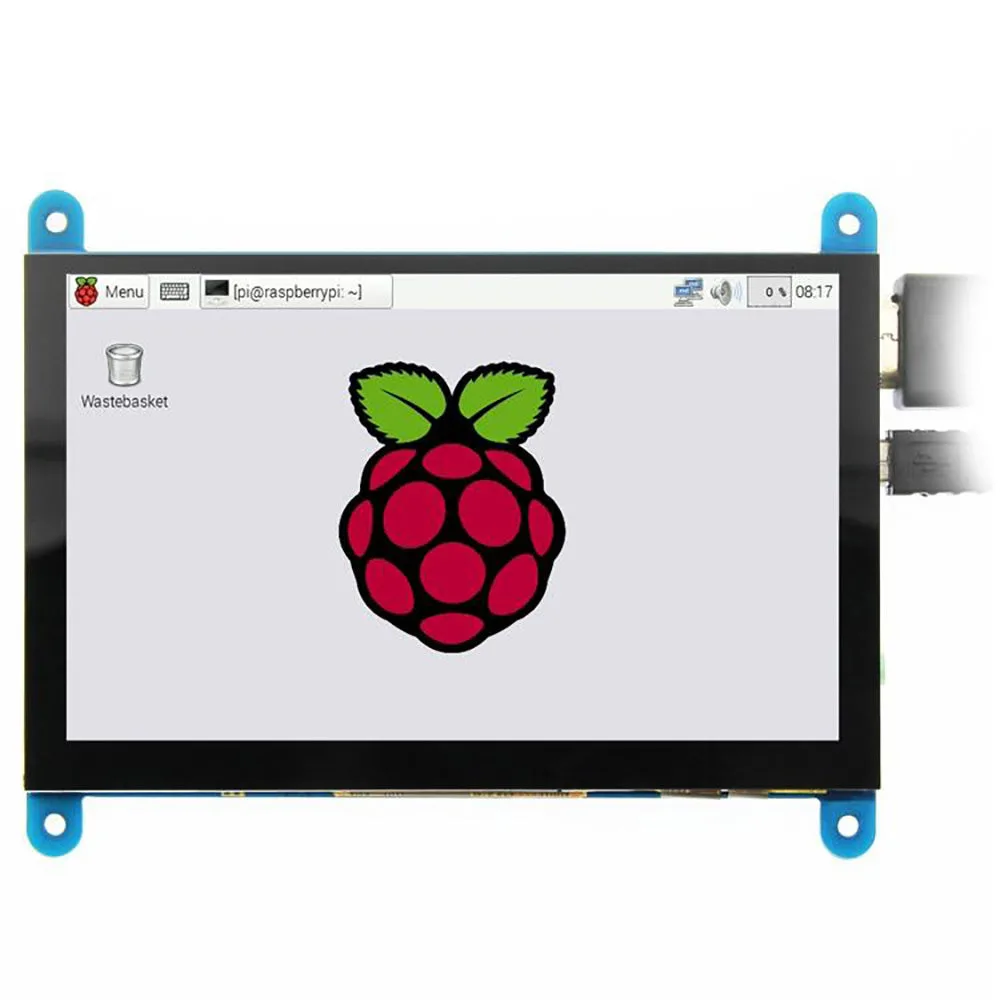
- Dimensions
- 121.11x95.24(mm)
- Audio output
- support
- Earphone
- 3.5mm Audio output interface
- Size
- 5.0 (inch)
5-inch 800x480 HDMI capacitive touch screen for Raspberry Pi, 10-pack
Maker, Prototyping, Open-Hardware & Developer Boards
5 inch 800x480 capacitive touch screen from Geekworm, connected via HDMI to a Raspberry Pi board or a PC, for display and touch control in embedded systems.
Geekworm 518037-10. 5 inch 800x480 HDMI capacitive touch screen for Raspberry Pi and PC boards. Main characteristics — 5.0 inch display with 800x480 dots resolution, supporting a maximum HDMI resolution of 1920X1080, with 5-point capacitive touch. A built-in OSD menu allows adjustment of contrast, brightness and saturation. Interfaces and connectivity — The screen connects via HDMI interface for display and via USB connector for power supply and touch output, either of which can be used alone. Audio output is available through the 3.5mm earphone jack and HDMI audio output support. Controls and power — Left/Up, Right/Down, Menu and Return keys navigate the OSD menu, and the Power key turns the backlight on and off to save power. Dimensions 121.11x95.24 mm, weight 248 g. Typical uses — Display on Raspberry Pi running Raspbian, Ubuntu, Kodi or Win10 IoT, use as a PC monitor on Win7, Win8 and Win10 with 5-point touch, or as a general HDMI display connected to a TV or game console. Integration — Free drivers, CE and RoHS certified. The 10-pack includes 10 units of 5 inch HDMI screens, each with an HDMI cable of about 31.5 cm and a USB cable of about 42.5 cm.
No published question about this part yet. Questions are reviewed before publication.
Every characteristic recorded for 518037-10, with where it comes from. Use the filters to find one quickly.
| Characteristic | Value |
|---|---|
| Dimensions | 121.11x95.24(mm) |
| Audio output | support |
| Display | HDMI interface(For connecting motherboard and LCD monitor) |
| Earphone | 3.5mm Audio output interface |
| Left/Up | Direction Left/Up(Backlight shortcut key) |
| Menu | Open the OSD / Select key(Only valid in the OSD Settings menu) |
| Power | Controls the backlight turned on and off to save power |
| Resolution | 800x480(dots),aximum HDMI resolution 1920X1080 is supported |
| Return | Return (Only valid in the OSD Settings menu) |
| Right/Down | Direction Right/Down (Backlight shortcut key0 |
| Size | 5.0 (inch) |
| Touch | 5 point capacitive touch |
| Weight | 248 (g) |
No specification matches.
Last verification : 2026-11-02
Official documents and the technical data recorded for 518037-10. For a missing document or a specific revision, our experts send it to you.
5 inch 800x480 capacitive touch screen from Geekworm, connected via HDMI to a Raspberry Pi board or a PC, for display and touch control in embedded systems.
| Parameter | Value |
|---|---|
| Dimensions | 121.11x95.24(mm) |
| Audio output | support |
| Display | HDMI interface(For connecting motherboard and LCD monitor) |
| Earphone | 3.5mm Audio output interface |
| Left/Up | Direction Left/Up(Backlight shortcut key) |
| Menu | Open the OSD / Select key(Only valid in the OSD Settings menu) |
| Power | Controls the backlight turned on and off to save power |
| Resolution | 800x480(dots),aximum HDMI resolution 1920X1080 is supported |
| Return | Return (Only valid in the OSD Settings menu) |
| Right/Down | Direction Right/Down (Backlight shortcut key0 |
| Size | 5.0 (inch) |
| Touch | 5 point capacitive touch |
| Weight | 248 (g) |
Similar parts to answer your needs. Compare the main characteristics. A recorded replacement is a documented relation; a similar product is a similarity only, never a compatibility claim.
5-inch 800x480 HDMI capacitive touch screen for Raspberry Pi, 10-pack
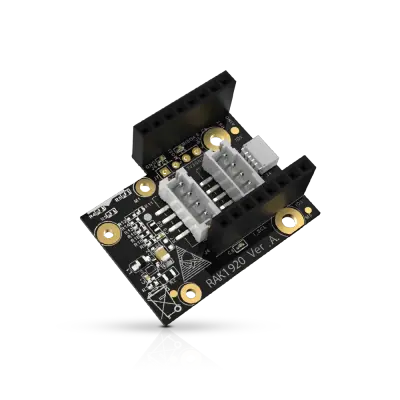
Sensor Adapter for Click, QWIIC and Grove Modules
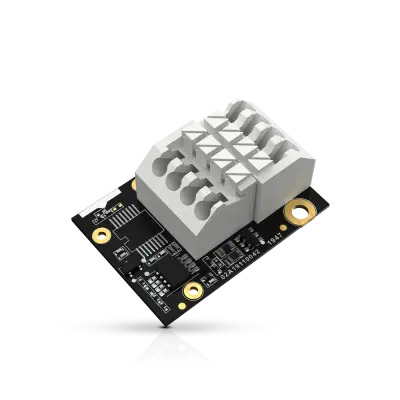
RS485 Module 3PEAK TP8485E
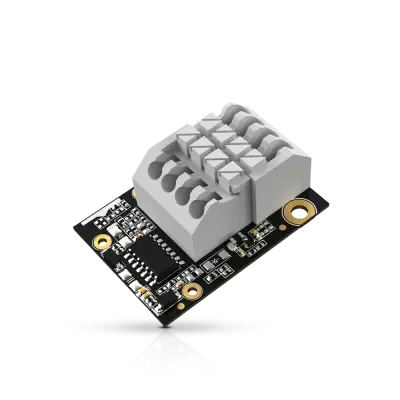
4-20mA Module STMicroelectronics LM2902
Describe your application and constraints in a request.
What is recorded about the regulatory status and the life of this part.
No compliance statement is recorded for this part. Ask the supplier for the RoHS and REACH declarations and, for a radio product, the EU declaration of conformity.
| Current status | Status not stated |
| Key dates | Not recorded |
| Manufacturer part number | 518037-10 |
| Manufacturer | Geekworm |
Maker, Prototyping, Open-Hardware & Developer Boards
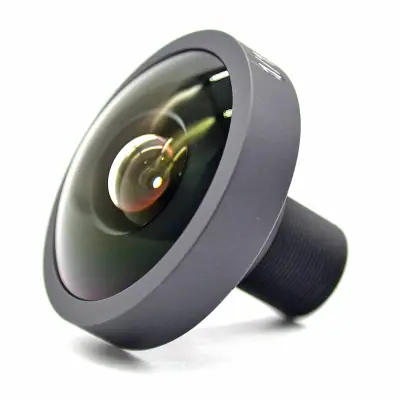
M12 fisheye lens for camera module · Ref. : M12_FISHEYE
Price on request
Maker, Prototyping, Open-Hardware & Developer Boards
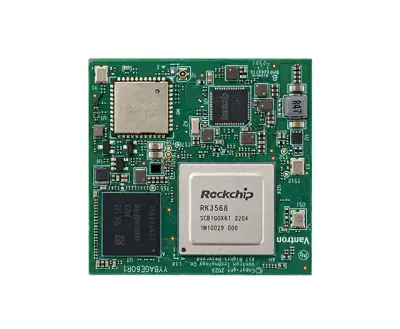
RK3568 System-on-Module with 1 TOPS NPU
Price on request
Maker, Prototyping, Open-Hardware & Developer Boards
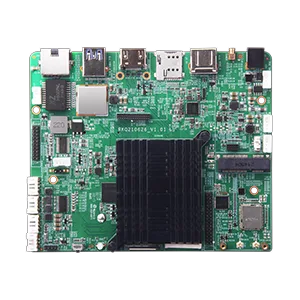
RK3568 Android tablet mainboard with DTV tuner · Ref. : K3-3568
Price on request
Maker, Prototyping, Open-Hardware & Developer Boards
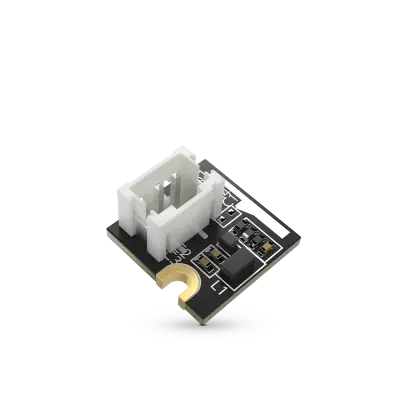
Boost converter module 3.3 V to 12 V 50 mA · Ref. : 110155
Price on request
With your consent, we use Google cookies to measure the site’s audience and our advertising. Your quote basket and comparison stay in your browser either way. Details