X1011
Four-slot M.2 NVMe SSD storage expansion board
Limited record: this part has neither specifications nor a datasheet in the catalog yet. It is shown for reference and is not indexed.
Four-slot M.2 NVMe SSD storage expansion board
Maker, Prototyping, Open-Hardware & Developer Boards
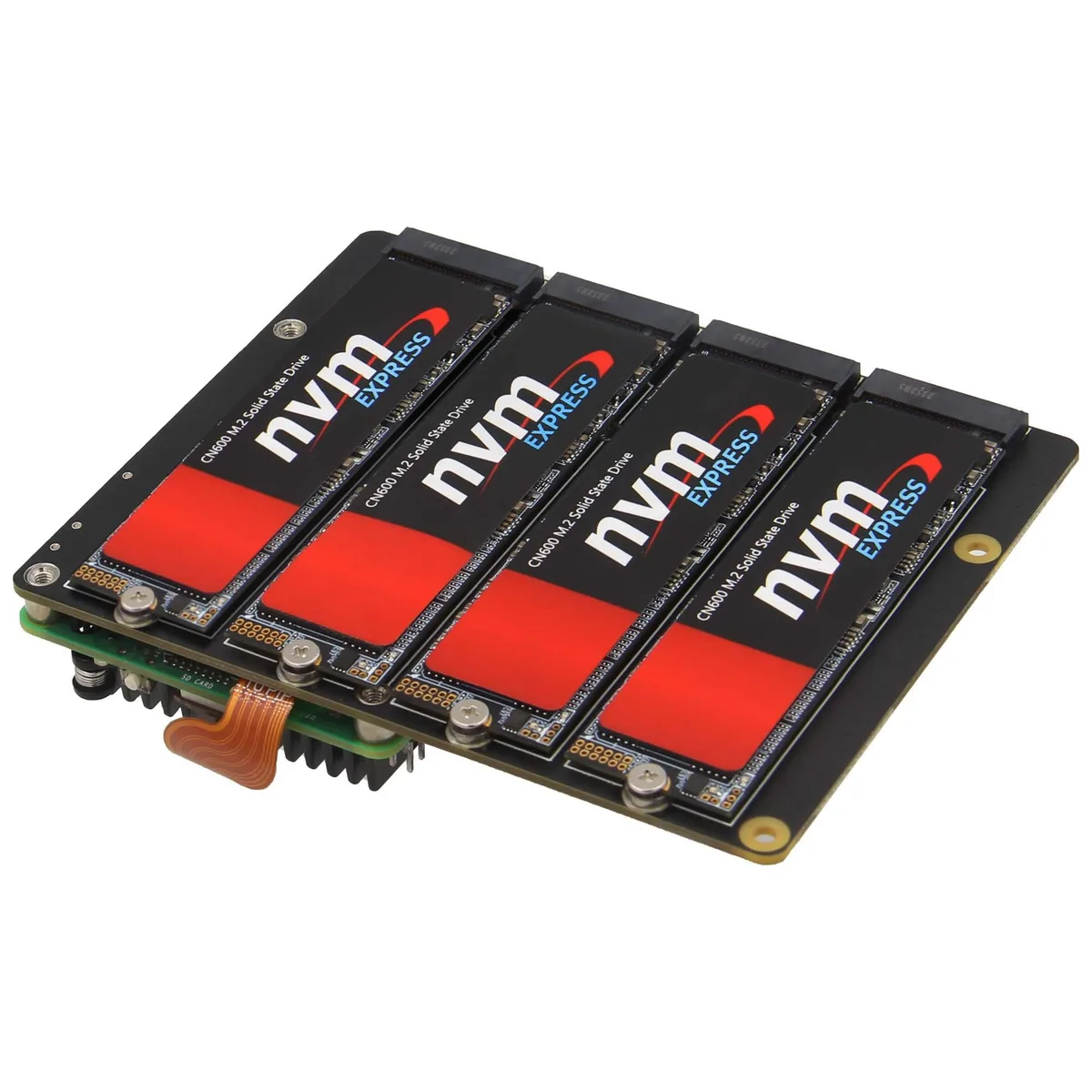
The Geekworm X1011 connects four M.2 NVMe SSDs to a Raspberry Pi 5 to build high-capacity storage, for example a NAS system.
Geekworm X1011. The Geekworm X1011 is a PCIe expansion board for four M.2 NVMe SSDs designed for the Raspberry Pi 5. It accepts four full-size M.2 2280 SSDs and attaches to the underside of the Raspberry Pi 5.
Main characteristics. PCB size of 109 mm x 87.2 mm. Supports M.2 NVMe SSDs of 2280, 2260, 2242 and 2230 length. PCIe 2.0 interface providing data transfer rates of up to 5 Gbps. Blue LED indicators display power and drive status.
Interfaces and connectivity. Connection through the pogo pins on the underside of the Raspberry Pi 5 and an FFC ribbon cable. Compatible with the Raspberry Pi 5B only. Not compatible with M.2 SATA SSDs, M.2 PCIe AHCI SSDs or other M.2 non-NVMe devices. NVMe boot requires EEPROM firmware dated 2024/05/17 or later.
Power and environment. Power through the Raspberry Pi 5 USB-C port with a PD 27 W power adapter, or through the X1011 DC 5.5 x 2.1 mm jack (center positive polarity) with a 5 V ≥ 5 A supply. For three or four SSDs, the PSU50 DC 5 V 10 A supply is recommended. Do not power the X1011 through the DC jack and the Raspberry Pi 5 through USB-C at the same time. The Raspberry Pi 5, SSD, active cooler and power adapter are not included.
Typical uses. Building a home media center or a network-attached storage (NAS) system to store and stream videos, music and digital photos.
Integration. The GPIO header remains usable, so HATs can be used alongside this board. New NVMe SSDs must be partitioned and formatted when first connected to the Raspberry Pi before they appear in the file explorer. Older drives with less efficient flash media may not perform as well as newer ones.
No published question about this part yet. Questions are reviewed before publication.
Official documents and the technical data recorded for X1011. For a missing document or a specific revision, our experts send it to you.
The Geekworm X1011 connects four M.2 NVMe SSDs to a Raspberry Pi 5 to build high-capacity storage, for example a NAS system.
Similar parts to answer your needs. Compare the main characteristics. A recorded replacement is a documented relation; a similar product is a similarity only, never a compatibility claim.
Four-slot M.2 NVMe SSD storage expansion board
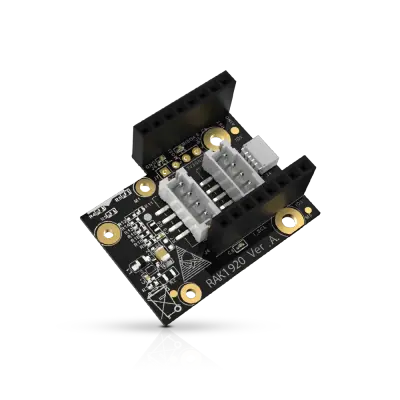
Sensor Adapter for Click, QWIIC and Grove Modules
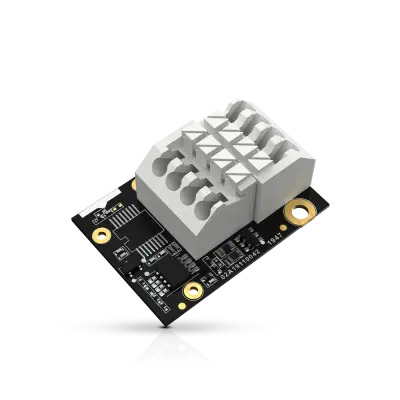
RS485 Module 3PEAK TP8485E
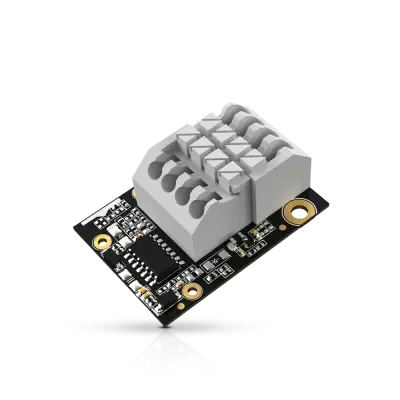
4-20mA Module STMicroelectronics LM2902
Describe your application and constraints in a request.
What is recorded about the regulatory status and the life of this part.
No compliance statement is recorded for this part. Ask the supplier for the RoHS and REACH declarations and, for a radio product, the EU declaration of conformity.
| Current status | Status not stated |
| Key dates | Not recorded |
| Manufacturer part number | X1011 |
| Manufacturer | Geekworm |
Maker, Prototyping, Open-Hardware & Developer Boards
M12 fisheye lens for camera module · Ref. : M12_FISHEYE
Price on request
Maker, Prototyping, Open-Hardware & Developer Boards
RK3568 System-on-Module with 1 TOPS NPU
Price on request
Maker, Prototyping, Open-Hardware & Developer Boards
RK3568 Android tablet mainboard with DTV tuner · Ref. : K3-3568
Price on request
Maker, Prototyping, Open-Hardware & Developer Boards
Boost converter module 3.3 V to 12 V 50 mA · Ref. : 110155
Price on request
No advertising or analytics cookies. A single, strictly necessary cookie is set only if you sign in to your account. Your quote basket and comparison stay in your browser. Details