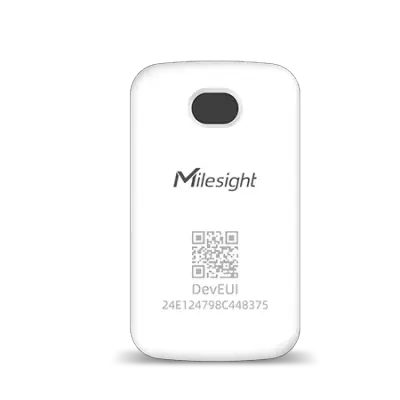
Tilt Sensor
Precise Angle Measurement and Failure Prevention
EM310-TILT
Built-in MEMS Accelerometer Sensor
Flexible Threshold Condition Settings
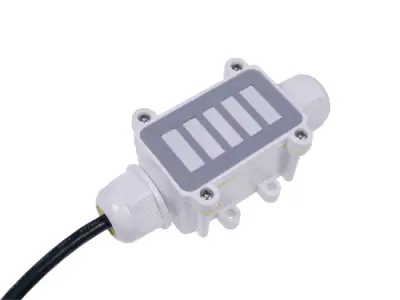
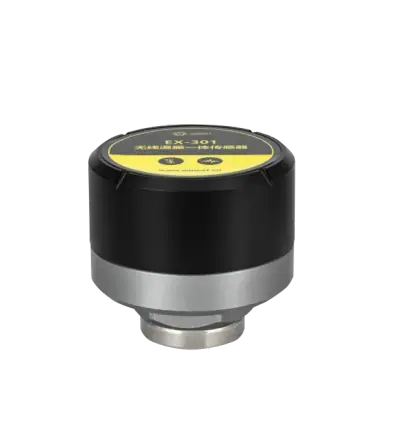
Compact Size and IP67 Waterproof
Easy Configuration (via NFC)
Built-in Zero Adjustments
FEATURES
MODELS
DOWNLOAD
Home
IoT LoRaWAN® Series
EM310-TILT
Ease of Use and Compact Size
Milesight EM310 LoRaWAN® Tilt Sensor makes only the settings of a relative initial surface and angle threshold are needed, and the X, Y, Z tilt angles can be leveraged to know object status accurately in real time, straightforward and effortless.
Built-in 3-Axis Accelerometer
EM310-TILT can be installed to the objects easily. With X, Y, Z coordinates, the alarm will be triggered right away when the device tilt angle reaches the threshold.
IP67 Waterproof and Dustproof
It is qualified to work in harsh or outdoor environments with an IP67 rating, and it is easy to clean.
Flexible Threshold Condition Settings
Up to 36 customized trigger rules
Suitable for different application scenarios:
Explore More >>
LoRaWAN® Based
Penetrating Signals: data transmission range up to 2 km in urban areas and 15 km in rural areas
High Compatibility: compliant with standard LoRaWAN® gateways and network servers
Cloud Data Management
Milesight IoT Cloud
Data Visualization Dashboard:
All figures in a glance
Automatic Triggers:
Interactive collaboration with Milesight IoT sensors
to realize scene-based automation
Regular Reports & Real-Time Alerts:
Data-based insights
Android & iOS App:
Manage devices at your fingertips
NFC Configuration
Switching On/Off & Configuring the Devices Wirelessly
1 Step
Install the
Milesight ToolBox
2 Step
Enable NFC and run ToolBox,
then attach your phone to the device
3 Step
Verify the password
and start configuring
Explore More About NFC Configuration >>
Installation in Better Ways
Mounting Method
Installation Requirement
Related Products
EM320-TILT
Tilt Sensor
EM310-UDL
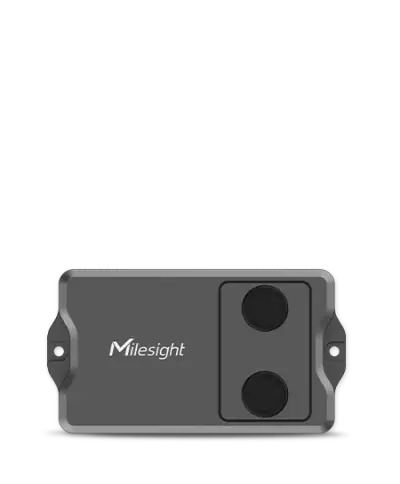
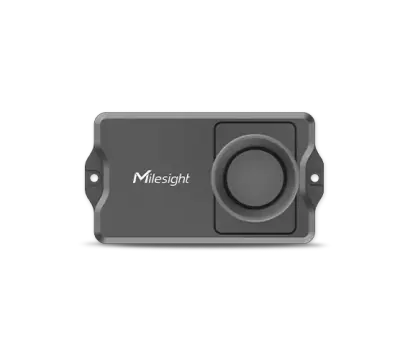
Ultrasonic Distance/Level Sensor
EM400-TLD
ToF Laser Distance Sensor
Specifications
EM300-TILT
Documents
EM310-TILT Datasheet EM310-TILT User Guide Payload Decoder
*Your Email
*Country
*State
*Your Phone
*Company
*Your Website
*Business Type
End User Installer Reseller System Integrator Distributor Consultant Managed Service Provider
*Which area are you interested in?
Video Surveillance Road Traffic Parking Smart Buildings Smart Retail Industrial Routers Other IoT Solutions
*Message
*Verification Code
Let's Talk