PIM373
VL53L1X Time of Flight (ToF) Sensor Breakout
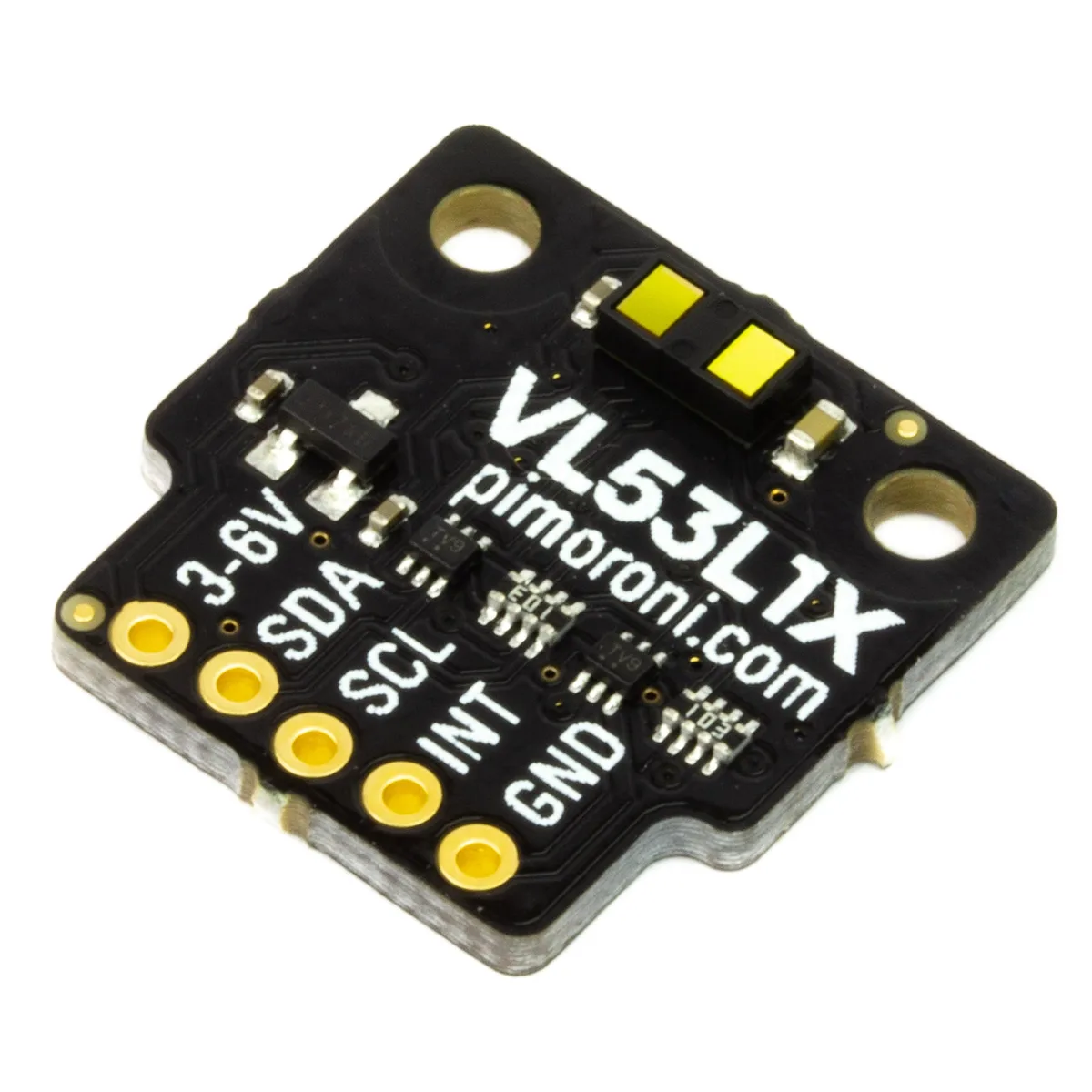
VL53L1X Time of Flight (ToF) Sensor Breakout
Maker, Prototyping, Open-Hardware & Developer Boards
Pimoroni PIM373, listed under “Maker, Prototyping, Open-Hardware & Developer Boards”.
An all-singing, all-dancing time of flight distance sensor that uses PEW PEW LASERS (low-powered ones), our VL53L1X breakout is easy to use with Raspberry Pi or Arduino alike!
These low-power-laser-based time of flight sensors have great accuracy and sampling frequency, and this particular sensor has a wide range of detection, from 4cm to 4 metres.
Use it as a proximity sensor, for presence detection, or as a laser tape measure! The speed, accuracy, and range, make this sensor ideal for collision-avoidance on robots.
It's also compatible with our fancy new Breakout Garden, where using breakouts is as easy just popping it into one of the six slots and starting to grow your project, create, and code.
Features
VL53L1X Time of Flight (ToF) sensor ( datasheet )
4-400cm range (27° field of view)
Up to 50Hz ranging frequency
+/- 25mm accuracy (+/- 20mm in the dark)
I2C interface (address 0x29)
3.3V or 5V compatible
Reverse polarity protection
Compatible with all models of Raspberry Pi, and Arduino
Python library
Kit includes
VL53L1X breakout
1x5 male header
1x5 female right-angle header
We've designed this breakout board so that you can solder on the piece of right-angle female header and pop it straight onto the bottom left 5 pins on your Raspberry Pi's GPIO header (pins 1, 3, 5, 7, 9).
Software
Our Python library makes it straightforward to use your time of flight sensor, providing methods for short, medium, and long range, and returning distances in mm. We've also included a couple of examples that graph distance sensed, and set a threshold distance at which events can be triggered.
Notes
Dimensions: 19x19x3.2mm (LxWxH).
If you want to use multiple VL53L1X breakouts together you can (temporarily) change the I2C addresses using this Python script. Addresses changed like this won't persist after a reboot.
Alternatively, you could use an I2C multiplexer which will let you use multiple breakouts with the same address. This example shows how to use these breakouts with a TCA9548A I2C Multiplexer.
No published question about this part yet. Questions are reviewed before publication.
Official documents and the technical data recorded for PIM373. For a missing document or a specific revision, our experts send it to you.
Pimoroni PIM373, listed under “Maker, Prototyping, Open-Hardware & Developer Boards”.
Similar parts to answer your needs. Compare the main characteristics. A recorded replacement is a documented relation; a similar product is a similarity only, never a compatibility claim.
VL53L1X Time of Flight (ToF) Sensor Breakout
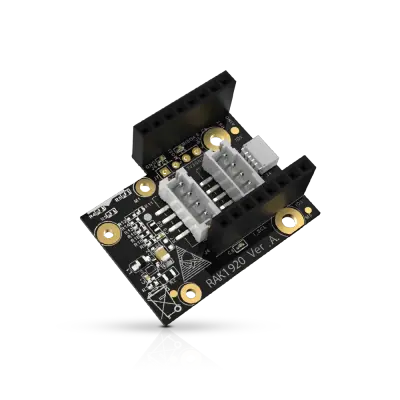
Sensor Adapter for Click, QWIIC and Grove Modules
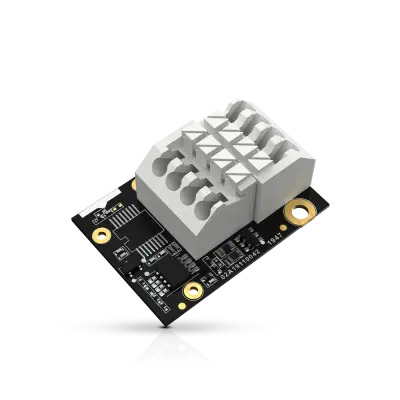
RS485 Module 3PEAK TP8485E
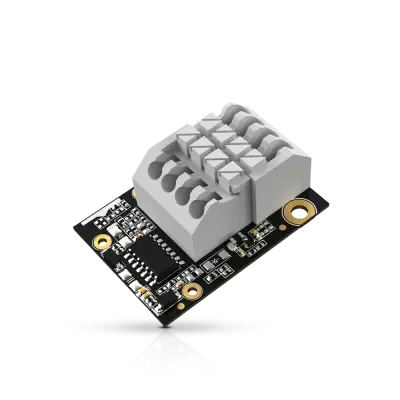
4-20mA Module STMicroelectronics LM2902
Describe your application and constraints in a request.
What is recorded about the regulatory status and the life of this part.
No compliance statement is recorded for this part. Ask the supplier for the RoHS and REACH declarations and, for a radio product, the EU declaration of conformity.
| Current status | Status not stated |
| Key dates | Not recorded |
| Manufacturer part number | PIM373 |
| Manufacturer | Pimoroni |
Maker, Prototyping, Open-Hardware & Developer Boards
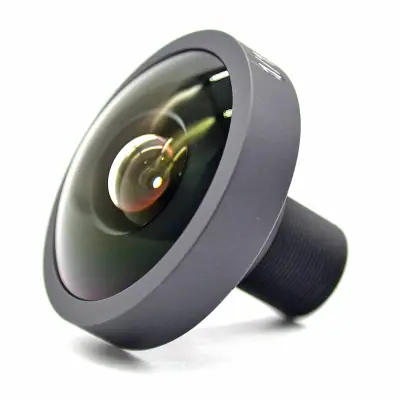
M12 fisheye lens for camera module · Ref. : M12_FISHEYE
Price on request
Maker, Prototyping, Open-Hardware & Developer Boards
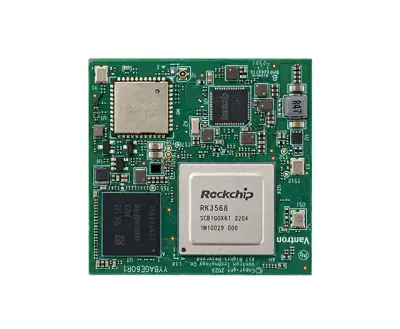
RK3568 System-on-Module with 1 TOPS NPU
Price on request
Maker, Prototyping, Open-Hardware & Developer Boards
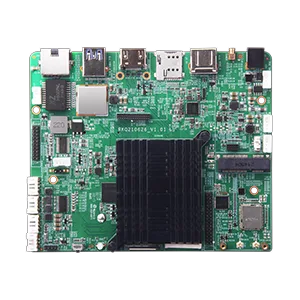
RK3568 Android tablet mainboard with DTV tuner · Ref. : K3-3568
Price on request
Maker, Prototyping, Open-Hardware & Developer Boards
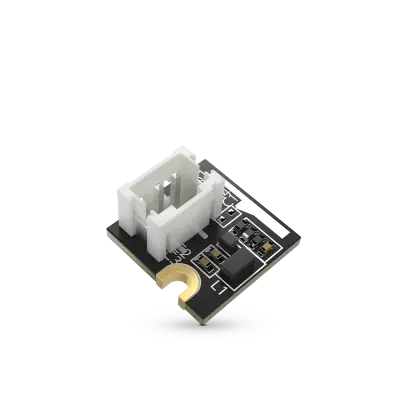
Boost converter module 3.3 V to 12 V 50 mA · Ref. : 110155
Price on request
No advertising or analytics cookies. A single, strictly necessary cookie is set only if you sign in to your account. Your quote basket and comparison stay in your browser. Details