PIM436
0.96" SPI Colour LCD (160x80) Breakout
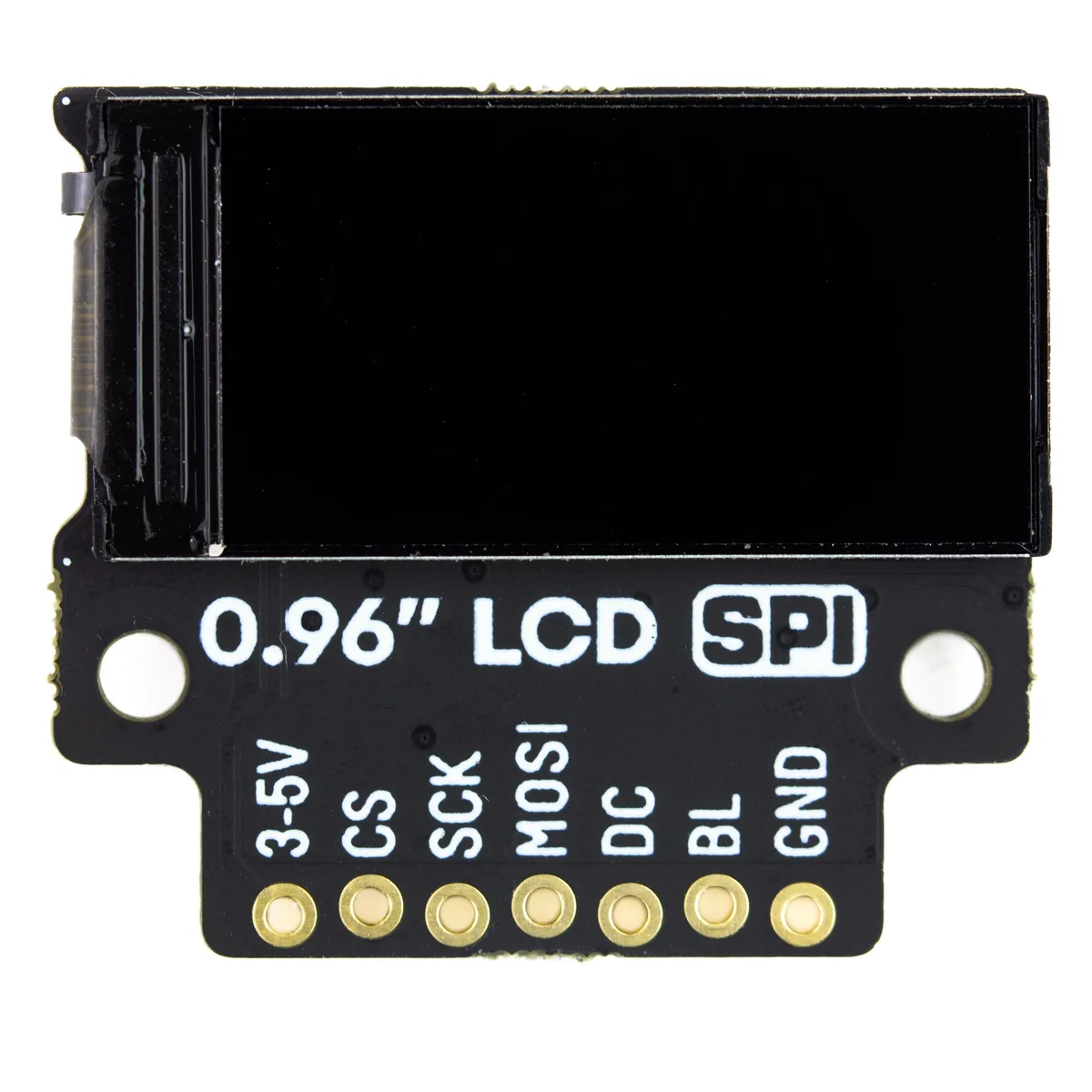
- Dimensions
- 29.1x25.9x5.4mm
Limited record: this part has neither specifications nor a datasheet in the catalog yet. It is shown for reference and is not indexed.
0.96" SPI Colour LCD (160x80) Breakout
Maker, Prototyping, Open-Hardware & Developer Boards
Pimoroni PIM436, listed under “Maker, Prototyping, Open-Hardware & Developer Boards”.
A handy lil' LCD to add readouts to your projects. This 0.96" SPI LCD has a 2:1 widescreen aspect ratio, has great viewing angles (IPS), and works with Raspberry Pi or Arduino.
The display is great for displaying tidbits of information like timers, clocks, sensor readings, and more. Why not use it to display the IP address of a headless Raspberry Pi, so that you don't have to connect a full display or fiddle around with nmap?
Despite being so diminutive, this LCD is a gorgeous little display. It's bright, has great resolution and, because it's an IPS panel, it has wide viewing angles and looks great whichever way you look at it. It's driven by SPI and you should be able to run it at up to ~50FPS, although we've found that anywhere from 10FPS looks good for most uses.
You can use this breakout completely solder-free with Breakout Garden HAT with SPI!
Features
0.96" colour LCD (160x80 pixels)
SPI interface
3.3V or 5V compatible
Reverse polarity protection
Compatible with Arduino
Compatible with Raspberry Pi ( Python library )
Compatible with Raspberry Pi Pico ( C++/MicroPython libraries )
Display specifications
160x80 pixels (~190 PPI)
10.8x21.7mm active area
400cd/m2 luminance
800:1 contrast ratio
160° viewing angle (horizontal and vertical)
ST7735S driver chip
Software
We've adapted an existing Python library to drive this display. The library makes it straightforward to display images, text or graphics, and even display animated GIFs!
You can also use this breakout with Raspberry Pi Pico and other RP2040 boards, using C++ or Pirate brand MicroPython.
Connecting to a Raspberry Pi
If you're not using our Breakout Garden HAT with SPI, then this is how to connect your LCD Breakout up to your Raspberry Pi.
Our Python library is set up to use SPI 0 by default on the Pi (BCM 7 for CS, BCM 11 for SCK, and BCM 10 for MOSI), BCM 9 for DC, and BCM 19 for the backlight.
Here's which pins to connect between your 0.96" LCD Breakout and your Pi's GPIO ( note that it's BCM pin numbering ):
3-5V to any 5V or 3V pin
CS to BCM 7
SCK to BCM 11
MOSI to BCM 10
DC to BCM 9
BL to BCM 19
GND to any ground pin
You can of course use other pins with your LCD Breakout, but you'll have to change them accordingly when you instantiate the display in your code.
Connecting to a Raspberry Pi Pico
The easiest way to use our SPI breakouts with a Raspberry Pi Pico is by plugging them into a Pico Breakout Garden Base or a Pico Breakout Garden Pack.
If you'd rather wire them up to a Pico directly, here's how it goes!
3-5V to any 5V or 3V pin
CS to GP17
SCK to GP18
MOSI to GP19
DC to GP16
BL to GP20
GND to any ground pin
Notes
Dimensions: 29.1x25.9x5.4mm
No published question about this part yet. Questions are reviewed before publication.
Every characteristic recorded for PIM436, with where it comes from. Use the filters to find one quickly.
| Characteristic | Value |
|---|---|
| Dimensions | 29.1x25.9x5.4mm |
No specification matches.
Last verification : 2026-11-04
Official documents and the technical data recorded for PIM436. For a missing document or a specific revision, our experts send it to you.
Pimoroni PIM436, listed under “Maker, Prototyping, Open-Hardware & Developer Boards”.
| Parameter | Value |
|---|---|
| Dimensions | 29.1x25.9x5.4mm |
Similar parts to answer your needs. Compare the main characteristics. A recorded replacement is a documented relation; a similar product is a similarity only, never a compatibility claim.
0.96" SPI Colour LCD (160x80) Breakout
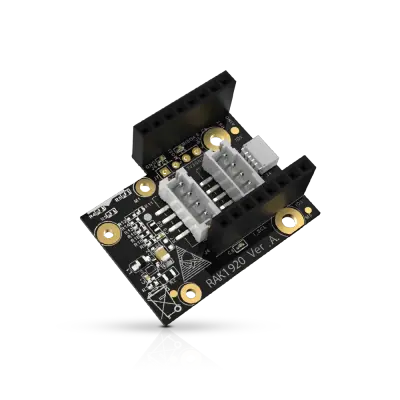
Sensor Adapter for Click, QWIIC and Grove Modules
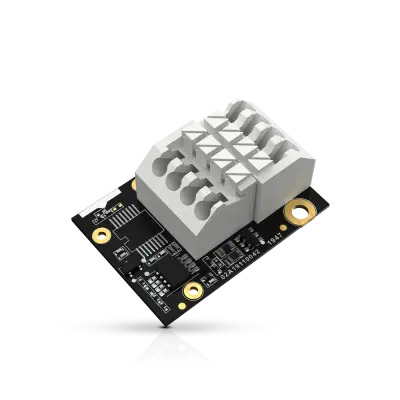
RS485 Module 3PEAK TP8485E
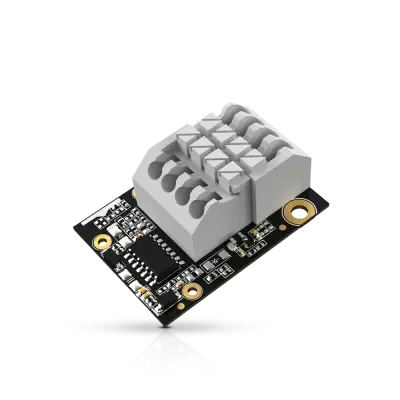
4-20mA Module STMicroelectronics LM2902
Describe your application and constraints in a request.
What is recorded about the regulatory status and the life of this part.
No compliance statement is recorded for this part. Ask the supplier for the RoHS and REACH declarations and, for a radio product, the EU declaration of conformity.
| Current status | Status not stated |
| Key dates | Not recorded |
| Manufacturer part number | PIM436 |
| Manufacturer | Pimoroni |
Maker, Prototyping, Open-Hardware & Developer Boards
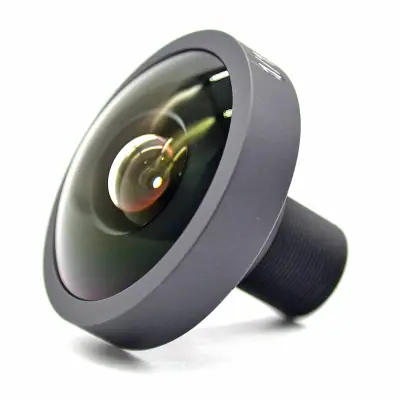
M12 fisheye lens for camera module · Ref. : M12_FISHEYE
Price on request
Maker, Prototyping, Open-Hardware & Developer Boards
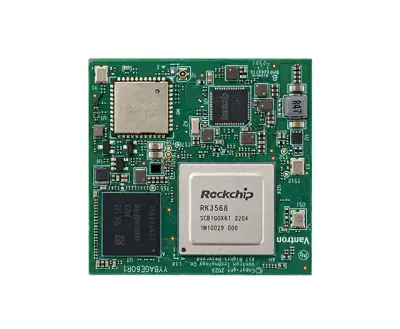
RK3568 System-on-Module with 1 TOPS NPU
Price on request
Maker, Prototyping, Open-Hardware & Developer Boards
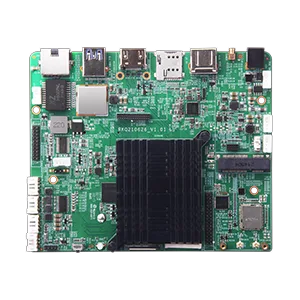
RK3568 Android tablet mainboard with DTV tuner · Ref. : K3-3568
Price on request
Maker, Prototyping, Open-Hardware & Developer Boards
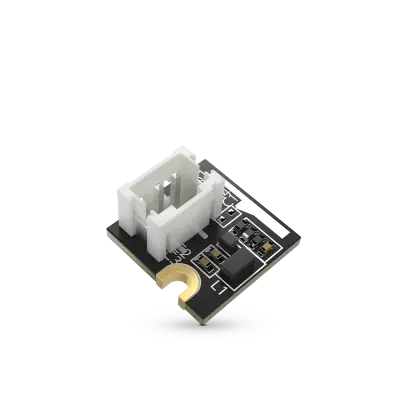
Boost converter module 3.3 V to 12 V 50 mA · Ref. : 110155
Price on request
No advertising or analytics cookies. A single, strictly necessary cookie is set only if you sign in to your account. Your quote basket and comparison stay in your browser. Details