PIM473
1.12" Mono OLED (128x128, white/black) Breakout
- Learn
- Getting Started with 1.12" Mono OLED on Raspberry Pi
1.12" Mono OLED (128x128, white/black) Breakout
Maker, Prototyping, Open-Hardware & Developer Boards
Pimoroni PIM473, listed under “Maker, Prototyping, Open-Hardware & Developer Boards”.
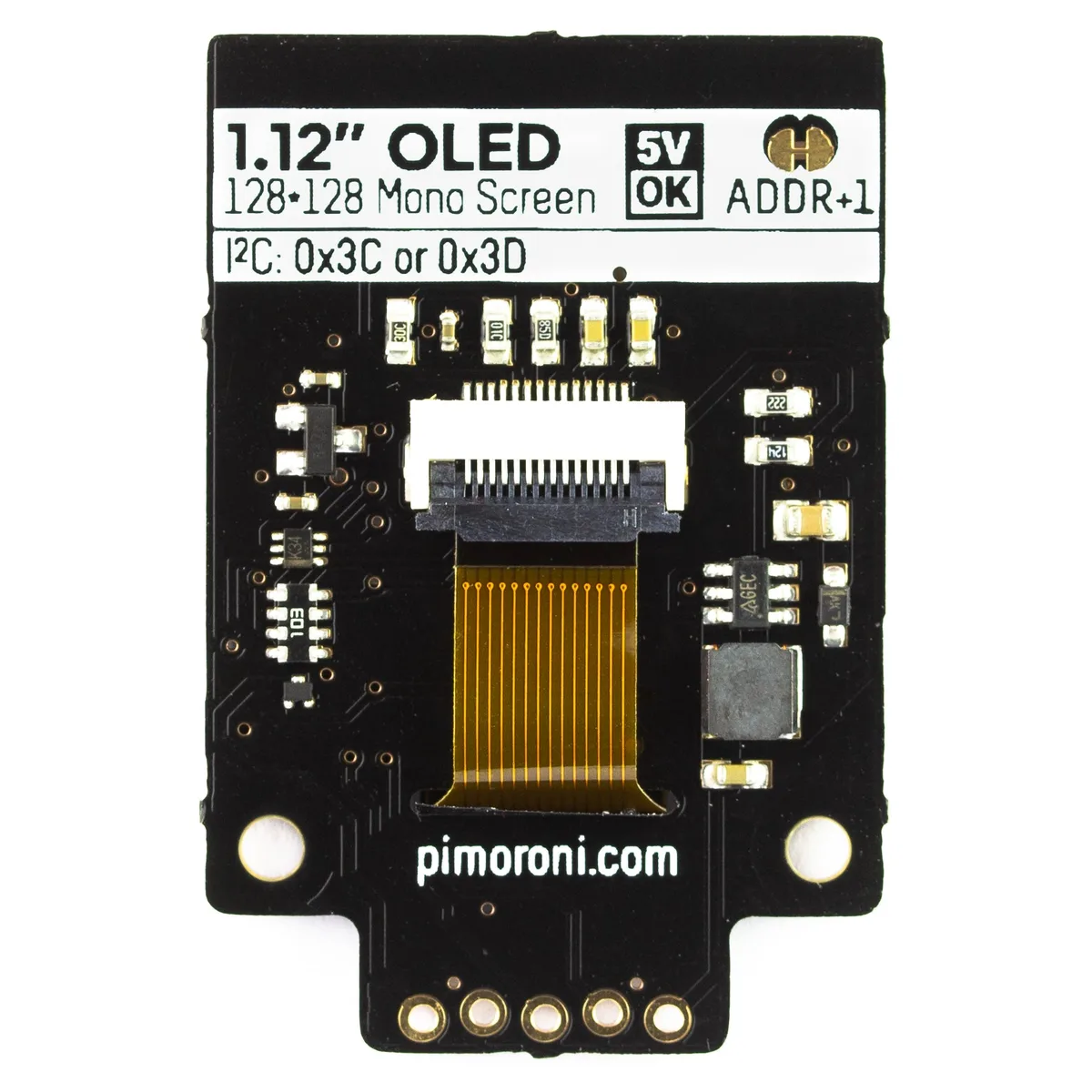
A crisp, bright 1.12" OLED that's ideal for adding a small display to your project. This 128x128 pixel, monochrome white/black display is ideal for graphing, readouts, and displaying basic icons. Now available in SPI or I2C flavours!
OLEDs have the advantage of being extremely bright and readable, with great contrast. Because this one is small, it's great for fitting into projects where space is at a premium, and it's Raspberry Pi and Arduino-compatible!
On the I2C version, we've included a trace that can be cut to change the I2C address from 0x3C to 0x3D, if you want to use two I2C OLEDs at once!
It's also compatible with our fancy Breakout Garden, where using breakouts is as easy just popping it into one of the slots and starting to grow your project, create, and code.
Our 1.12" OLED breakout is now available in SPI or I2C versions. If you have SPI available on your microcontroller, we'd recommend the SPI version, as you can drive it much, much faster, for buttery-smooth animations.
Features
1.12" white/black OLED display (128x128 pixels)
Uses the SH1107 driver chip
20x20mm active area
SPI or I2C (address 0x3C/0x3D (cut trace)) interface
3.3V or 5V compatible
Reverse polarity protection
Compatible with Raspberry Pi computers ( Python library)
Compatible with Arduino
Compatible with Raspberry Pi Pico/RP2040/RP2350* ( C++/MicroPython libraries )
Kit includes
1.12" OLED display breakout
1x5 (I2C) or 1x7 (SPI) pinheader
1x5 right-angle socket header (only included with I2C version)
With the I2C version, you can solder on the piece of right-angle socket header and pop it straight onto the bottom left 5 pins on your Raspberry Pi's GPIO header (pins 1, 3, 5, 7, 9).
With the SPI version, pop it into either one of the SPI sockets on Breakout Garden, or connect it with wires to the following pins on your Pi ( note that it's BCM pin numbering ):
3-5V to any 5V or 3V pin
CS to BCM 7
SCK to BCM 11
MOSI to BCM 10
DC to BCM 9
GND to any ground pin
Software
If you're using a Raspberry Pi computer, we recommend using the Luma Python library to drive this display:
Learn: Getting Started with 1.12" Mono OLED on Raspberry Pi
You can use the I2C version of this breakout with Raspberry Pi Pico and compatible microcontrollers using C++ or one of our custom MicroPython builds.
C++ example (I2C)
MicroPython example (I2C)
Download MicroPython for RP2040 boards
Download MicroPython for RP2350 boards
* Note that the SPI version is not yet supported in pimoroni-pico, but you could try one of these alternative drivers:
MicroPython SH1107 display driver for 128x128 and 128x64 pixel displays
CircuitPython DisplayIO driver for SH1107 monochrome displays
Notes
Dimensions: 28x42x5.5mm.
No published question about this part yet. Questions are reviewed before publication.
Every characteristic recorded for PIM473, with where it comes from. Use the filters to find one quickly.
| Characteristic | Value |
|---|---|
| Learn | Getting Started with 1.12" Mono OLED on Raspberry Pi |
No specification matches.
Last verification : 2026-11-04
Official documents and the technical data recorded for PIM473. For a missing document or a specific revision, our experts send it to you.
Pimoroni PIM473, listed under “Maker, Prototyping, Open-Hardware & Developer Boards”.
| Parameter | Value |
|---|---|
| Learn | Getting Started with 1.12" Mono OLED on Raspberry Pi |
Similar parts to answer your needs. Compare the main characteristics. A recorded replacement is a documented relation; a similar product is a similarity only, never a compatibility claim.
1.12" Mono OLED (128x128, white/black) Breakout
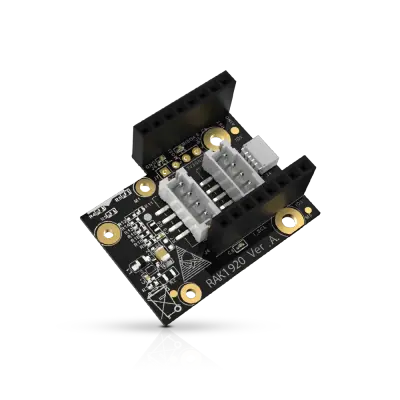
Sensor Adapter for Click, QWIIC and Grove Modules
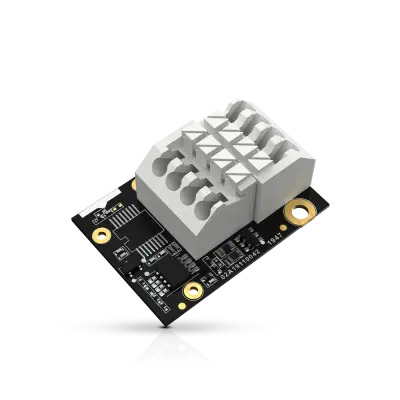
RS485 Module 3PEAK TP8485E
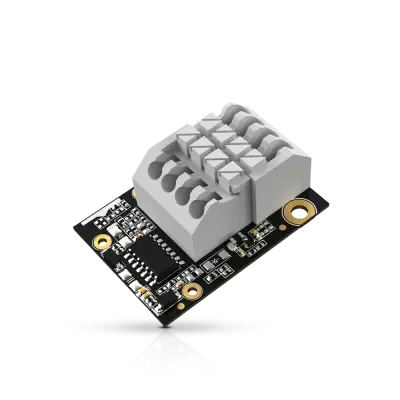
4-20mA Module STMicroelectronics LM2902
Describe your application and constraints in a request.
What is recorded about the regulatory status and the life of this part.
No compliance statement is recorded for this part. Ask the supplier for the RoHS and REACH declarations and, for a radio product, the EU declaration of conformity.
| Current status | Status not stated |
| Key dates | Not recorded |
| Manufacturer part number | PIM473 |
| Manufacturer | Pimoroni |
Maker, Prototyping, Open-Hardware & Developer Boards
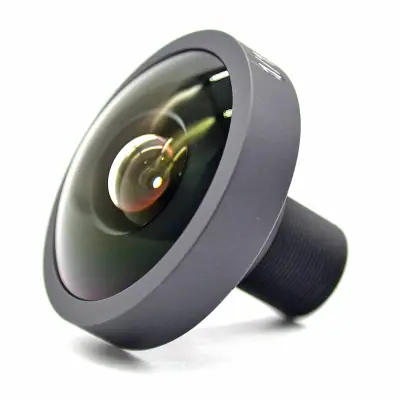
M12 fisheye lens for camera module · Ref. : M12_FISHEYE
Price on request
Maker, Prototyping, Open-Hardware & Developer Boards
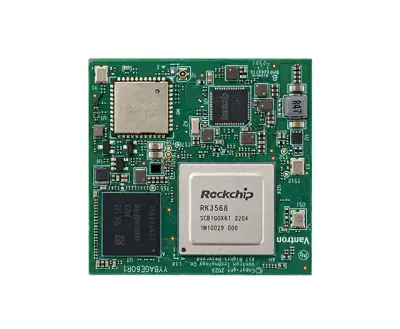
RK3568 System-on-Module with 1 TOPS NPU
Price on request
Maker, Prototyping, Open-Hardware & Developer Boards
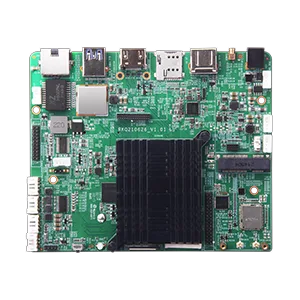
RK3568 Android tablet mainboard with DTV tuner · Ref. : K3-3568
Price on request
Maker, Prototyping, Open-Hardware & Developer Boards
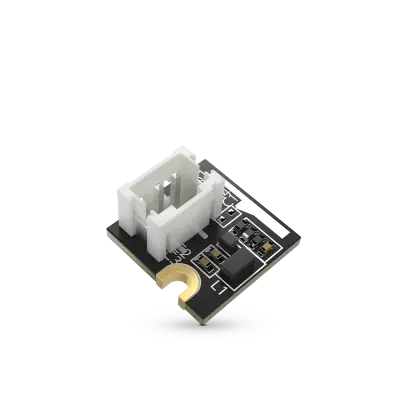
Boost converter module 3.3 V to 12 V 50 mA · Ref. : 110155
Price on request
No advertising or analytics cookies. A single, strictly necessary cookie is set only if you sign in to your account. Your quote basket and comparison stay in your browser. Details