PIM542
Audio DAC SHIM (Line-Out)
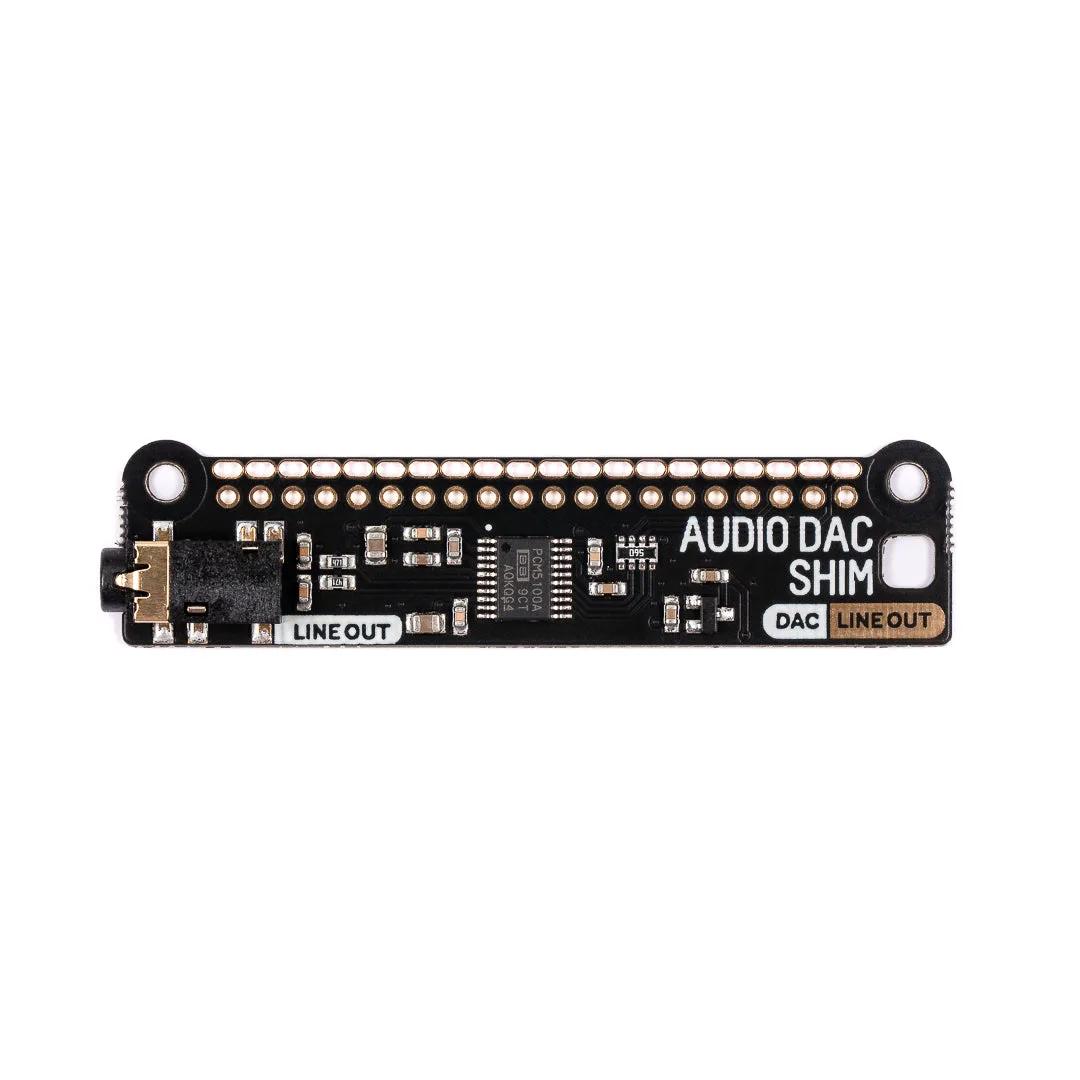
- Dimensions
- 66.5 x 16.2 x 5.2mm (L x W x D, including 3.5mm jack)
- Open a terminal and type the following
- git clone https://github.com/pimoroni/pirate-audio cd pirate-audio/mopidy sudo./install.sh
Audio DAC SHIM (Line-Out)
Maker, Prototyping, Open-Hardware & Developer Boards
Pimoroni PIM542, listed under “Maker, Prototyping, Open-Hardware & Developer Boards”.
A super-simple, slimline way to hook up a hi-fi amp or powered speakers to your Raspberry Pi! Output punchy digital I2S audio whilst leaving your GPIO pins conveniently accessible.
SHIM is a old Yorkshire term meaning 'Shove Hardware In Middle' - we use it for our Raspberry Pi add-ons that are designed to be sandwiched between your Pi and a HAT or mini HAT. This one has a clever friction fit header which slips handily over your GPIO pins and is easily removable - great for prototyping.
The PCM5100A DAC chip takes high quality digital audio from your Pi and pipes out crisp, line-level 24-bit / 192KHz stereo audio through the 3.5mm jack. Because Audio DAC SHIM adds no extra bulk to your Pi it's perfect for fitting inside sleek cases or hiding inside hi-fis, media centres or radiograms - letting you play music or stream digital radio through that still perfectly good sound system. It's also a handy way to add an an audio output to your Pi Zero or Pi 400!
Please note a Raspberry Pi is not included with this board (but check out the extras tab if you'd like to buy one!)
Features
PCM5100A DAC chip ( datasheet )
Line-level digital audio (24-bit / 192KHz) over I2S
3.5mm stereo jack
SHIM-format board with friction-fit connectors
2x mounting holes (M2.5) for if you want to secure everything together with bolts
Fully-assembled
No soldering required (unless you're using a Pi that comes without a header)*
Compatible with all 40-pin header Raspberry Pi models
Dimensions: 66.5 x 16.2 x 5.2mm (L x W x D, including 3.5mm jack)
* Note that variation in manufacturing tolerances on both headers and boards can affect the tightness of the friction fit. If you find that yours is not making a good connection, you could try bending the two rows of GPIO pins away from each other very slightly to improve the fit.
To ensure a robust connection, we'd suggest soldering the SHIM to your Pi's GPIO pins (or a socket header ) when you come to install it in your final project.
Software
The easiest way to get everything set up is to to use our Pirate Audio software and installer which configures I2S audio, as well as installing Mopidy and our custom Pirate Audio plugins.
Here's how to get started:
Set an SD card up with the latest version of Raspberry Pi OS.
Connect to Wi-Fi or a wired network.
Open a terminal and type the following:
git clone cd pirate-audio/mopidy sudo./install.sh
Reboot your Pi
You can find more detailed instructions here: or get tons more info in our Getting Started with Pirate Audio tutorial.
Alternatively, if you'd rather not install all the Mopidy stuff, you can set Audio Amp SHIM as your default Alsa device in Raspberry Pi OS by adding the following line to your /boot/config.txt file:
dtoverlay=hifiberry-dac
If you're using a Pi that has an audio jack you might also need to disable onboard audio by adding a # to the beginning of the following line (this can help applications find the correct audio device automatically):
#dtparam=audio=on Notes
You can use an Audio DAC SHIM with HATs and mini HATs without a booster header, as long as they don't have any chunky components on the underside (it's a good idea to check there are no metal components on the underside of your HAT that touch the metal components on the top of the SHIM).
If you want to use one with a Pibow Coupé case (either for the Zero / Zero W or Pi 4), then you'll need to use a booster header to raise it up a little.
If you're planning on using Audio DAC SHIM to add an audio output to your Pi 400, you'll also need a booster header. If you're plugging it directly into the back of a Pi 400, bear in mind that the SHIM should be upside down, with the mounting holes at the bottom. Alternatively, you could plug it in via a Flat HAT Hacker (in which case you won't need a booster header or to plug anything in upside down).
Audio DAC SHIM uses GPIO 18, 19, and 21 (as well as 5v and various Grounds). If you're planning on using it in conjunction with other boards you'll need to check for pin conflicts using pinout.xyz.
No published question about this part yet. Questions are reviewed before publication.
Every characteristic recorded for PIM542, with where it comes from. Use the filters to find one quickly.
| Characteristic | Value |
|---|---|
| Dimensions | 66.5 x 16.2 x 5.2mm (L x W x D, including 3.5mm jack) |
| Open a terminal and type the following | git clone https://github.com/pimoroni/pirate-audio cd pirate-audio/mopidy sudo./install.sh |
No specification matches.
Last verification : 2026-11-04
Official documents and the technical data recorded for PIM542. For a missing document or a specific revision, our experts send it to you.
Pimoroni PIM542, listed under “Maker, Prototyping, Open-Hardware & Developer Boards”.
| Parameter | Value |
|---|---|
| Dimensions | 66.5 x 16.2 x 5.2mm (L x W x D, including 3.5mm jack) |
| Open a terminal and type the following | git clone https://github.com/pimoroni/pirate-audio cd pirate-audio/mopidy sudo./install.sh |
Similar parts to answer your needs. Compare the main characteristics. A recorded replacement is a documented relation; a similar product is a similarity only, never a compatibility claim.
Audio DAC SHIM (Line-Out)
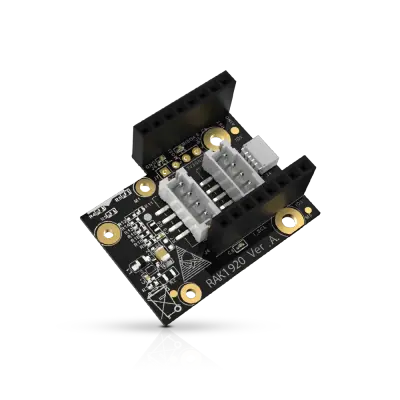
Sensor Adapter for Click, QWIIC and Grove Modules
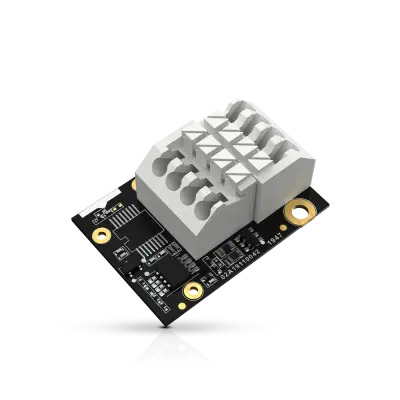
RS485 Module 3PEAK TP8485E
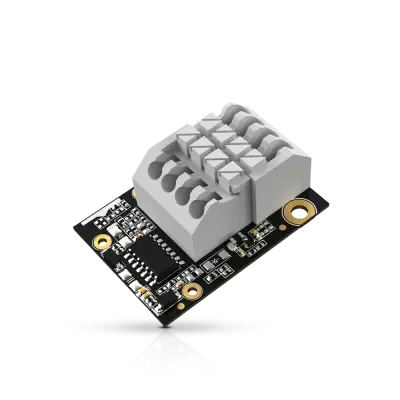
4-20mA Module STMicroelectronics LM2902
Describe your application and constraints in a request.
What is recorded about the regulatory status and the life of this part.
No compliance statement is recorded for this part. Ask the supplier for the RoHS and REACH declarations and, for a radio product, the EU declaration of conformity.
| Current status | Status not stated |
| Key dates | Not recorded |
| Manufacturer part number | PIM542 |
| Manufacturer | Pimoroni |
Maker, Prototyping, Open-Hardware & Developer Boards
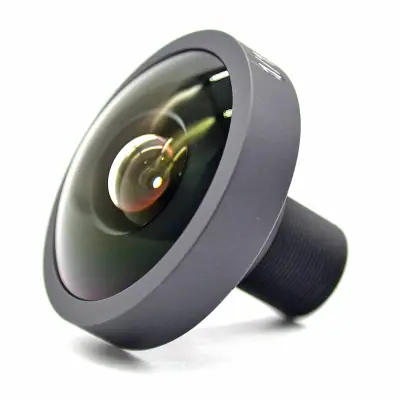
M12 fisheye lens for camera module · Ref. : M12_FISHEYE
Price on request
Maker, Prototyping, Open-Hardware & Developer Boards
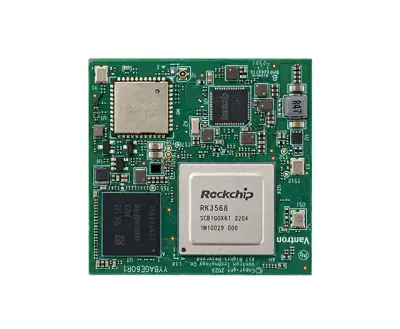
RK3568 System-on-Module with 1 TOPS NPU
Price on request
Maker, Prototyping, Open-Hardware & Developer Boards
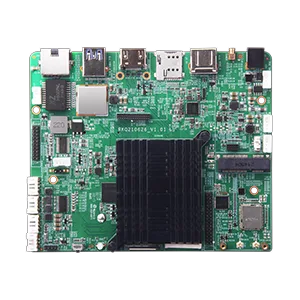
RK3568 Android tablet mainboard with DTV tuner · Ref. : K3-3568
Price on request
Maker, Prototyping, Open-Hardware & Developer Boards
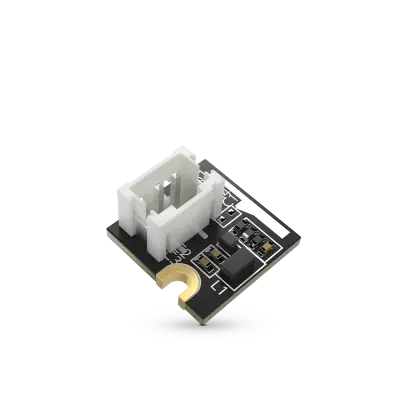
Boost converter module 3.3 V to 12 V 50 mA · Ref. : 110155
Price on request
No advertising or analytics cookies. A single, strictly necessary cookie is set only if you sign in to your account. Your quote basket and comparison stay in your browser. Details