PIM553
Pimoroni Pico VGA Demo Base
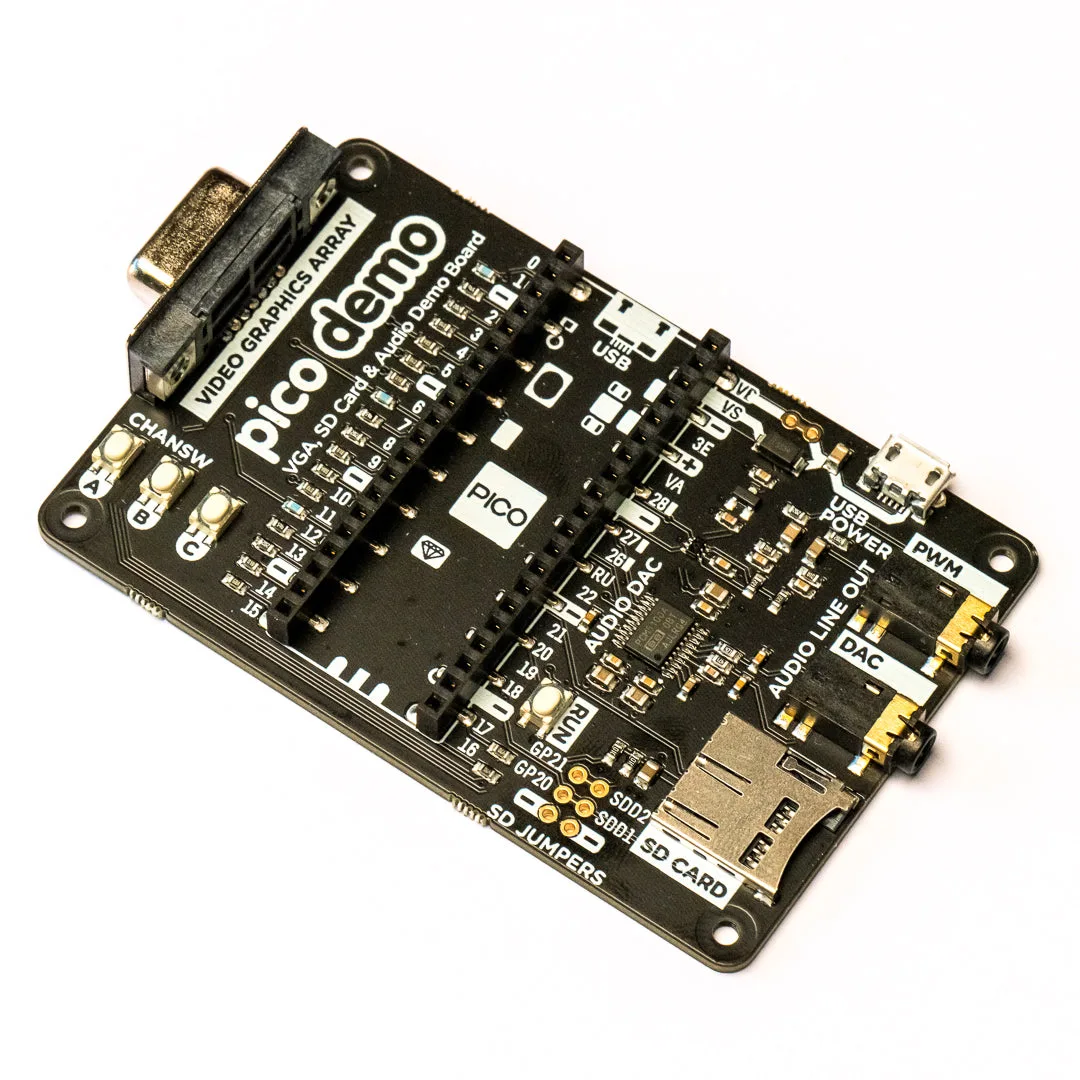
Pimoroni Pico VGA Demo Base
Maker, Prototyping, Open-Hardware & Developer Boards
Pimoroni PIM553, listed under “Maker, Prototyping, Open-Hardware & Developer Boards”.
Built especially to showcase the low cost, feature-rich RP2040 chip on the Raspberry Pi Pico, this board has VGA output, an SD card slot, digital I2S audio output, and more!
Based on the reference design by Raspberry Pi, our Pimoroni Pico VGA Demo Base is a great way to start experimenting with Raspberry Pi Pico/RP2040. It's the perfect way to demo of some of the fun things you can achieve with the RP2040 microcontroller such as generating a solid VGA output without taxing the CPU at all!
Amaze your friends by showing them you still own a D-sub cable!
Bask in the glory of 15-bit analog video!
Get teary eyed over the warm, authentic, RC filtered PWM audio!
This board will run the various video example programs that Raspberry Pi have put together to demonstrate features of the RP2040.
Please note that VGA Demo Base only currently works with the C/C++ Pico SDK!
Your Pico will need to have male headers soldered to it (with the pins pointing downwards) to attach to our add-on boards.
Features
15-pin VGA (D-sub) connector
PCM5100A DAC for line out audio over I2S ( datasheet )
PWM audio output
SD card slot
Reset button
Female headers to install your Raspberry Pi Pico
Three user-controllable switches
Rubber feet
Compatible with Raspberry Pi Pico
No soldering required (as long as your Pico has header pins attached)
Programmable with C/C++
Getting started
The pin-out of our board is the same as Raspberry Pi's reference board, you can find it in chapter 3 of Hardware Design with RP2040 along with more general info about the VGA reference board.
To run the audio and video examples in Raspberry Pi's experimental repos, first make sure you have up to date versions of pico-extras and pico-playground. When building the examples, you will need to specify the board configuration so that the examples use the correct pins. You can do this by creating a new build directory and then specifying the board definition when using cmake:
cmake -D"PICO_BOARD=vgaboard"..
There's more details on about how to build applications with custom board configurations in Appendix D / page 267 of the C/C++ SDK documentation.
Pinout
About Raspberry Pi Pico
Raspberry Pi Pico is a flexible, low cost microcontroller development board from the folks at Raspberry Pi, based on their very own chip - the RP2040. It's easily programmable over USB with C/C++ or MicroPython, and ideal for using in all sorts of physical computing projects, devices and inventions - we're so excited to see what you make with it!
No published question about this part yet. Questions are reviewed before publication.
Official documents and the technical data recorded for PIM553. For a missing document or a specific revision, our experts send it to you.
Pimoroni PIM553, listed under “Maker, Prototyping, Open-Hardware & Developer Boards”.
Similar parts to answer your needs. Compare the main characteristics. A recorded replacement is a documented relation; a similar product is a similarity only, never a compatibility claim.
Pimoroni Pico VGA Demo Base
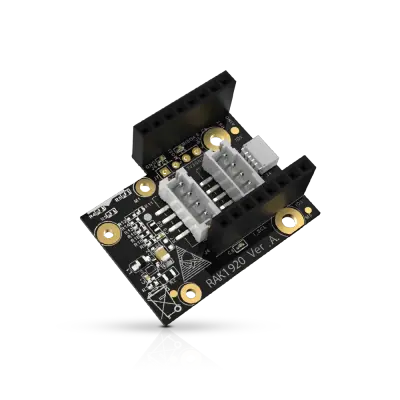
Sensor Adapter for Click, QWIIC and Grove Modules
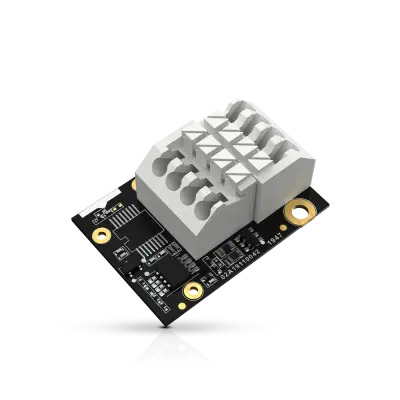
RS485 Module 3PEAK TP8485E
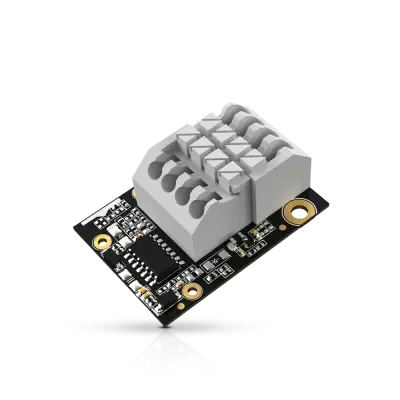
4-20mA Module STMicroelectronics LM2902
Describe your application and constraints in a request.
What is recorded about the regulatory status and the life of this part.
No compliance statement is recorded for this part. Ask the supplier for the RoHS and REACH declarations and, for a radio product, the EU declaration of conformity.
| Current status | Status not stated |
| Key dates | Not recorded |
| Manufacturer part number | PIM553 |
| Manufacturer | Pimoroni |
Maker, Prototyping, Open-Hardware & Developer Boards
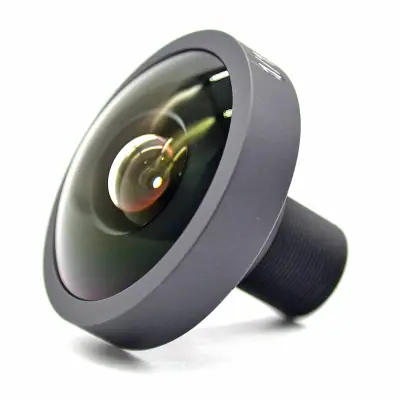
M12 fisheye lens for camera module · Ref. : M12_FISHEYE
Price on request
Maker, Prototyping, Open-Hardware & Developer Boards
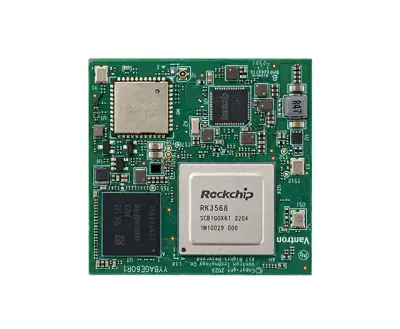
RK3568 System-on-Module with 1 TOPS NPU
Price on request
Maker, Prototyping, Open-Hardware & Developer Boards
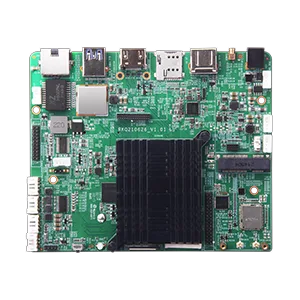
RK3568 Android tablet mainboard with DTV tuner · Ref. : K3-3568
Price on request
Maker, Prototyping, Open-Hardware & Developer Boards
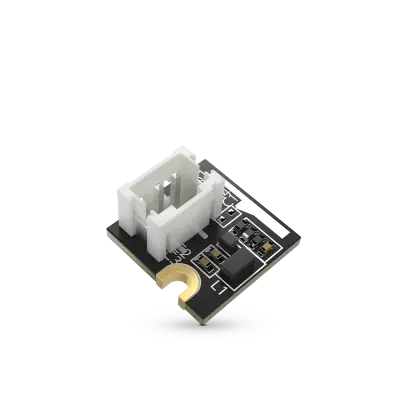
Boost converter module 3.3 V to 12 V 50 mA · Ref. : 110155
Price on request
No advertising or analytics cookies. A single, strictly necessary cookie is set only if you sign in to your account. Your quote basket and comparison stay in your browser. Details