PIM580
Pico Display Pack 2.0
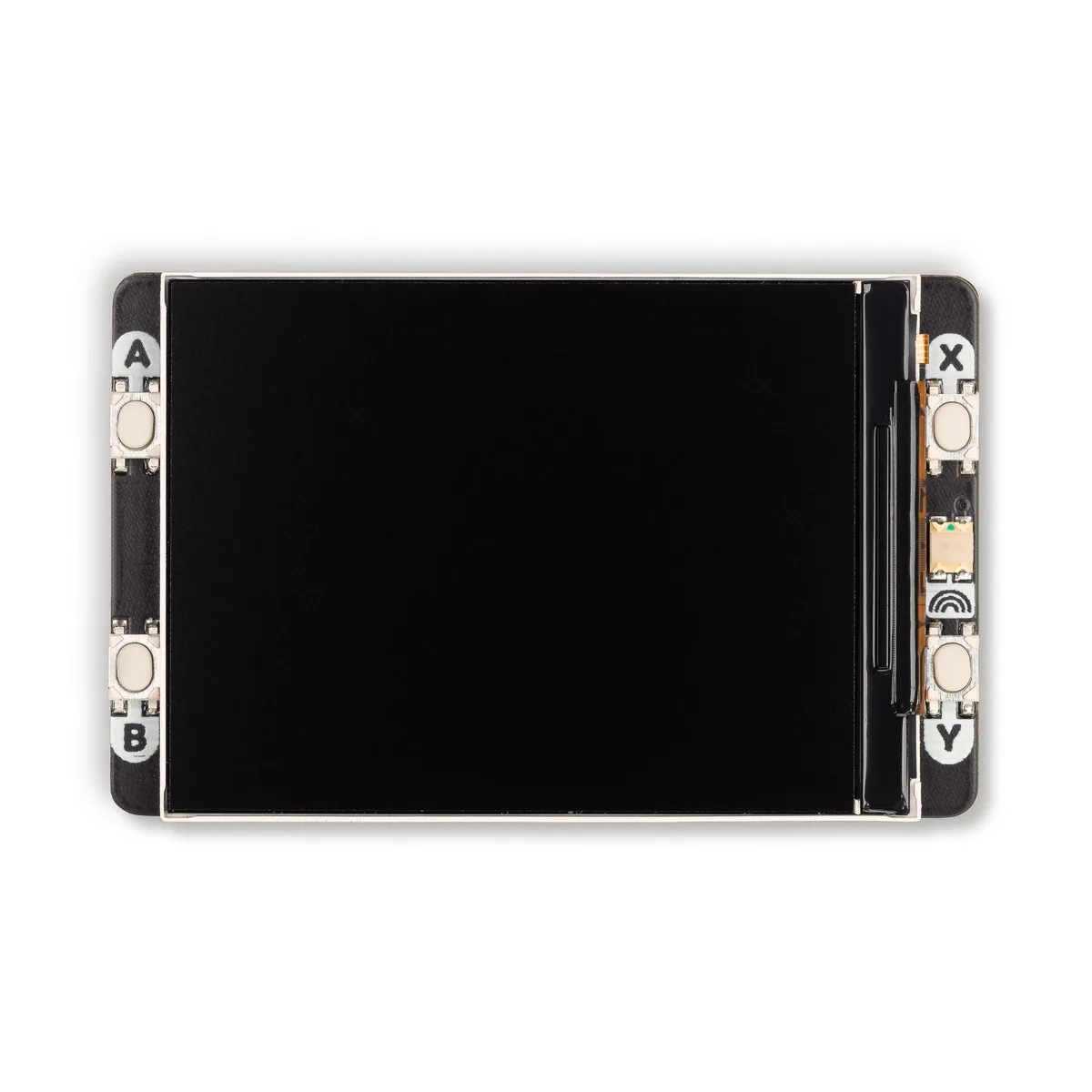
- Screen usable area
- 40.8mm x 30.6mm (L x W)
Pico Display Pack 2.0
Maker, Prototyping, Open-Hardware & Developer Boards
Pimoroni PIM580, listed under “Maker, Prototyping, Open-Hardware & Developer Boards”.
A spacious 2.0" (320 x 240) IPS LCD display for Raspberry Pi Pico, with four buttons, an RGB LED and plenty of room for your Pico projects!
This 18-bit capable 320x240 pixel IPS display adheres majestically to the back of your Pico, and has lush colours and great viewing angles. Just like our original Display Pack, we've surrounded it with four tactile buttons so you can use your human fingers (or other non-human appendages) to interface with your Pico. There's also an RGB LED that you can use as an indicator, for notifications or just for adding extra rainbows.
Pico Display 2.0 lets you turn a Pico into a user interface device for a bigger project, capable of giving instructions, displaying readouts and even incorporating elaborate nested menus. If you'd rather use your Pico as a standalone device you could fill up all that prime screen real estate with digitally generated, Mandelbrot-esque art, beautiful graphs or readouts from lots of sensors. You could even make a device for getting folks to share their secrets via Telnet!
A Raspberry Pi Pico is not included so make sure to grab one!
Your Pico will need to have pin headers soldered to it (with the pins pointing downwards) to attach to our add-on boards.
Features
2.0” 320x240 pixel IPS LCD screen (~220 PPI, 65K colours)
4 x tactile buttons
RGB LED
Pre-soldered female headers for attaching to Pico
Compatible with Raspberry Pi Pico/Pico W.
Fully assembled
No soldering required (as long as your Pico has header pins attached).
Dimensions: approx 56mm x 35mm x 11mm (L x W x H, includes display)
Screen usable area: 40.8mm x 30.6mm (L x W)
C/C++ and MicroPython libraries
Schematic
Dimensional drawing
Getting started
The labels on the underside of Pico Display Pack 2.0 will show you which way round to plug it into your Pico - just match up the USB port with the markings on the board.
The easiest way to get started is by downloading and copying our custom MicroPython uf2 to your Pico, it includes all the libraries you'll need to use our add-ons. The beginner friendly tutorial linked below will show you how to get to grips with pirate-brand MicroPython.
Getting Started with Raspberry Pi Pico
MicroPython examples
PicoGraphics function reference
MicroPython code written for the original Display Pack can be easily converted to run on Display Pack 2.0 by changing DISPLAY_PICO_DISPLAY to DISPLAY_PICO_DISPLAY_2.
Display Pack 2.0 also works very nicely with CircuitPython and Adafruit's DisplayIO library - look for the Display Pack 2.0 ST7789 example in the library bundle to get started!
Notes
This screen is a wee bit taller than the surrounding buttons, so it's worth taking care when pressing the buttons that you're not also pressing down on the screen, particularly at the edge with the ribbon cable. Careful pressing with fingertips rather than full on thumb mashing is the way forward.
Even though it's bigger than our other Pico Packs, Display 2.0 will still work with Pico Omnibus or Pico Decker, if you want to use more than one Pico Pack at once. Please note that if you plug Display 2.0 into a Pico Decker, it will overhang the addon slot next to it.
About Raspberry Pi Pico
Raspberry Pi Pico is a flexible, low cost microcontroller development board from the folks at Raspberry Pi, based on their very own chip - the RP2040. It's easily programmable over USB with C/C++ or MicroPython, and ideal for using in all sorts of physical computing projects, devices and inventions - we're so excited to see what you make with it!
No published question about this part yet. Questions are reviewed before publication.
Every characteristic recorded for PIM580, with where it comes from. Use the filters to find one quickly.
| Characteristic | Value |
|---|---|
| Dimensions | approx 56mm x 35mm x 11mm (L x W x H, includes display) |
| Screen usable area | 40.8mm x 30.6mm (L x W) |
No specification matches.
Last verification : 2026-11-04
Official documents and the technical data recorded for PIM580. For a missing document or a specific revision, our experts send it to you.
Pimoroni PIM580, listed under “Maker, Prototyping, Open-Hardware & Developer Boards”.
| Parameter | Value |
|---|---|
| Dimensions | approx 56mm x 35mm x 11mm (L x W x H, includes display) |
| Screen usable area | 40.8mm x 30.6mm (L x W) |
Similar parts to answer your needs. Compare the main characteristics. A recorded replacement is a documented relation; a similar product is a similarity only, never a compatibility claim.
Pico Display Pack 2.0
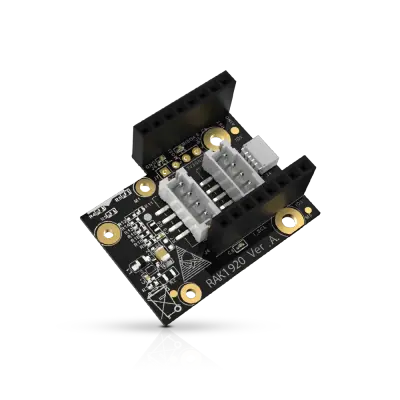
Sensor Adapter for Click, QWIIC and Grove Modules
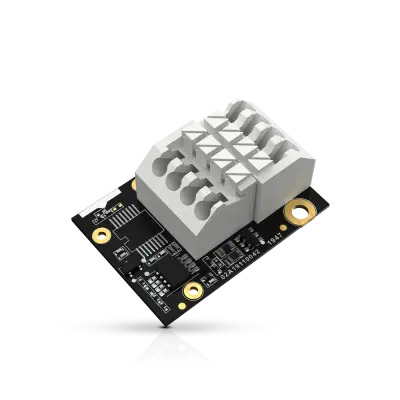
RS485 Module 3PEAK TP8485E
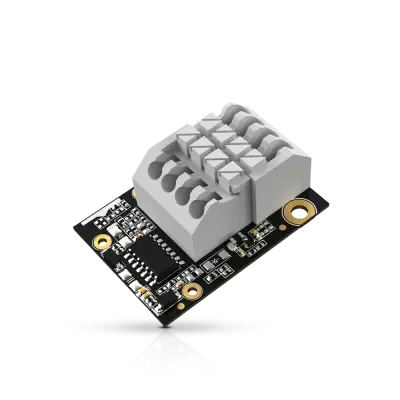
4-20mA Module STMicroelectronics LM2902
Describe your application and constraints in a request.
What is recorded about the regulatory status and the life of this part.
No compliance statement is recorded for this part. Ask the supplier for the RoHS and REACH declarations and, for a radio product, the EU declaration of conformity.
| Current status | Status not stated |
| Key dates | Not recorded |
| Manufacturer part number | PIM580 |
| Manufacturer | Pimoroni |
Maker, Prototyping, Open-Hardware & Developer Boards
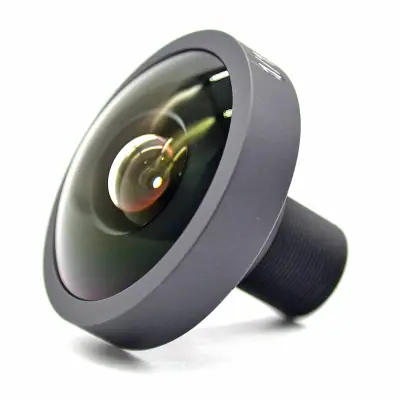
M12 fisheye lens for camera module · Ref. : M12_FISHEYE
Price on request
Maker, Prototyping, Open-Hardware & Developer Boards
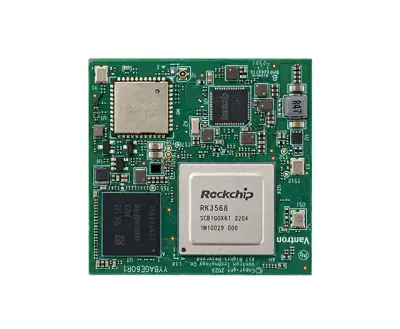
RK3568 System-on-Module with 1 TOPS NPU
Price on request
Maker, Prototyping, Open-Hardware & Developer Boards
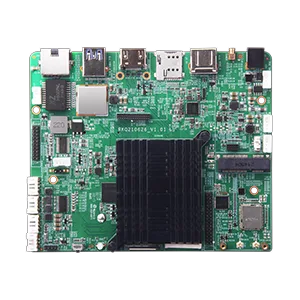
RK3568 Android tablet mainboard with DTV tuner · Ref. : K3-3568
Price on request
Maker, Prototyping, Open-Hardware & Developer Boards
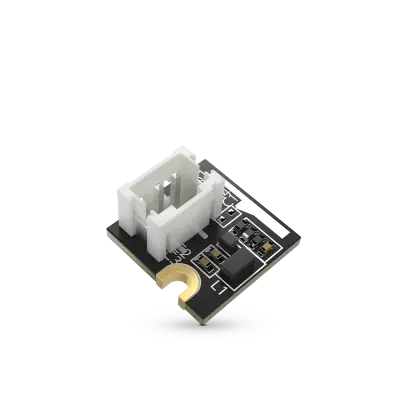
Boost converter module 3.3 V to 12 V 50 mA · Ref. : 110155
Price on request
No advertising or analytics cookies. A single, strictly necessary cookie is set only if you sign in to your account. Your quote basket and comparison stay in your browser. Details