PIM625
Inky Frame 5.7" (Pico W Aboard)
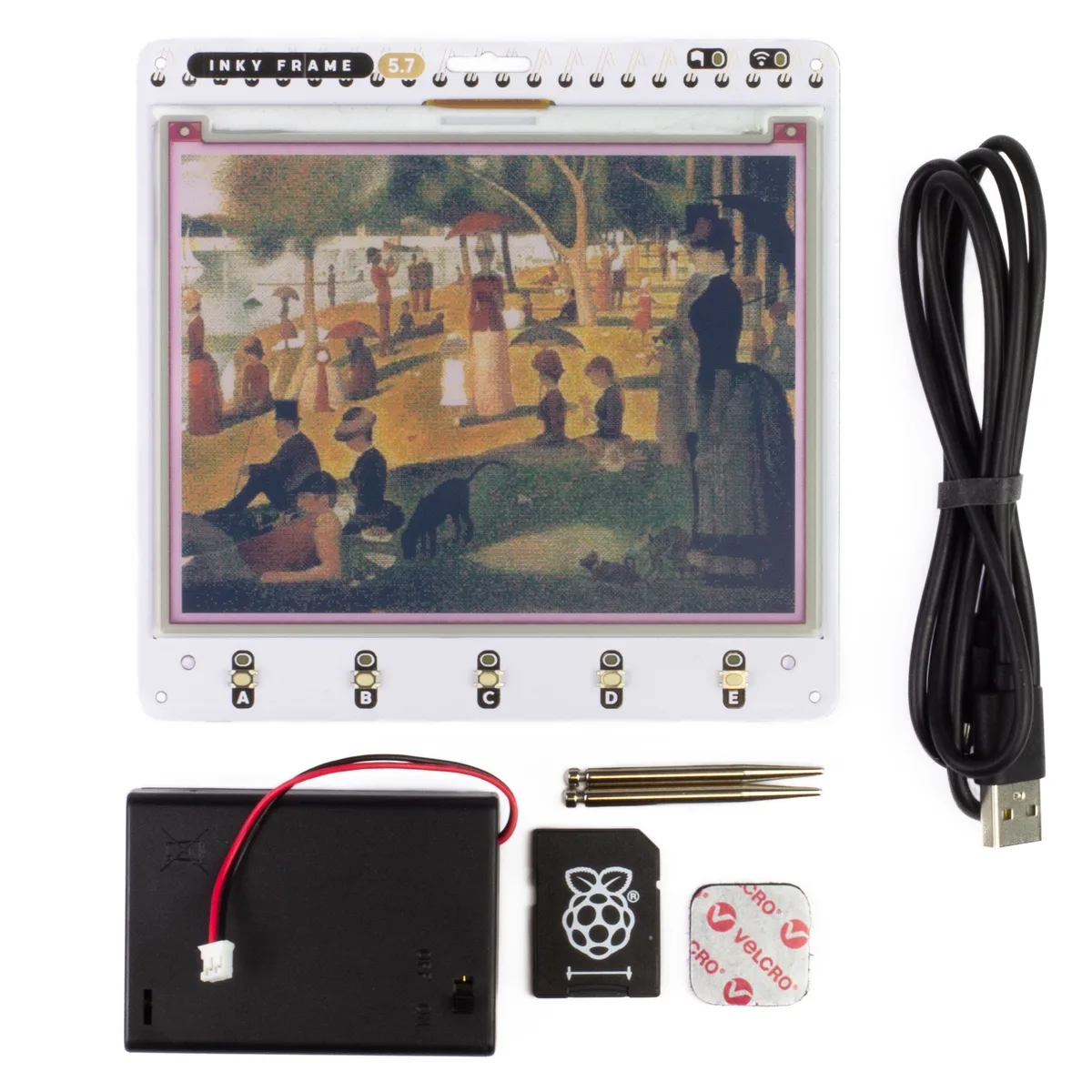
Limited record: this part has neither specifications nor a datasheet in the catalog yet. It is shown for reference and is not indexed.
Inky Frame 5.7" (Pico W Aboard)
Maker, Prototyping, Open-Hardware & Developer Boards
Pimoroni PIM625, listed under “Maker, Prototyping, Open-Hardware & Developer Boards”.
A large Pico W powered E Ink® photo frame / home dashboard / life organiser with glorious seven colour display and wireless connectivity.
Inky Frame 5.7" features a big seven colour E Ink display (which can also be found on Inky Impression 5.7" ), with loads of space for displaying images, text, graphs or interfaces. There's five buttons with LED indicators for interacting with the display, two Qw/ST connectors for plugging in breakouts and a micro SD card slot for all-important storage of cat photos.
Every Inky Frame comes with a pair of sleek little metal legs so you can stand it up on your desk (and a selection of mounting holes if you'd prefer to do something else). There's also a battery connector so you can power it without annoying trailing wires, and some neato power saving features that mean you can run it from batteries for ages.
We've designed Inky Frame with organisation in mind, here are some things we reckon it would be really great for:
Checking your calendar and upcoming appointments at a glance!
Attaching to your office door to display your availability
Displaying motivational posters, quotes, or images (fungible or otherwise)
Showing cute graphs and readouts from local or wirelessly connected sensors.
Pico W x E Ink®
Multi-colour EPD displays use ingenious electrophoresis to pull coloured particles up and down on the display. The coloured particles reflect light, unlike most display types, meaning that they're easily visible under bright lights.
E-paper is also ultra low power. It only consumes power whilst refreshing and the images on the display stick around for a really long time whilst the display is unpowered. This means these displays are perfect for powering from battery!
⚠ It takes approximately 30 seconds to refresh this display, so it will work best in projects that don't need constant refreshing.
Features
Raspberry Pi Pico W Aboard
Dual Arm Cortex M0+ running at up to 133Mhz with 264kB of SRAM
2MB of QSPI flash supporting XiP
Powered and programmable by USB micro-B
2.4GHz wireless
5.7" EPD display (600 x 448 pixels)
E Ink Gallery Palette™ 4000 ePaper
ACeP (Advanced Color ePaper) 7-color with black, white, red, green, blue, yellow, orange.
Ultra wide viewing angle – >170°
Dot pitch – 0.1915 x 0.1915mm
5 x tactile buttons with LED indicators
Two Qw/ST connectors for attaching breakouts
microSD card slot *
Dedicated RTC chip (PCF85063A) for deep sleep / wake **
Fully assembled
No soldering required.
Programmable with C/C++ or MicroPython
Inky Frame Only includes
Inky Frame 5.7" (with Pico W Aboard)
2 x metal legs
Inky Frame + Accessory Kit includes
Inky Frame 5.7" (with Pico W Aboard)
2 x metal legs
3 x AA battery pack
3 x AA batteries
USB micro B cable
Velcro square for attaching battery pack
microSD card
Getting Started
To make it easy to get started, Inky Frame ships pre-loaded with pirate brand MicroPython and some fun examples that use the wireless capabilities of the Pico W to display interesting things.
To enable Inky Frame to connect to the internet, you'll need to save a file called secrets.py to the Pico 2 W using Thonny. It should contain the following lines:
WIFI_SSID = "your_ssid_goes_here" WIFI_PASSWORD = "your_password_goes_here"
To return to the launcher, hold down buttons A and E and tap reset.
You can find more examples on Github:
Inky Frame MicroPython firmware and examples
Connecting Breakouts
Inky Frame has two Qw/ST connectors (AKA Qwiic/STEMMA QT) so you can connect up Qw/ST breakouts easily using a JST-SH to JST-SH cable.
View everything Qw/ST!
Breakouts currently compatible with our C++/MicroPython build
Notes
Measurements: 131.4 x 127.5 mm (L x W)
These seven colour ePaper displays work best when refreshed at an ambient room temperature ( between 15 and 35° ). If the screen is cold you might find that the colours are less vibrant or the display is much darker than it should be.
* A micro SD card can be added to cache data downloaded over wifi or for logging information prior to uploading via wireless. It can also be used to preload assets for your user interface. Certain tasks (like decoding a jpeg or downloading a file) require an SD card to be present as they need a large working space and wouldn't be able to fit entirely in RAM.
We've found Pico flavoured C++/MicroPython is quite fussy about SD cards so if yours doesn't work, try another or formatting using FAT. The cards in the Accessory Kit, or our 32GB or 64GB cards will work fine.
** Inky Frame's onboard RTC (Real Time Clock) means it can be put into a super deep sleep mode that only draws about 20uA of power. Inky Frame can turn off the power that drives the Pico W and the display completely. It can be woken back up by the RTC, the front buttons or the external trigger on the extension header. You can also read the RTC to keep track of the time and date, of course!
On the expansion header is an external trigger input. if this is transitioned from low to high then Inky Frame will wake up from deep sleep. This lets you add your own wake button or circuit or build Inky Frame into a more complicated system. The external trigger is 3.3V max.
Resources
Schematic
Dimensional drawing
About Pico W Aboard
Our new Pico W Aboard products come with a built in Raspberry Pi Pico W. This means you get all the advantages of a RP2040 microcontroller - a speedy fast dual-core ARM processor, a dynamic, growing ecosystem and a choice of different programming methods to experiment with. Most excitingly though, Pico W has wireless connectivity, so your Pico/RP2040 devices can communicate with each other, and the internet! 🌍
View all Pico W Aboard!
No published question about this part yet. Questions are reviewed before publication.
Official documents and the technical data recorded for PIM625. For a missing document or a specific revision, our experts send it to you.
Pimoroni PIM625, listed under “Maker, Prototyping, Open-Hardware & Developer Boards”.
Similar parts to answer your needs. Compare the main characteristics. A recorded replacement is a documented relation; a similar product is a similarity only, never a compatibility claim.
Inky Frame 5.7" (Pico W Aboard)
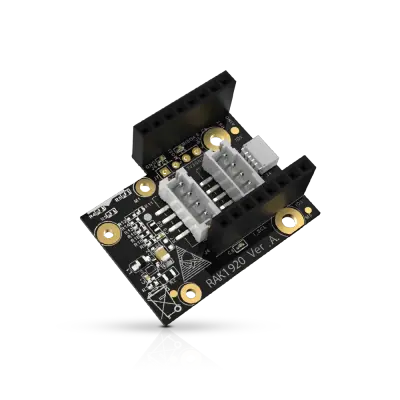
Sensor Adapter for Click, QWIIC and Grove Modules
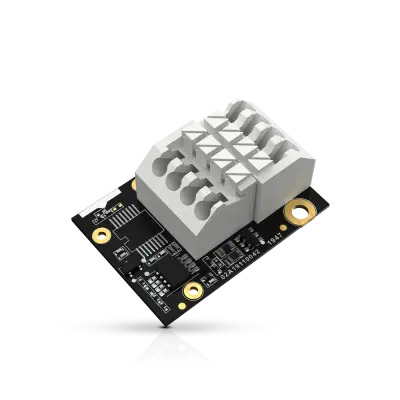
RS485 Module 3PEAK TP8485E
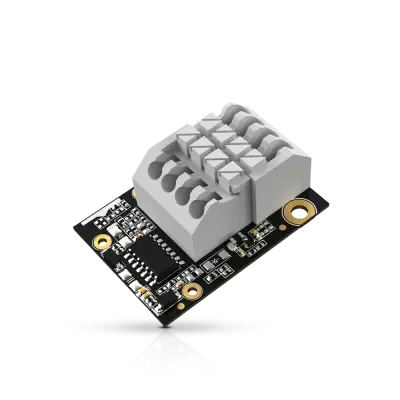
4-20mA Module STMicroelectronics LM2902
Describe your application and constraints in a request.
What is recorded about the regulatory status and the life of this part.
No compliance statement is recorded for this part. Ask the supplier for the RoHS and REACH declarations and, for a radio product, the EU declaration of conformity.
| Current status | Status not stated |
| Key dates | Not recorded |
| Manufacturer part number | PIM625 |
| Manufacturer | Pimoroni |
Maker, Prototyping, Open-Hardware & Developer Boards
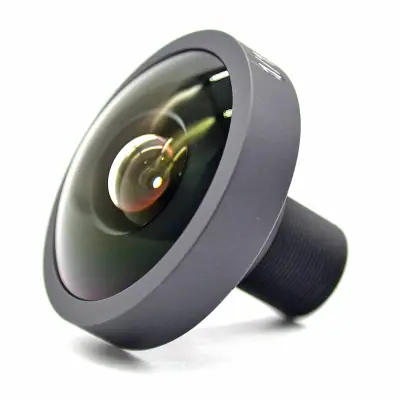
M12 fisheye lens for camera module · Ref. : M12_FISHEYE
Price on request
Maker, Prototyping, Open-Hardware & Developer Boards
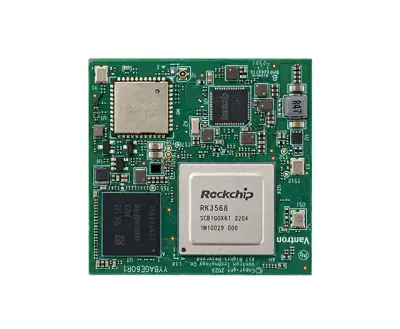
RK3568 System-on-Module with 1 TOPS NPU
Price on request
Maker, Prototyping, Open-Hardware & Developer Boards
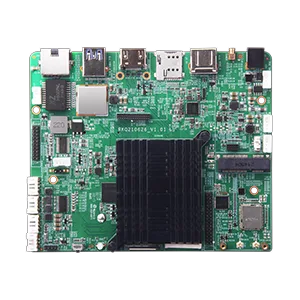
RK3568 Android tablet mainboard with DTV tuner · Ref. : K3-3568
Price on request
Maker, Prototyping, Open-Hardware & Developer Boards
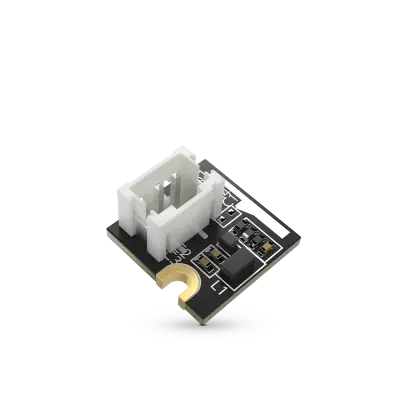
Boost converter module 3.3 V to 12 V 50 mA · Ref. : 110155
Price on request
No advertising or analytics cookies. A single, strictly necessary cookie is set only if you sign in to your account. Your quote basket and comparison stay in your browser. Details