PIM652
Automation 2040 W Mini (Pico W Aboard)
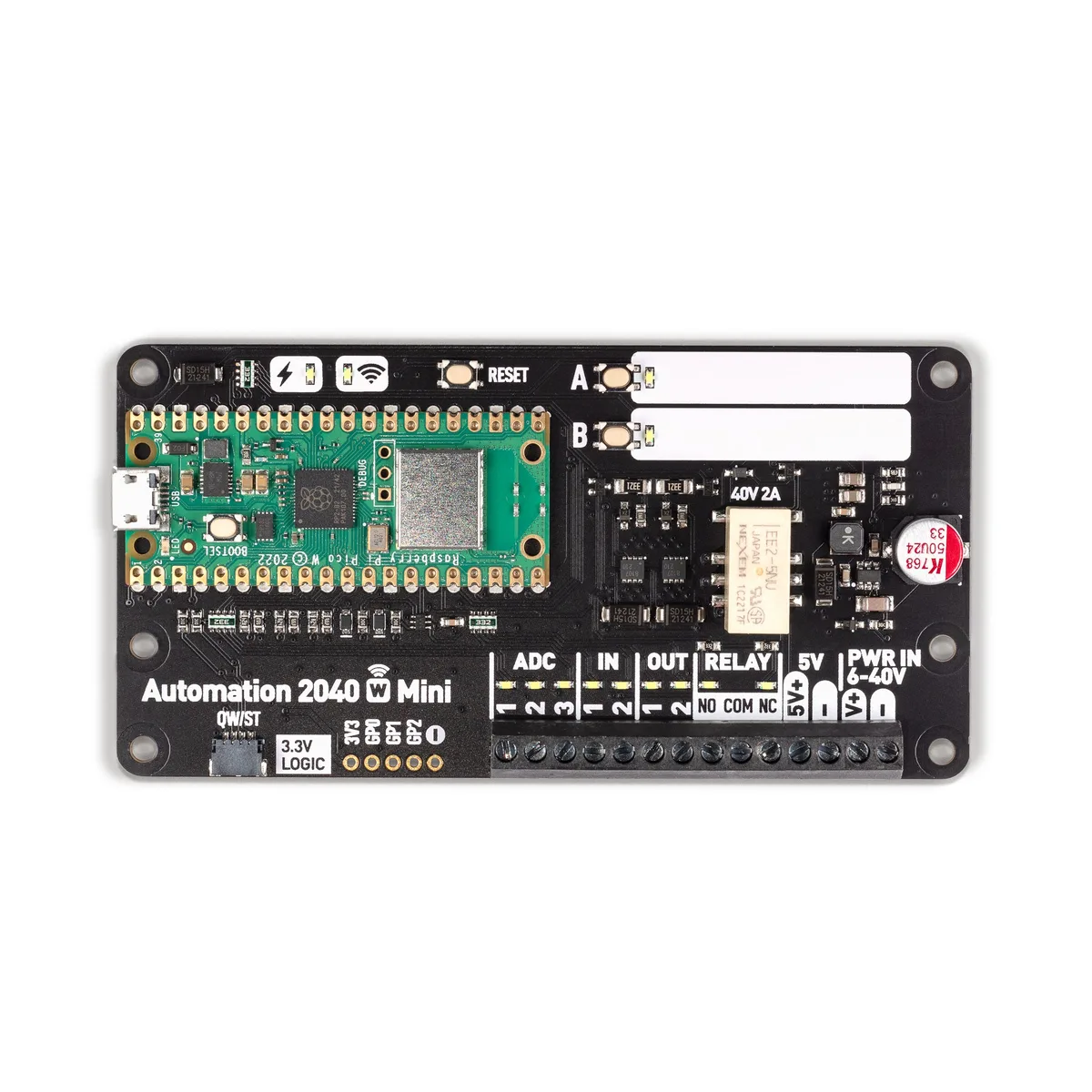
Limited record: this part has neither specifications nor a datasheet in the catalog yet. It is shown for reference and is not indexed.
Automation 2040 W Mini (Pico W Aboard)
Maker, Prototyping, Open-Hardware & Developer Boards
Pimoroni PIM652, listed under “Maker, Prototyping, Open-Hardware & Developer Boards”.
A slimline industrial/automation controller with 2.4GHz wireless, powered by Raspberry Pi Pico W. Compatible with 6V to 40V systems.
Automation 2040 W Mini is a compact Pico W / RP2040 powered monitoring and automation board. It has a host of useful features for controlling other bits of electronic and industrial kit - analog channels, powered outputs, buffered inputs and a relay. Perfect for controlling fans, pumps, solenoids, chunky motors, electronic locks or static LED lighting (up to 40V).
All the channels (and the buttons) have an associated indicator LED so you can see at a glance what's happening with your setup, or test your programs without having hardware connected. We've even left some space for labelling whatever you've got connected up, be it a hidden trap door for surprising your enemies, a coffee machine with an associated API, or a mechanism for dispensing tasty treats to your pets (or family) remotely.
🔌 If you need more digital inputs, outputs and relays check out the larger sibling - Automation 2040 W.
⚡ Want to mount this board inside a switch cabinet or other electrical enclosure? We have DIN rail mounting clips!
Features
Raspberry Pi Pico W Aboard
Dual Arm Cortex M0+ running at up to 133Mhz with 264kB of SRAM
2MB of QSPI flash supporting XiP
Powered and programmable by USB micro-B
2.4GHz wireless
3 x 12-bit ADC inputs up to 40V
2 x digital inputs up to 40V
2 x digital sourcing outputs at V+ (supply voltage)
4A max continuous current
2A max current at 500Hz PWM
1 x relay (NC and NO terminals)
2A up to 24V
1A up to 40V
3.5mm screw terminals for connecting inputs, outputs and external power
2 x tactile buttons with LED indicators
Reset button
1 x Qw/ST connector for attaching breakouts
M2.5 mounting holes
Fully assembled
No soldering required.
C/C++ and MicroPython libraries
Schematic
Dimensional drawing
Power
Board is compatible with 12V, 24V and 36V systems
Requires supply 6-40V
Can provide 5V up to 0.5A for lower voltage applications
Software
Our C++/MicroPython libraries provide a straightforward way to interface with the functions on this board. You'll get best performance using C++, but if you're a beginner we'd recommend using our batteries included MicroPython build for ease of getting started.
Download pirate-brand MicroPython (you'll need the `picow`.uf2)
Getting Started with Raspberry Pi Pico
MicroPython examples
MicroPython function reference
C++ examples
C++ function reference
Check out our Getting Started tutorial for a walkthrough of Automation features and functions and how to program it using MicroPython.
Getting Started with Automation 2040 W
Connecting Breakouts
The Qw/ST connector on Automation 2040 W Mini makes it super easy to connect up Qwiic or STEMMA QT breakouts. If your breakout has a QW/ST connector on board, you can plug it straight in with a JST-SH to JST-SH cable.
Breakout Garden breakouts that don't have a Qw/ST connector can be connected using a JST-SH to JST-SH cable plus a Qw/ST to Breakout Garden adaptor. Want to use >2 breakouts at the same time? Try this adaptor!
List of breakouts currently compatible with our C++/MicroPython build.
Notes
Do not use to switch mains voltages!
Based on the working range of the components and the design of the circuit, we recommend using this device at temperatures between -20°C and 70°C.
About Pico W Aboard
Our new Pico W Aboard products come with a built in Raspberry Pi Pico W. This means you get all the advantages of a RP2040 microcontroller - a speedy fast dual-core ARM processor, a dynamic, growing ecosystem and a choice of different programming methods to experiment with. Most excitingly though, Pico W has wireless connectivity, so your Pico/RP2040 devices can communicate with each other, and the internet! 🌍
Wireless is very new to Pico/RP2040 - be aware that things will move fast and change! Software support (wireless examples, tutorials, CircuitPython support etc) will take a little while to catch up. If you're an absolute beginner to Pico/RP2040, you might have a better experience with wireless if you wait until everything is a little more settled.
No published question about this part yet. Questions are reviewed before publication.
Official documents and the technical data recorded for PIM652. For a missing document or a specific revision, our experts send it to you.
Pimoroni PIM652, listed under “Maker, Prototyping, Open-Hardware & Developer Boards”.
Similar parts to answer your needs. Compare the main characteristics. A recorded replacement is a documented relation; a similar product is a similarity only, never a compatibility claim.
Automation 2040 W Mini (Pico W Aboard)
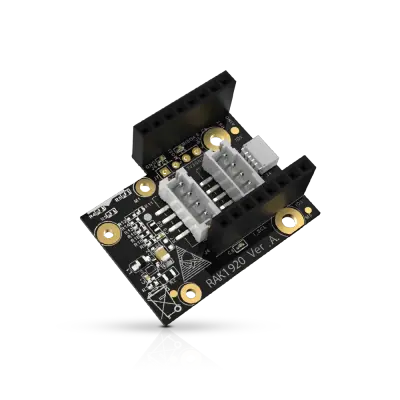
Sensor Adapter for Click, QWIIC and Grove Modules
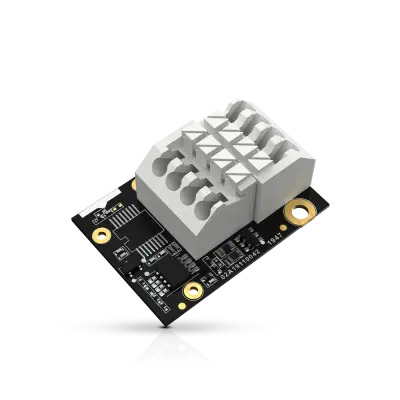
RS485 Module 3PEAK TP8485E
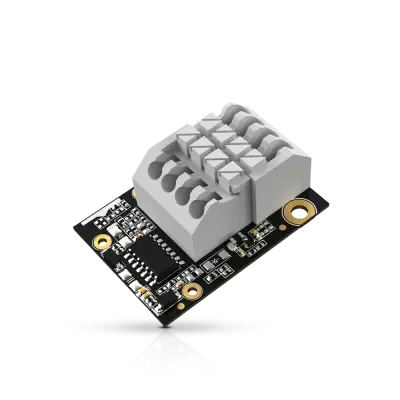
4-20mA Module STMicroelectronics LM2902
Describe your application and constraints in a request.
What is recorded about the regulatory status and the life of this part.
No compliance statement is recorded for this part. Ask the supplier for the RoHS and REACH declarations and, for a radio product, the EU declaration of conformity.
| Current status | Status not stated |
| Key dates | Not recorded |
| Manufacturer part number | PIM652 |
| Manufacturer | Pimoroni |
Maker, Prototyping, Open-Hardware & Developer Boards
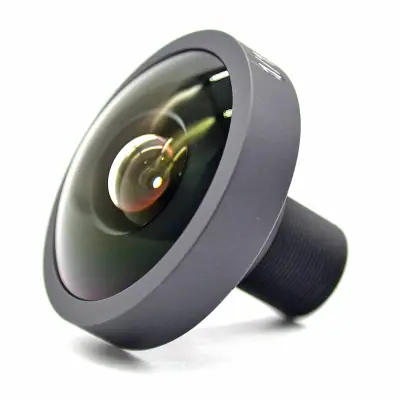
M12 fisheye lens for camera module · Ref. : M12_FISHEYE
Price on request
Maker, Prototyping, Open-Hardware & Developer Boards
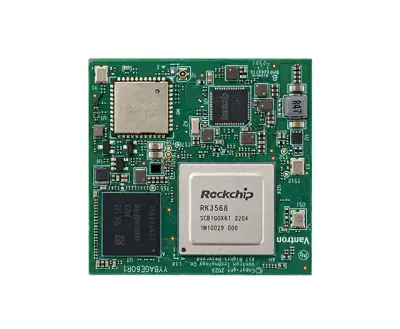
RK3568 System-on-Module with 1 TOPS NPU
Price on request
Maker, Prototyping, Open-Hardware & Developer Boards
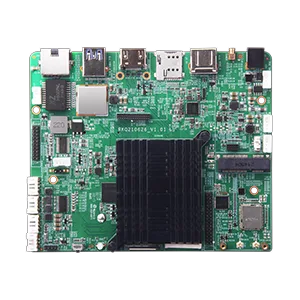
RK3568 Android tablet mainboard with DTV tuner · Ref. : K3-3568
Price on request
Maker, Prototyping, Open-Hardware & Developer Boards
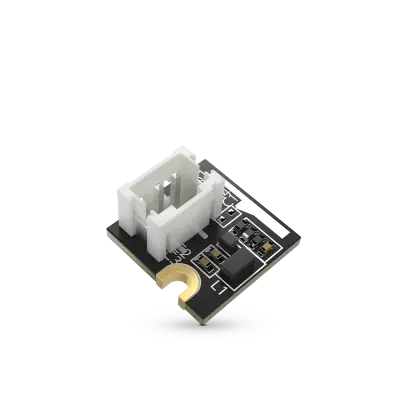
Boost converter module 3.3 V to 12 V 50 mA · Ref. : 110155
Price on request
No advertising or analytics cookies. A single, strictly necessary cookie is set only if you sign in to your account. Your quote basket and comparison stay in your browser. Details