PIM674
PicoVision (Pico W Aboard)
Limited record: this part has neither specifications nor a datasheet in the catalog yet. It is shown for reference and is not indexed.
PicoVision (Pico W Aboard)
Maker, Prototyping, Open-Hardware & Developer Boards
Pimoroni PIM674, listed under “Maker, Prototyping, Open-Hardware & Developer Boards”.
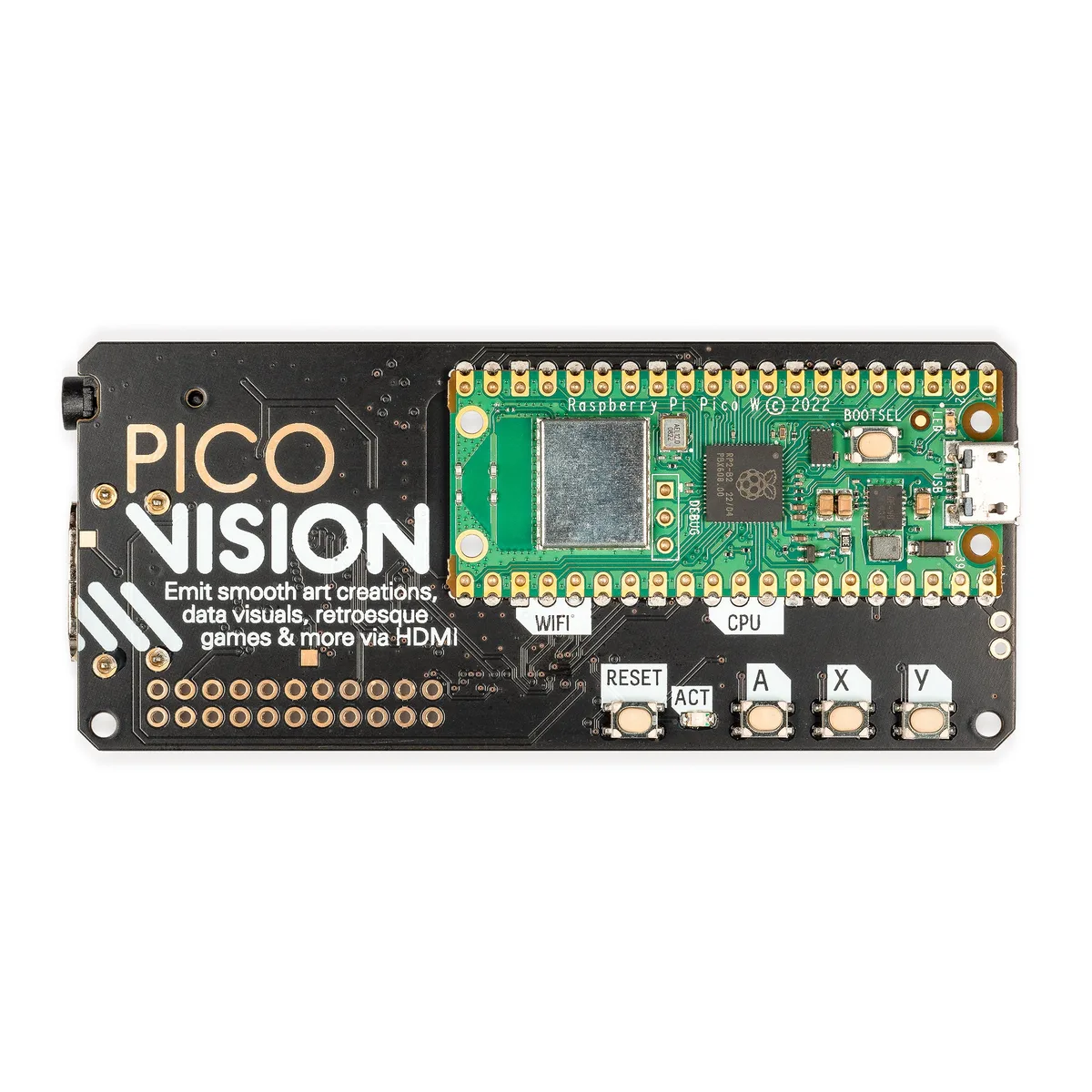
A powerful digital video stick for bold audio visual adventures, with dual RP2040 chips and a conveniently HDMI-shaped output connector to boot!
Use PicoVision to make and run your own homebrew games, draw digital art, recreate beloved demos, screensavers or WinAmp visualisations, visualise data, subvert advertising billboards, emulate CeeFax or whip up some last minute signage for your cyber night market.
We managed to cram a lot into this little thing...
🖼️ GPU (RP2040) Does all the heavy-lifting to display buttery-smooth, high-res, animations on your TV or monitor via HDMI.
⚙️ CPU (Pico W) Runs your code and provides an interface to other gadgets through USB, Wi-Fi, and Bluetooth!
🖥 HDMI connector Make use of TVs, monitors, giant projectors, or even tiny displays for building into a cosplay outfit.
🔊 Line out audio Bash out some bleeps and bloops! This digital audio interface can produce some quality noise.
💾 microSD card Never run out of space for your lovely assets by adding a sizeable microSD card to your setup.
🌡️ Qw/ST connector Add sensors or other types of breakout to your project so they can react to the world around them.
🔘 On-board reset and user buttons Create a simple user interface for your project without needing to add any extras.
You can program PicoVision using C++ or MicroPython. C++ will get you the best performance, but if you're a beginner we'd recommend MicroPython for ease of getting started.
Either way, you'll have access to our in-house PicoGraphics libraries which will let you easily manipulate shapes, text and images, some exciting new vector graphics and font functionality courtesy of PicoVector, and the ability to make bleeps, bloops and other fun electronic noise with PicoSynth.
Features
Raspberry Pi Pico W Aboard (CPU)
Dual Arm Cortex M0+ with 264kB of SRAM
2MB of QSPI flash supporting XiP
2.4GHz wireless / Bluetooth 5.2
RP2040 (GPU)
Another dual Arm Cortex M0+ with 264kB of SRAM
Higher resolution modes use significant GPU overclocking*
Connects to the CPU as an I2C peripheral device
2 x 8MB PSRAM chips for frame double-buffering
Digital Video out via HDMI connector
PCM5100A DAC for line level audio over I2S, wired to a 3.5mm stereo jack
MicroSD card slot
Three user buttons (one wired to CPU, two to GPU)
Reset button **
Status LED (GPU)
Qw/ST (Qwiic/STEMMA QT) connector
Fully-assembled (no soldering required)
Spare/extra pins broken out as unpopulated headers (these require soldering) ***
C++/MicroPython libraries
Accessory Kit
You can buy a PicoVision on its own, or with a SD card and a selection of useful cables - add a USB keyboard, and it's all you'll need to run Doom!
50cm HDMI cable for plugging in a monitor
USB-A to micro-B cable for programming/power
Micro-USB splitter cable for connecting a USB accessory while powering
32GB microSD card
Pinout and Schematic
Download a printable PDF version
Schematic
How it works
PicoVision uses two RP2040s - one on a Pico W as a "CPU" and one as a "GPU" - to produce high resolution (for a microcontroller) DV output by swapping the contents of two physical PSRAM frame-buffers back and forth between them.
The two PSRAMs act as a front and back buffer. The "CPU" (the Pico W) writes to one while the "GPU" (RP2040) reads from the other, applies some "hardware" effects and generates the DV signals.
You can find out more about the hardware here.
The ingenious firmware for PicoVision's GPU has been developed with the considerable help of long-time collaborator and software wizard Mike Bell.
Download MicroPython for PicoVision
MicroPython examples and documentation
Connecting Breakouts
The Qw/ST connector on PicoVision makes it super easy to connect up Qwiic or STEMMA QT breakouts. If your breakout has a QW/ST connector on board, you can plug it straight in with a JST-SH to JST-SH cable.
List of breakouts currently compatible with our C++/MicroPython build.
Notes
** By default, the reset button resets both the CPU and GPU. If, for some hackerly reason you want to make it just reset the CPU, there's a cuttable trace on the back of the board.
*** We've broken out some spare pins as unpopulated headers along the bottom of the board. You can find the serial wire debug pins for both the GPU and CPU here, plus a number of unused / extra GPIO (hey, why not use the spare pins on the GPU as an I/O Expander!). As they're unpopulated, soldering is required to use these.
Our software doesn't support audio output over HDMI, but if you're brave and want to attempt passing I2S audio data from the CPU (or the PSRAM buffers!) to the DV connector, the board is wired to support this.
Note that PicoVision doesn't output SCART/composite signals, so if you want to use it to play Doom on an old CRT TV or monitor you will need an additional HDMI to composite converter/adaptor.
About Pico W Aboard
Our Pico W Aboard products come with a built in Raspberry Pi Pico W. This means you get all the advantages of a RP2040 microcontroller - a speedy fast dual-core ARM processor, a dynamic, growing ecosystem and a choice of different programming methods to experiment with. Most excitingly though, Pico W has wireless and Bluetooth connectivity built in, so your Pico/RP2040 devices can communicate with each other, and the internet! 🌍
View all Pico W Aboard!
No published question about this part yet. Questions are reviewed before publication.
Official documents and the technical data recorded for PIM674. For a missing document or a specific revision, our experts send it to you.
Pimoroni PIM674, listed under “Maker, Prototyping, Open-Hardware & Developer Boards”.
Similar parts to answer your needs. Compare the main characteristics. A recorded replacement is a documented relation; a similar product is a similarity only, never a compatibility claim.
PicoVision (Pico W Aboard)
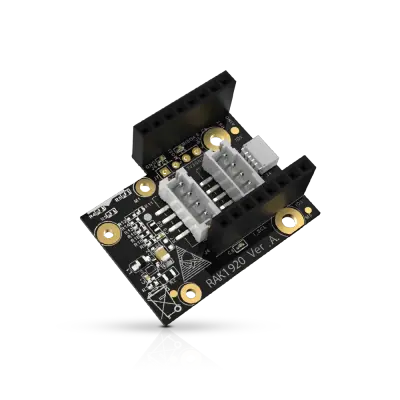
Sensor Adapter for Click, QWIIC and Grove Modules
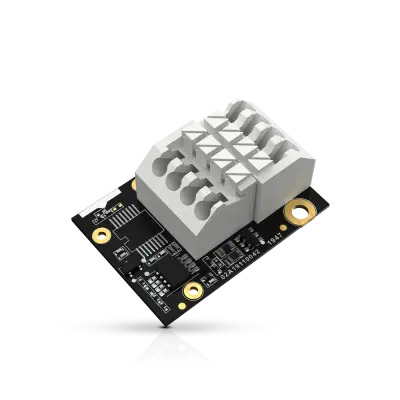
RS485 Module 3PEAK TP8485E
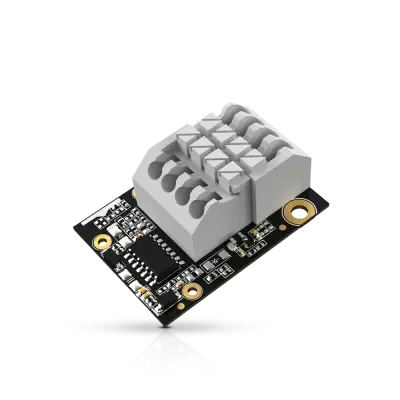
4-20mA Module STMicroelectronics LM2902
Describe your application and constraints in a request.
What is recorded about the regulatory status and the life of this part.
No compliance statement is recorded for this part. Ask the supplier for the RoHS and REACH declarations and, for a radio product, the EU declaration of conformity.
| Current status | Status not stated |
| Key dates | Not recorded |
| Manufacturer part number | PIM674 |
| Manufacturer | Pimoroni |
Maker, Prototyping, Open-Hardware & Developer Boards
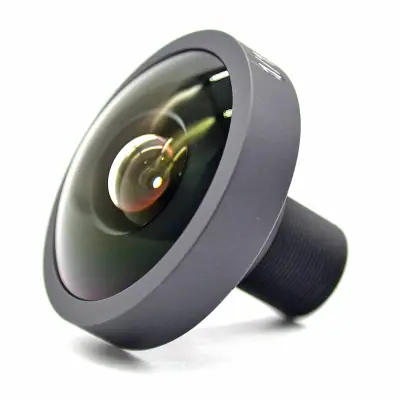
M12 fisheye lens for camera module · Ref. : M12_FISHEYE
Price on request
Maker, Prototyping, Open-Hardware & Developer Boards
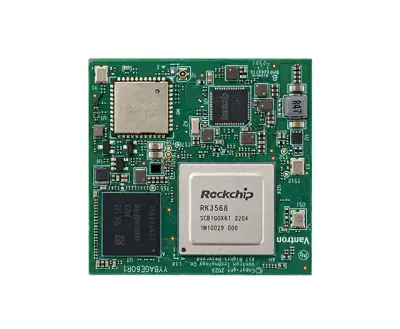
RK3568 System-on-Module with 1 TOPS NPU
Price on request
Maker, Prototyping, Open-Hardware & Developer Boards
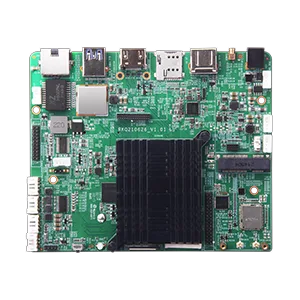
RK3568 Android tablet mainboard with DTV tuner · Ref. : K3-3568
Price on request
Maker, Prototyping, Open-Hardware & Developer Boards
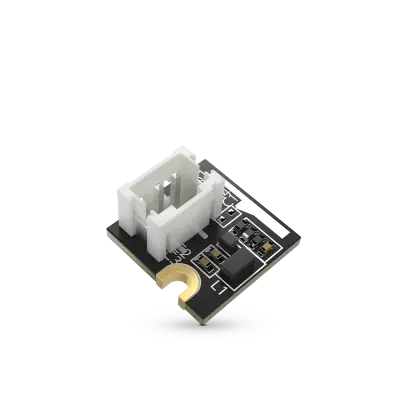
Boost converter module 3.3 V to 12 V 50 mA · Ref. : 110155
Price on request
No advertising or analytics cookies. A single, strictly necessary cookie is set only if you sign in to your account. Your quote basket and comparison stay in your browser. Details