PIM704
NVMe Base Duo for Raspberry Pi 5
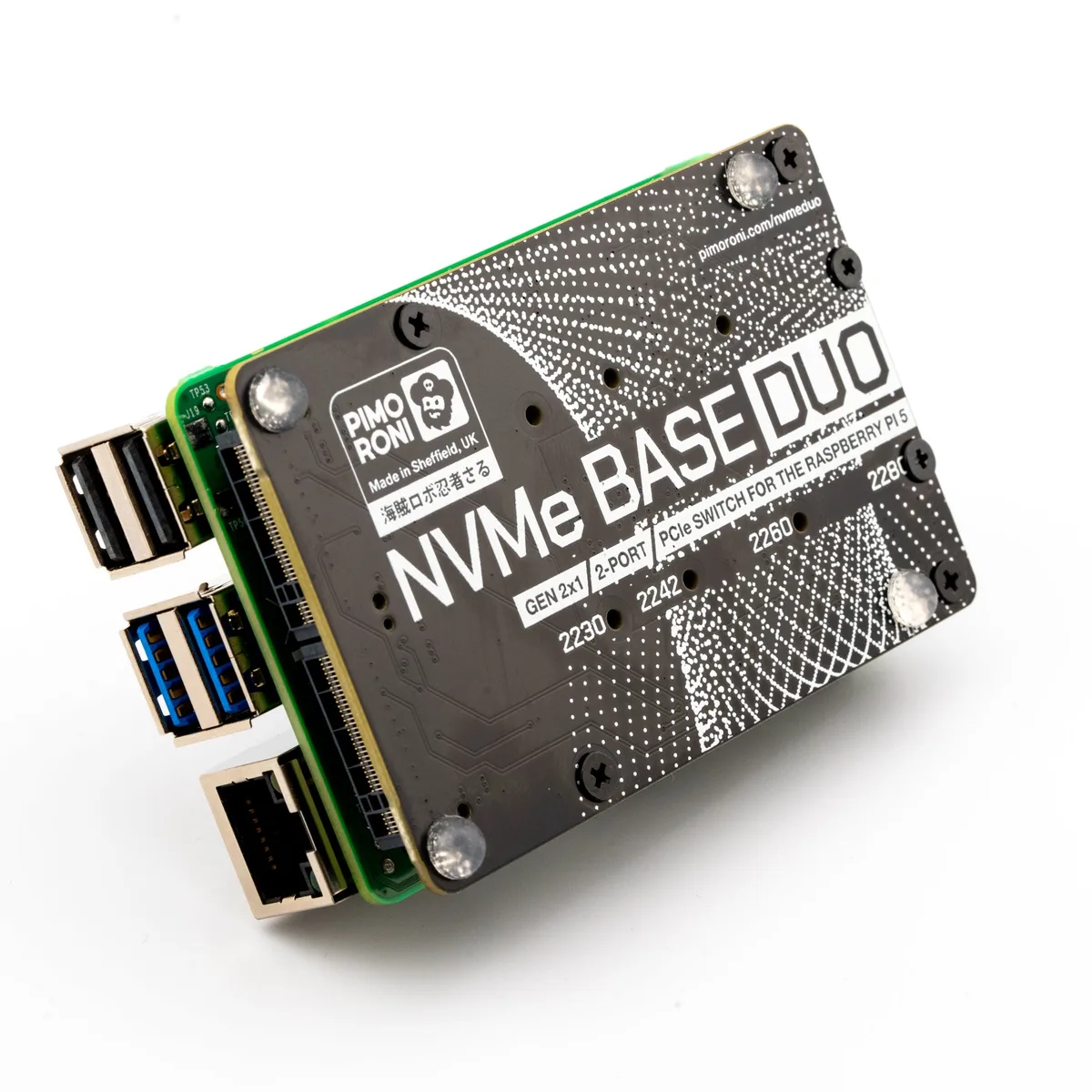
NVMe Base Duo for Raspberry Pi 5
Maker, Prototyping, Open-Hardware & Developer Boards
Pimoroni PIM704, listed under “Maker, Prototyping, Open-Hardware & Developer Boards”.
Add two super-fast NVMe SSDs to your Raspberry Pi 5! Ideal if you need redundancy or just a load more storage on your RPi.
NVMe Base Duo is a PCIe Gen 2 extension board for Raspberry Pi 5. Simply populate it with one or two M-key NVMe SSDs (2230 to 2280 sizes supported) and mount it under (or over) your Pi for a compact and fast storage solution - It even comes with rubber feet!
It's the perfect solution for turning your Raspberry Pi 5 into a file server, media centre, reverse proxy, home automation server with built in backup, etc. - really any task that benefits from large amounts of fast storage, redundancy, or just to make use of a couple of spare disks - especially with random high operations per second (IOPS) workloads. In short it's a game changer!
NVMe Base Duo follows the new "PIP" design guidelines provided by Raspberry Pi ensuring that it will be easy to use and be supported long term by updates to Raspberry Pi OS.
✨ If you're looking for a smart aluminium case to keep your NVMe setup safe and protected check out our new NVMe Base Case!
Kit Includes
Base Kit
NVMe Base Duo PCB with two M.2 slots (M-Key)
'PCIe Flex' Flat Flex Cable
4x Rubber feet
4x M2 bolt and 2x 5mm standoffs for SSD mounting
4x 12mm M2.5 standoffs for base mounting
8x short M2.5 bolts for base mounting
4x 20mm M2.5 bolts for 'pass-thru' mounting with a HAT
The shipping product may have minor differences to the photos, but will be the same in essentials.
We’re currently unable to offer kits that include NVMe drives due to the volatility of the flash memory market. We’re keeping a close eye on things and hope to bring SSD bundles back once things settle down.
NVMe Base Duo + 500GB (2 x 250GB) SSD Bundle
Base Kit
2 x 250GB+ NVMe SSDs
NVMe Base Duo + 1000GB (2 x 500GB) SSD Bundle
Base Kit
2 x 500GB+ NVMe SSDs
NVMe Base Duo + 2000GB (2 x 1000GB) SSD Bundle
Base Kit
2 x 1000GB+ NVMe SSDs
NVMe Base Duo + 4000GB (2 x 2000GB) SSD Bundle
Base Kit
2 x 2000GB+ NVMe SSDs
We recommend running the Raspberry Pi 5 at PCIe Gen 2 x 1 speeds with this Base. The total throughput is around 450MB/sec, or 220MB/sec+ per disk for simultaneous access as they share the bandwidth through the PCIe switch.
Due to the tides and vagaries of the SSD market, the brand of drives that we ship may vary. We can say that:
They will have 250/500/1000/2000GB or better capacity
They will be rated by the manufacturer at PCIe Gen 3 or better speed (although Duo only supports Gen 2 speeds)
We'll have personally tested this model of drive with NVMe Base Duo.
They'll be backed by the usual Pimoroni guarantees and customer service.
NOTE: Bundled drives may be from the same manufacturing batch. If you're a storage-integrity aficionado, you may want to source your own drives to avoid the unlikely edge-case of an issue or bug affecting an entire batch of drives.
Drive Compatibility
We've tested NVMe Base Duo with the following drives successfully. We have usually tested one drive from one batch, so this is not comprehensive, or an 'Approved' list, but it's a good guide for drives to seek out.
In general, as the drives are behind the switch and not being used at boot we’ve found a much wider range of drives to be working and useful compared to the standard NVMe Base.
ADATA SX8200PNP
ADATA LEGEND 700
Crucial CT500P5PSSD8
Gigabyte GP-GSM2NE3256GNTD
Kingston SKC3000S512G
KIOXIA EXCERIA SSD 500GB
KIOXIA EXCERIA G2 SSD 2TB
Lexar SSD NM710 1TB
Netac NV200-512-E4X
ORIGIN Inception TLC830 Pro 256GB
Patriot P300 256GB
Patriot P310 240GB
Patriot P300 512GB
PNY CS1030 1TB
Sabrent Rocket Nano 500GB
Sabrent SB-RKT4P-1TB
Sabrent Rocket 4.0 1TB
Samsung SSD 970 EVO Plus 500GB
Samsung SSD 980 500GB
Samsung SSD 980 PRO 1TB
SK hynix GOLD P31
TeamGroup TM8FP6256G
Toshiba KBG40ZNS1T02 1TB
Transcend TS500GMTE110Q
WD Blue SN550 500GB
WD Black SN750 SE
WD PC SN740 512GB
WD Red SN700 500GB
WD Black SN770 1TB
WD Blue SN570 1TB
WD Green SN350 480GB
'Avoid' List. We've had problems or reports of problems.
Ortial ON-750-128 256GB
Otherwise most M.2 NVMe drive (not SATA!) you have lying around should work fine.
Check out our benchmark results over at pibenchmarks.net!
Getting Started
Learn: Getting Started with NVMe Base Duo for Raspberry Pi 💾
Firmware
For the most hassle-free experience, make sure your Raspberry Pi OS is up to date, and your RPi 5 firmware is updated to 2024-05-17 (May 17th) or newer. The newest version supports all the features of the RPi PCIe spec and means you don't have to mess with config files to get started.
Software update on the RPi OS should do this for you, but to force it you can:
open a Terminal (Ctrl-Alt-T)
run sudo raspi-config and choose 'Latest' under Advanced Options > Bootloader Version.
Running sudo rpi-eeprom-update in the Terminal will tell you which version of firmware is running.
Notes
It is now possible to boot from NVMe drives installed on NVMe Base Duo! 🎉 Make sure your Raspberry Pi firmware is updated to the most recent version (17/05/24 or later).
Always power off your RPi and disconnect the power supply before installing or uninstalling the NVMe Base.
NVMe Base Duo offers offers two PCIe Gen 2 M.2 slots behind a PCIe Gen2 Packet Switcher on a general purpose PCIe x1 connection - while we know most people want to add fast storage in theory you can use other devices with it, we just can't help you make them work!:-D What Would Jeff (Geerling) Do?
Les used NVMe Base Duo to connect up the module from a Raspberry Pi AI Kit at the same time as an NVMe SSD. Check out his review!
Some drives need more power than the standard PCIe FPC connection can provide. In this case, there are +5V and GND pads on NVMe Base Duo you can use to provide extra power. We'd recommend connecting them to the Pi's 5V/GND pins or the same power supply that powers the Pi.
Resources
Dimensional drawing
No published question about this part yet. Questions are reviewed before publication.
Official documents and the technical data recorded for PIM704. For a missing document or a specific revision, our experts send it to you.
Pimoroni PIM704, listed under “Maker, Prototyping, Open-Hardware & Developer Boards”.
Similar parts to answer your needs. Compare the main characteristics. A recorded replacement is a documented relation; a similar product is a similarity only, never a compatibility claim.
NVMe Base Duo for Raspberry Pi 5
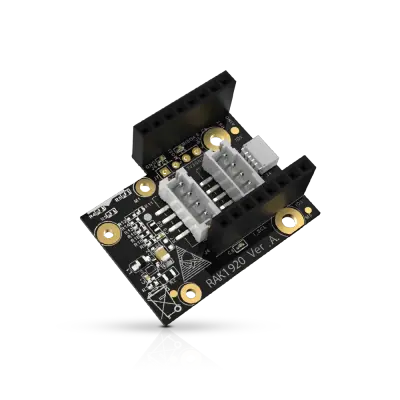
Sensor Adapter for Click, QWIIC and Grove Modules
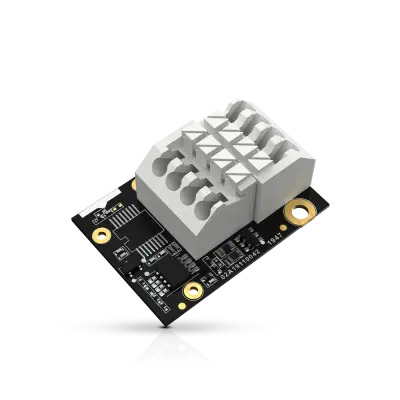
RS485 Module 3PEAK TP8485E
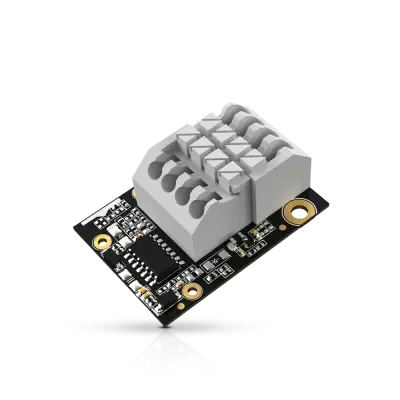
4-20mA Module STMicroelectronics LM2902
Describe your application and constraints in a request.
What is recorded about the regulatory status and the life of this part.
No compliance statement is recorded for this part. Ask the supplier for the RoHS and REACH declarations and, for a radio product, the EU declaration of conformity.
| Current status | Status not stated |
| Key dates | Not recorded |
| Manufacturer part number | PIM704 |
| Manufacturer | Pimoroni |
Maker, Prototyping, Open-Hardware & Developer Boards
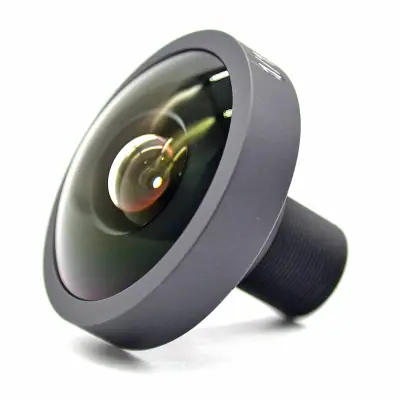
M12 fisheye lens for camera module · Ref. : M12_FISHEYE
Price on request
Maker, Prototyping, Open-Hardware & Developer Boards
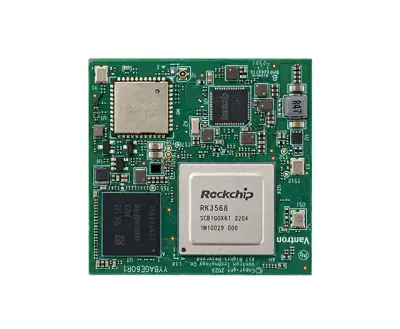
RK3568 System-on-Module with 1 TOPS NPU
Price on request
Maker, Prototyping, Open-Hardware & Developer Boards
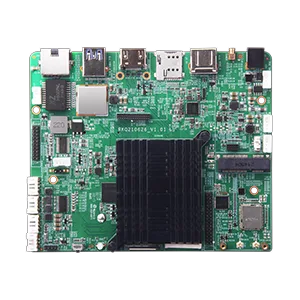
RK3568 Android tablet mainboard with DTV tuner · Ref. : K3-3568
Price on request
Maker, Prototyping, Open-Hardware & Developer Boards
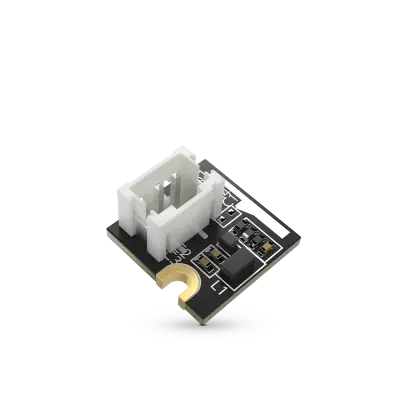
Boost converter module 3.3 V to 12 V 50 mA · Ref. : 110155
Price on request
No advertising or analytics cookies. A single, strictly necessary cookie is set only if you sign in to your account. Your quote basket and comparison stay in your browser. Details