PIM712
Unicorn Diffuser Kit
Limited record: this part has neither specifications nor a datasheet in the catalog yet. It is shown for reference and is not indexed.
Unicorn Diffuser Kit
Maker, Prototyping, Open-Hardware & Developer Boards
Pimoroni PIM712, listed under “Maker, Prototyping, Open-Hardware & Developer Boards”.
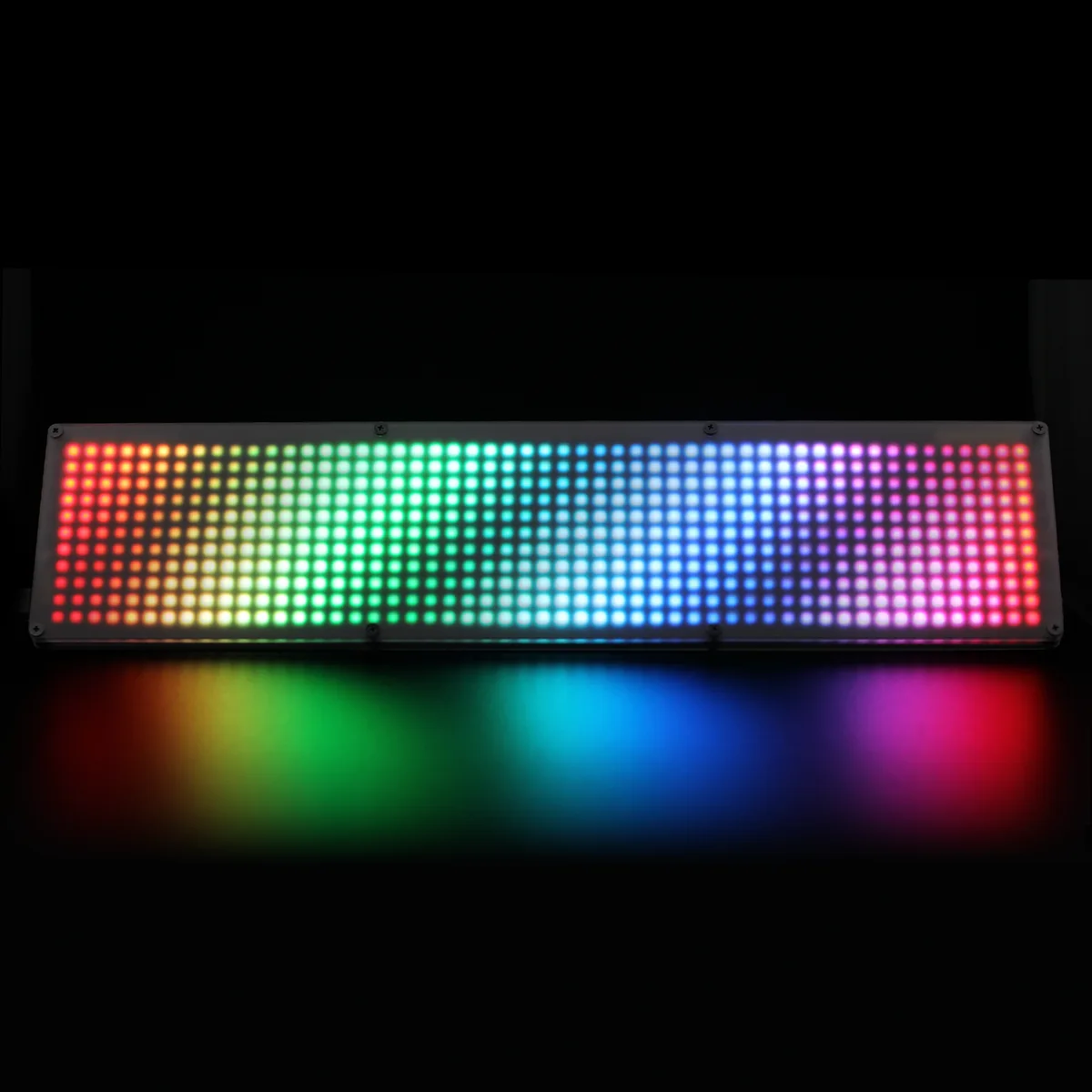
Shield your eyes from your Space Unicorn's dazzling rays (whilst adding some lovely bokeh) with this handy acrylic diffuser.
The LEDs on Galactic/Stellar/Cosmic Unicorn have their own built in diffusion but they can still be A Lot to look at if you've got one permanently displayed on your desk, on your wall or installed as part of your essential office infrastructure.
Adding a translucent diffuser layer makes the LED 'pixels' big and fluffy and a lot easier on the eye. This kit also includes black metal standoffs, nuts and bolts to hold the diffuser layer in place securely.
This kit is for the diffuser only - Unicorns are sold separately! 🦄
Stellar/Cosmic Kit Includes
Laser cut acrylic diffuser
4x M2 x 12mm screws
>4x M2 x 4mm standoffs
4x M2 nuts
Galactic Kit Includes
Laser cut acrylic diffuser
8x M2 x 12mm screws
8x M2 x 4mm standoffs
8x M2 nuts
Getting Started
Poke the screws through the holes in the diffuser, and then screw the standoffs onto the other side of the acrylic. Don't tighten them too much as you could crack the acrylic - just finger tight is fine.
Once you've attached all of the standoffs to the acrylic layer, you can then poke the ends of screws through the mounting holes in your Unicorn board. The standoffs will ensure a couple of mm gap between the acrylic and the LEDs which will make the diffusion magic happen.
Secure everything in place by adding the nuts to the back of the board.
No published question about this part yet. Questions are reviewed before publication.
Official documents and the technical data recorded for PIM712. For a missing document or a specific revision, our experts send it to you.
Pimoroni PIM712, listed under “Maker, Prototyping, Open-Hardware & Developer Boards”.
Similar parts to answer your needs. Compare the main characteristics. A recorded replacement is a documented relation; a similar product is a similarity only, never a compatibility claim.
Unicorn Diffuser Kit
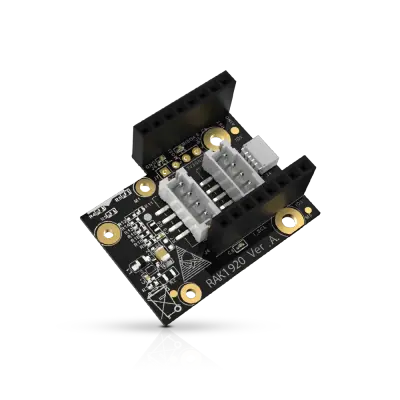
Sensor Adapter for Click, QWIIC and Grove Modules
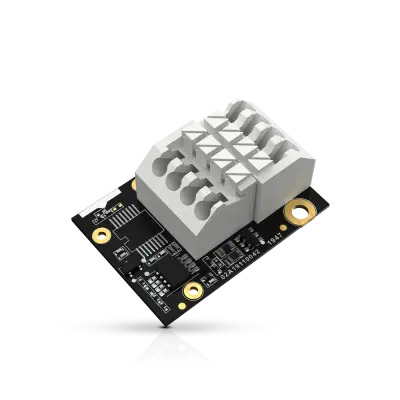
RS485 Module 3PEAK TP8485E
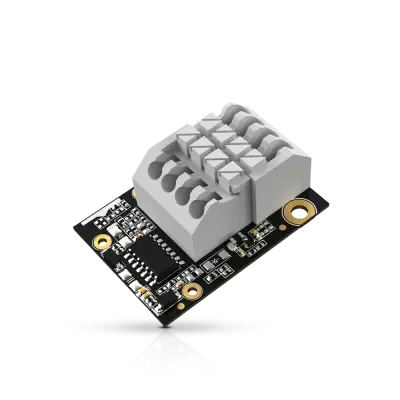
4-20mA Module STMicroelectronics LM2902
Describe your application and constraints in a request.
What is recorded about the regulatory status and the life of this part.
No compliance statement is recorded for this part. Ask the supplier for the RoHS and REACH declarations and, for a radio product, the EU declaration of conformity.
| Current status | Status not stated |
| Key dates | Not recorded |
| Manufacturer part number | PIM712 |
| Manufacturer | Pimoroni |
Maker, Prototyping, Open-Hardware & Developer Boards
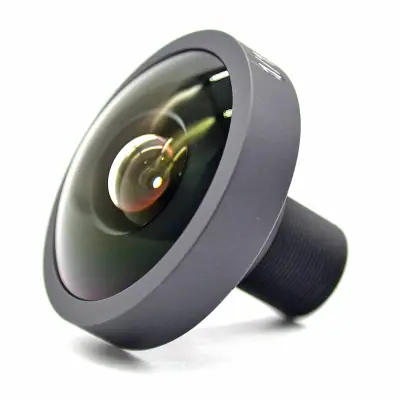
M12 fisheye lens for camera module · Ref. : M12_FISHEYE
Price on request
Maker, Prototyping, Open-Hardware & Developer Boards
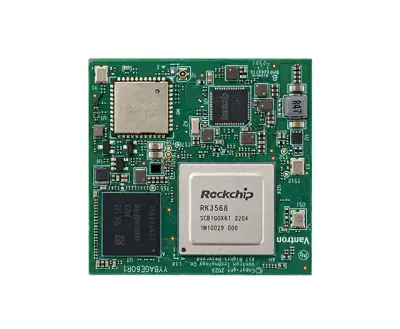
RK3568 System-on-Module with 1 TOPS NPU
Price on request
Maker, Prototyping, Open-Hardware & Developer Boards
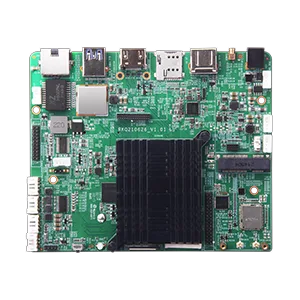
RK3568 Android tablet mainboard with DTV tuner · Ref. : K3-3568
Price on request
Maker, Prototyping, Open-Hardware & Developer Boards
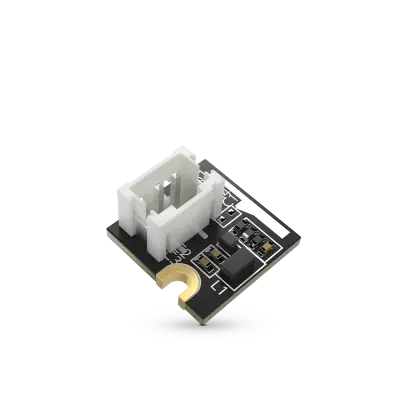
Boost converter module 3.3 V to 12 V 50 mA · Ref. : 110155
Price on request
No advertising or analytics cookies. A single, strictly necessary cookie is set only if you sign in to your account. Your quote basket and comparison stay in your browser. Details