PIM730
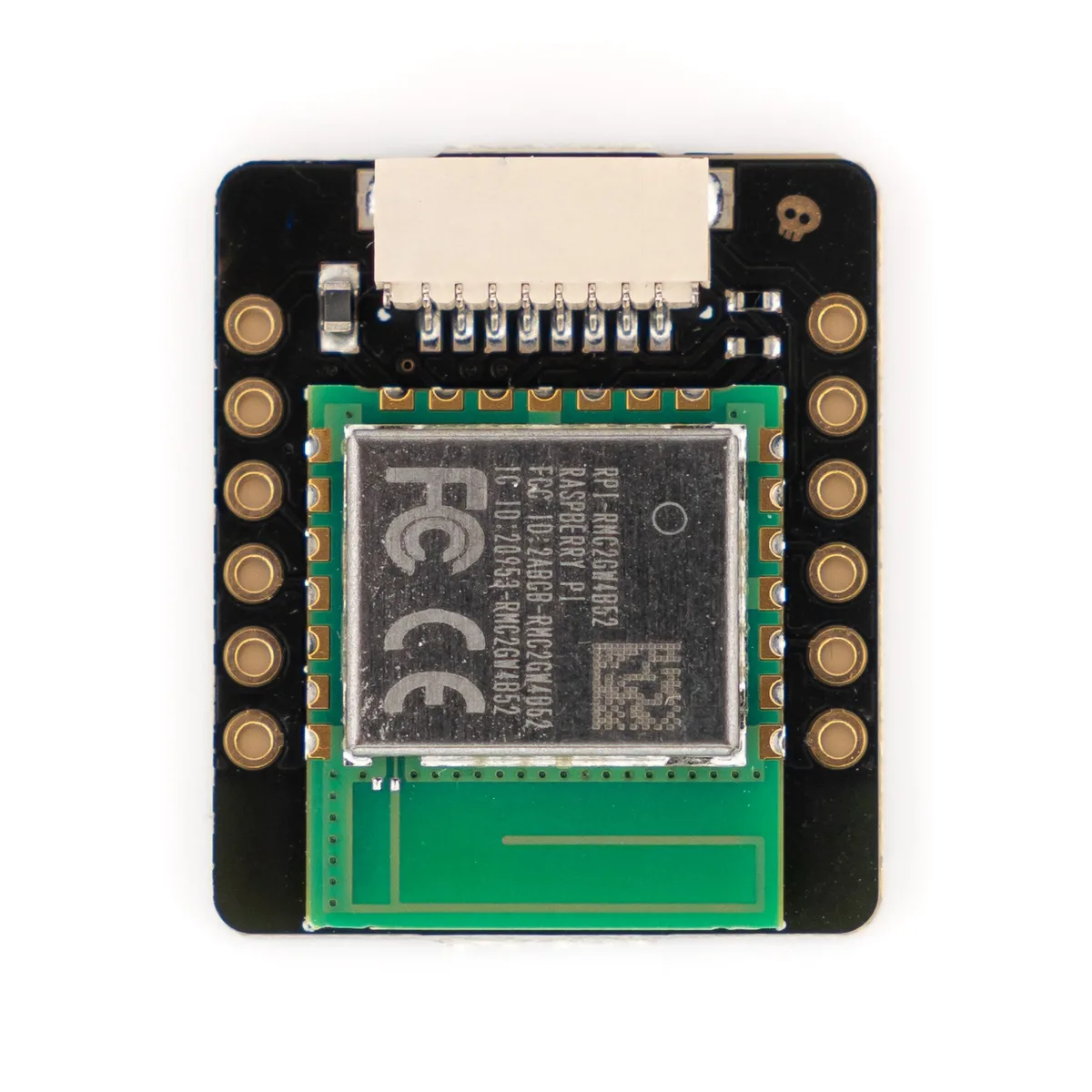
RM2 Wireless & Bluetooth Breakout (SP/CE)
- Input Voltage
- 3.0 - 3.3V
- Dimensions
- 23.8 x 20.4 x 4.7 mm (L x W x H)
RM2 Wireless & Bluetooth Breakout (SP/CE)
Maker, Prototyping, Open-Hardware & Developer Boards
Pimoroni PIM730, listed under “Maker, Prototyping, Open-Hardware & Developer Boards”.
Add 2.4GHz wireless and Bluetooth functionality to an existing project with this handy breakout featuring Raspberry Pi's RM2 module.
RM2 uses the same two-in-one wireless and Bluetooth module that's found on Raspberry Pi Pico W, making it easy to use directly with any RP2040 or RP2350 board.
This breakout has a SP/CE connector on board so you can connect it easily to any SP/CE compatible microcontroller (like Pico Plus 2 or Pico LiPo 2) or add-on using a handy cable (of course, there's also pads if you'd prefer to solder wires to it).
Host and SP/CE cable are not included.
Features
Raspberry Pi RM2 module ( CYW43439 ), supporting IEEE 802.11 b/g/n wireless LAN, and Bluetooth
SP/CE connector (8 pin JST-SH)
0.1" headers (breadboard compatible)
Compatible with Raspberry Pi Pico / Pico 2 / RP2040 / RP2350
Input voltage: 3.0 - 3.3V
Dimensions: 23.8 x 20.4 x 4.7 mm (L x W x H)
Pinout and Schematic
Download a printable PDF version
Schematic
Getting Started
You can use RM2 Breakout with Raspberry Pi Pico 2 or other RP2350 based microcontrollers using our custom MicroPython build that allows for pin re-assignment.
Download pirate brand MicroPython for RP2350 boards
MicroPython example for Pico Plus 2
You'll need to set the pins that the module is connected to before you do anything with the network. On a Pico Plus 2 (with a RM2 breakout connected via SP/CE cable), that would look like this:
wlan = network.WLAN(network.STA_IF, pin_on=32, pin_out=35, pin_in=35, pin_wake=35, pin_clock=34, pin_cs=33)
Alternatively, if you have a RP2040 or RP2350 board that exposes GP23, GP24, GP25, and GP29 (such as PGA2040 or PGA2350 ) you can wire the module up to the default Pico W pins and you won't need to do any pin configuration. The pins are:
WL_ON -> GP23
DAT -> GP24
CS -> GP25
CLK -> GP29
If you have a Pimoroni Pico LiPo 2 then the SP/CE pins are used by default for Wi-Fi, making things super easy.
Download pirate brand MicroPython for Pico LiPo 2
MicroPython example for Pico LiPo 2
Notes
By default the BL_ON pin is wired to the WL_ON pin. There is a cuttable trace on the rear of the board, if your project needs these to be disconnected.
No published question about this part yet. Questions are reviewed before publication.
Every characteristic recorded for PIM730, with where it comes from. Use the filters to find one quickly.
| Characteristic | Value |
|---|---|
| Dimensions | 23.8 x 20.4 x 4.7 mm (L x W x H) |
| Input Voltage | 3.0 - 3.3V |
No specification matches.
Last verification : 2026-11-04
Official documents and the technical data recorded for PIM730. For a missing document or a specific revision, our experts send it to you.
Pimoroni PIM730, listed under “Maker, Prototyping, Open-Hardware & Developer Boards”.
| Parameter | Value |
|---|---|
| Dimensions | 23.8 x 20.4 x 4.7 mm (L x W x H) |
| Input Voltage | 3.0 - 3.3V |
Similar parts to answer your needs. Compare the main characteristics. A recorded replacement is a documented relation; a similar product is a similarity only, never a compatibility claim.
RM2 Wireless & Bluetooth Breakout (SP/CE)
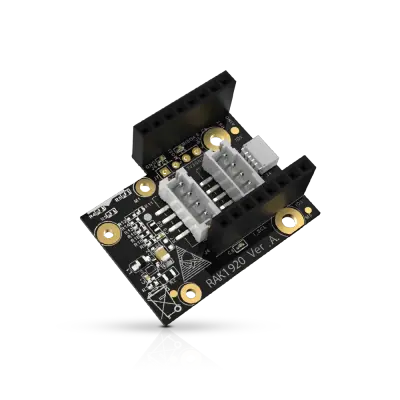
Sensor Adapter for Click, QWIIC and Grove Modules
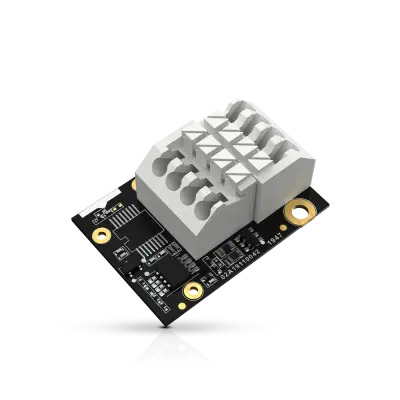
RS485 Module 3PEAK TP8485E
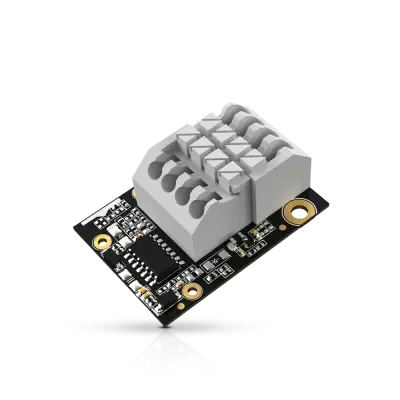
4-20mA Module STMicroelectronics LM2902
Describe your application and constraints in a request.
What is recorded about the regulatory status and the life of this part.
No compliance statement is recorded for this part. Ask the supplier for the RoHS and REACH declarations and, for a radio product, the EU declaration of conformity.
| Current status | Status not stated |
| Key dates | Not recorded |
| Manufacturer part number | PIM730 |
| Manufacturer | Pimoroni |
Maker, Prototyping, Open-Hardware & Developer Boards
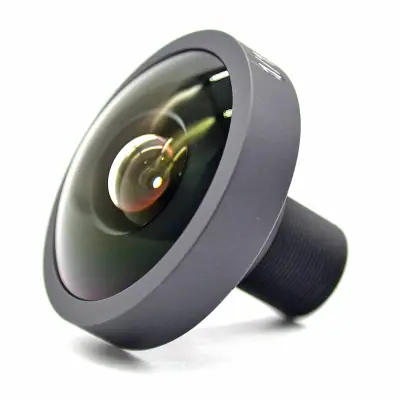
M12 fisheye lens for camera module · Ref. : M12_FISHEYE
Price on request
Maker, Prototyping, Open-Hardware & Developer Boards
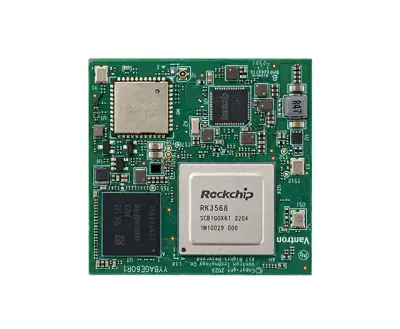
RK3568 System-on-Module with 1 TOPS NPU
Price on request
Maker, Prototyping, Open-Hardware & Developer Boards
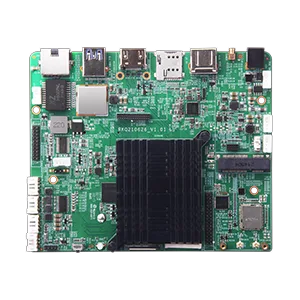
RK3568 Android tablet mainboard with DTV tuner · Ref. : K3-3568
Price on request
Maker, Prototyping, Open-Hardware & Developer Boards
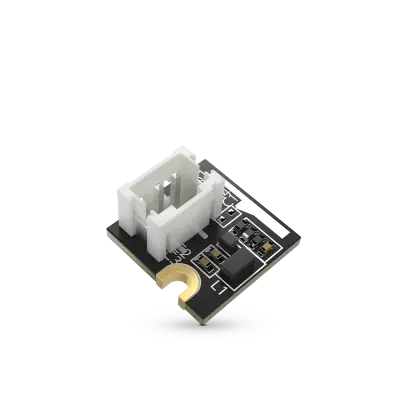
Boost converter module 3.3 V to 12 V 50 mA · Ref. : 110155
Price on request
No advertising or analytics cookies. A single, strictly necessary cookie is set only if you sign in to your account. Your quote basket and comparison stay in your browser. Details