MEMORY_WEAVING
Memory Fabric operation recording module for NanoKVM Go+ IP KVM

Limited record: this part has neither specifications nor a datasheet in the catalog yet. It is shown for reference and is not indexed.
Memory Fabric operation recording module for NanoKVM Go+ IP KVM
Maker, Prototyping, Open-Hardware & Developer Boards
Memory Fabric feature of Sipeed NanoKVM Go+: it periodically samples the target device screen, recognizes text in changed screens and creates operation records that an AI tool can read through MCP.
Sipeed NanoKVM Go+ Memory Fabric. Memory Fabric is a feature of the Sipeed NanoKVM Go+ that records operations performed on the target device and lets an AI tool review and summarize them. It is available only on the NanoKVM Go+, not on the NanoKVM Go.
Operation. When enabled, the NanoKVM Go+ periodically checks the target device screen for changes, recognizes text in changed screens and creates operation records. It is not a continuous recording feature, and historical screenshots are not saved by default. The records are exposed to MCP-compatible AI tools through the /api/mcp endpoint.
Model configuration. Memory Fabric uses an OpenAI-compatible model configured under Settings > AI > Memory Fabric > Configuration. Settings include the Base URL, which must stop before /chat/completions, the model name, the model service API key, the maximum tokens per request and the timeout in seconds. A value of maximum tokens that is too low may result in incomplete output, and a timeout that is too short may cut off replies from a slow model.
Access keys. Two separate keys are used: the model service API key, which allows the NanoKVM Go+ to call the configured model, and the NanoKVM Go MCP API key, which allows an external AI tool to connect to the MCP server. An existing key can be kept or replaced.
Typical uses. Reviewing a sequence of operations just completed, documenting software installation, system configuration or troubleshooting, checking which pages were opened or settings changed over a period, and generating instructions or work logs from an actual operation process.
Security. Processed screen content may contain sensitive information such as account details, messages, file names, passwords and keys. Close pages that should not be recorded and make sure the configured model service and the connected AI tool are trustworthy.
No published question about this part yet. Questions are reviewed before publication.
Official documents and the technical data recorded for MEMORY_WEAVING. For a missing document or a specific revision, our experts send it to you.
Memory Fabric feature of Sipeed NanoKVM Go+: it periodically samples the target device screen, recognizes text in changed screens and creates operation records that an AI tool can read through MCP.
Similar parts to answer your needs. Compare the main characteristics. A recorded replacement is a documented relation; a similar product is a similarity only, never a compatibility claim.
Memory Fabric operation recording module for NanoKVM Go+ IP KVM
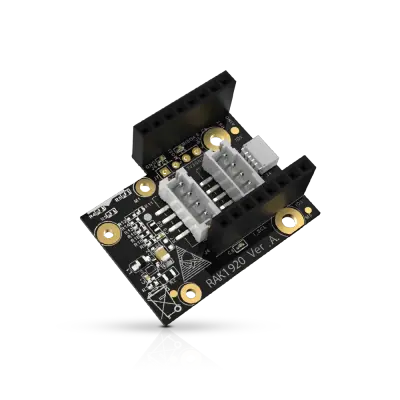
Sensor Adapter for Click, QWIIC and Grove Modules
RS485 Module 3PEAK TP8485E

4-20mA Module STMicroelectronics LM2902

Describe your application and constraints in a request.
What is recorded about the regulatory status and the life of this part.
No compliance statement is recorded for this part. Ask the supplier for the RoHS and REACH declarations and, for a radio product, the EU declaration of conformity.
| Current status | Status not stated |
| Key dates | Not recorded |
| Manufacturer part number | MEMORY_WEAVING |
| Manufacturer | Sipeed |
Maker, Prototyping, Open-Hardware & Developer Boards
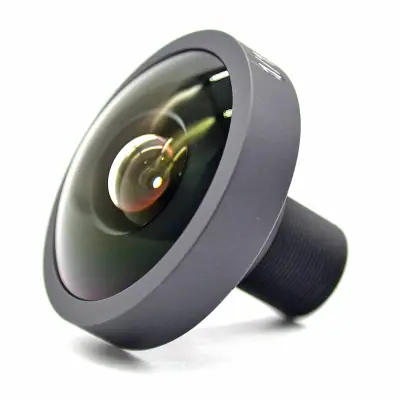
M12 fisheye lens for camera module · Ref. : M12_FISHEYE
Price on request
Maker, Prototyping, Open-Hardware & Developer Boards
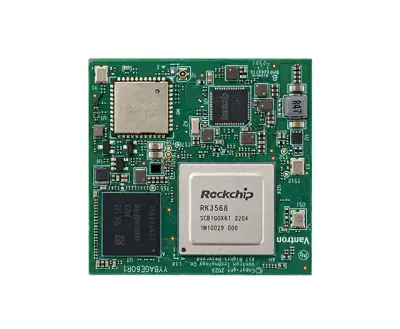
RK3568 System-on-Module with 1 TOPS NPU
Price on request
Maker, Prototyping, Open-Hardware & Developer Boards
Dual Gigabit Ethernet Carrier Board for Raspberry Pi Compute Module 4
Price on request
Maker, Prototyping, Open-Hardware & Developer Boards
RK3568 Android tablet mainboard with DTV tuner · Ref. : K3-3568
Price on request
No advertising or analytics cookies. A single, strictly necessary cookie is set only if you sign in to your account. Your quote basket and comparison stay in your browser. Details