PICORV
on nano 9K

Limited record: this part has neither specifications nor a datasheet in the catalog yet. It is shown for reference and is not indexed.
on nano 9K
Maker, Prototyping, Open-Hardware & Developer Boards
Sipeed picorv, listed under “Maker, Prototyping, Open-Hardware & Developer Boards”.
PicoRV on nano 9K
2026-10-13
Edit this page
Edit on 2022.07.13
Preface
There ia an example about picoRV: Tang Nano 9K github repository.
In this tutorial we just describe how to run the example simply.
Environment
Python
Gowin IDE
Steps
Program FPGA
Open picotiny project by picotiny.gprj file in TangNano-9K-example\picotiny\project directory
Tick Use MSPI as regular IO in Project->Configuration->Place&Route->Dual-Purpose Pin which can be found in the top menu bar
Right-click Place&Route which is in Process interface and choose Clean&Rerun All
Download the generated.fs file to the Embedded Flash of Nano 9K
Then we can use the FPGA like a mcu.
Download firmware
Execute the following command in TangNano-9K-example\picotiny directory
python.\sw\pico-programmer.py.\example-fw-flash.v COM13
The COM13 at the end of command line refers to the serial port number of the development board in the system.
For example, if it is allocated COM14 in your system, you need change it into COM14.
There is a countdown shows - Waiting for reset - when you succeed execute the command, in which time it's required to press the S1 button of the development board to complete the programming.
The succeed done log is as below:
\TangNano-9K-example\picotiny> python.\sw\pico-programmer.py.\example-fw-flash.v COM13 Read program with 11760 bytes - Waiting for reset - ... Total sectors 3 Total pages 46 Flashing 1 / 3 Flashing 2 / 3 Flashing 3 / 3
Flashing completed
Then we can use serial port tools to execute command and use HDMI to display the code interface.
End
Other knowledge like cross-compile is not mentioned here, so you should learn to use it by yourself.
links Sipeed
MaixHub
Sipeed AliExpress
Build by teedoc
Source Code Wiki source
Open Source Projects
Follow us twitter
AliExpress
github
Join us
©2018-2023 深圳矽速科技有限公司
粤ICP备19015433号
No published question about this part yet. Questions are reviewed before publication.
Official documents and the technical data recorded for PICORV. For a missing document or a specific revision, our experts send it to you.
Sipeed picorv, listed under “Maker, Prototyping, Open-Hardware & Developer Boards”.
Similar parts to answer your needs. Compare the main characteristics. A recorded replacement is a documented relation; a similar product is a similarity only, never a compatibility claim.
on nano 9K
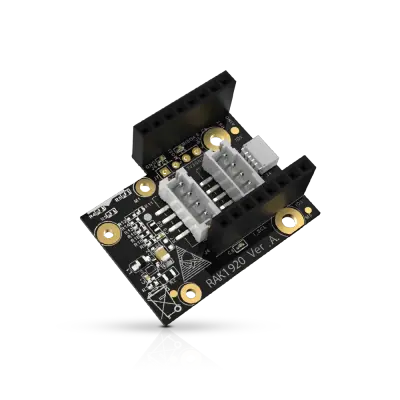
Sensor Adapter for Click, QWIIC and Grove Modules
RS485 Module 3PEAK TP8485E

4-20mA Module STMicroelectronics LM2902

Describe your application and constraints in a request.
What is recorded about the regulatory status and the life of this part.
No compliance statement is recorded for this part. Ask the supplier for the RoHS and REACH declarations and, for a radio product, the EU declaration of conformity.
| Current status | Status not stated |
| Key dates | Not recorded |
| Manufacturer part number | PICORV |
| Manufacturer | Sipeed |
Maker, Prototyping, Open-Hardware & Developer Boards
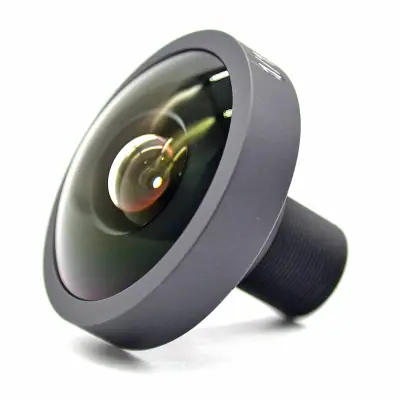
M12 fisheye lens for camera module · Ref. : M12_FISHEYE
Price on request
Maker, Prototyping, Open-Hardware & Developer Boards
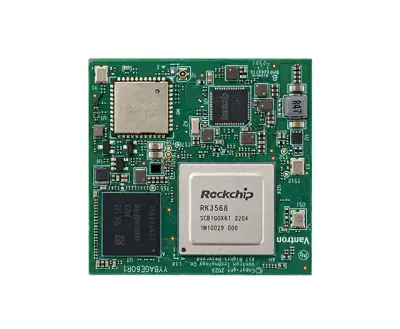
RK3568 System-on-Module with 1 TOPS NPU
Price on request
Maker, Prototyping, Open-Hardware & Developer Boards
RK3568 Android tablet mainboard with DTV tuner · Ref. : K3-3568
Price on request
Maker, Prototyping, Open-Hardware & Developer Boards
Boost converter module 3.3 V to 12 V 50 mA · Ref. : 110155
Price on request
No advertising or analytics cookies. A single, strictly necessary cookie is set only if you sign in to your account. Your quote basket and comparison stay in your browser. Details