PCAN-DIAG FD
Mobile CAN and CAN FD bus diagnostic tool with oscilloscope
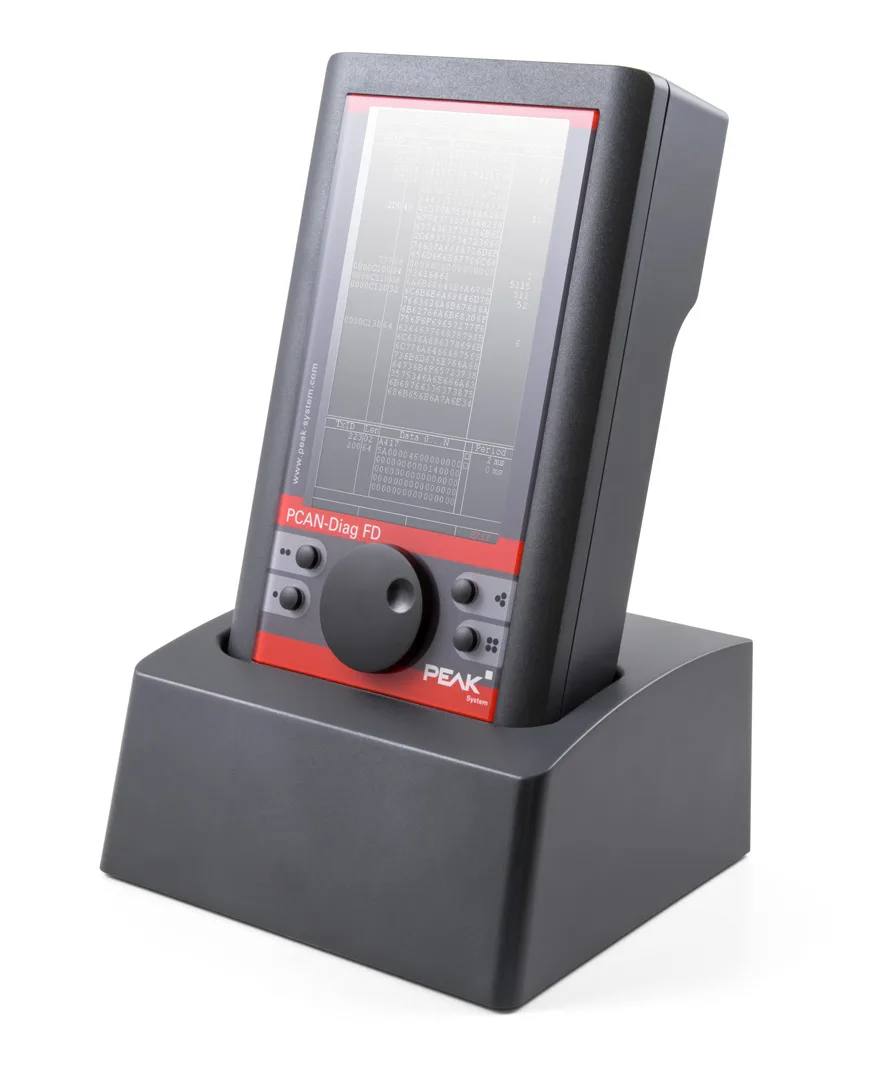
- Feature
- Switchable listen-only mode
- Feature
- Playback of trace files
- Feature
- Optional auto-reset on Bus Off
Mobile CAN and CAN FD bus diagnostic tool with oscilloscope
Handheld device that decodes, records and transmits CAN 2.0 and CAN FD frames and measures the physical signal on the bus with an oscilloscope.
Physical and protocol diagnosis. The PCAN-DIAG FD from PEAK-System is a handheld tester for CAN and CAN FD buses. It diagnoses communication at the physical layer, through the shape of the bus signal, and at the protocol layer, through frames and messages.
Bus connection and transceiver. The bus connects through a 9-pin D-Sub connector in accordance with CiA® 106. The High-speed CAN connection complies with ISO 11898-2, and a Microchip MCP2558FD transceiver handles the physical interface. Voltage can be measured on pins 6 and 9 of the connector, and the CAN termination can be switched and measured even while the system is running.
Oscilloscope. Two independent channels sample CAN-High and CAN-Low at up to 100 MHz each, which allows the signal shape to be assessed and the difference between the two lines to be displayed. The device decodes CAN frames directly in the oscilloscope trace.
Protocol analysis and symbol files. Incoming CAN traffic is listed with a symbolic display based on Symbol files, which handle enums, multiplexers and ID ranges. Symbol files are created with the supplied Windows software PCAN-Symbol Editor. Recording to the internal memory card can be filtered by CAN ID, and trace files can be played back or converted to various output formats with the supplied PEAK-Converter software.
Frame transmission. Single CAN frames or whole frame sequences can be sent, for instance to request diagnostic data. Data can be entered in decimal, hexadecimal or binary, and the data of a single transmit message can be changed during runtime. With Symbol files, messages are sent with readable IDs and data.
Bit rates and CAN FD. CAN runs from 20 kbit/s to 1 Mbit/s, and CAN FD data fields of up to 64 bytes run from 20 kbit/s to 12 Mbit/s. The bit rate can be chosen from a preset list or from several user-defined values, or detected automatically from a bit rate list. CAN FD support covers both ISO and non-ISO standards.
Bus load and errors. Bus load appears in a time diagram, where the display of error frames can be switched on or off. Automatic reset on Bus Off is optional, and the time diagrams can be saved as bitmap screenshots. A switchable listen-only mode allows monitoring without transmitting, and the silent startup function stays in listen-only mode when the bit rate is wrong.
Power, display and temperature. The device runs on its internal rechargeable batteries or on the supplied power unit, connected to the low-voltage socket. The batteries charge from an external supply, even during operation, and an optional charging station with quick-charging function is available (IPEH-003068). The 800 x 480 pixel display works in portrait or landscape depending on the function and device orientation, and a micro HDMI socket outputs a DVI signal at 800 x 600 pixels to an external display. Operating temperature ranges from 0 to 50 °C (32 to 122 °F).
Projects and memory card. The internal memory card holds projects that combine device configuration, transmit lists, Symbol files and recorded data (screenshots, traces and CSV files). When connected to a PC, the card also works as a USB mass storage device.
No published question about this part yet. Questions are reviewed before publication.
Every characteristic recorded for PCAN-DIAG FD, with where it comes from. Use the filters to find one quickly.
| Characteristic | Value |
|---|---|
| Feature | High-speed CAN connection (ISO 11898-2) Complies with CAN specifications 2.0 A/B and FD |
| Feature | Power supply via the internal rechargeable batteries or the provided supply unit (low-voltage socket on unit) |
| Feature | Charging of the batteries is carried out with external supply, even during operation |
| Feature | Charging station with quick-charging function available as an option (IPEH-003068) |
| Feature | Internal memory card for saving projects. Can also be used as a USB mass storage device when connected to a PC |
| Feature | Device operation via a push dial and 4 buttons |
| Feature | Operating temperature range from 0 to 50 °C (32 to 122 °F) |
| Feature | Analysis of CAN and CAN FD networks at the physical and the protocol level |
| Feature | Selection of the bit rate from a preset list or from multiple user-defined values |
| Feature | Automatic bit rate detection based on a bit rate list |
| Feature | Switchable listen-only mode |
| Feature | CAN FD support for ISO and Non-ISO standards |
| Feature | Switchable silent startup function (listen-only mode at wrong bit rate) |
| Feature | Symbolic display of incoming CAN messages using Symbol files, taking into account enums (lists of values), multiplexers, and ID ranges |
| Feature | Symbol files can be set up using the Windows software PCAN-Symbol Editor supplied with this product |
| Feature | Recording of incoming CAN messages to the internal memory card, if required, with CAN ID filtering |
| Feature | Playback of trace files |
| Feature | Conversion of trace data to various output formats using the Windows software PEAK-Converter supplied with this product |
| Feature | Transmitting individual CAN frames or CAN frame sequences |
| Feature | Decimal, hexadecimal, or binary entering of CAN data. Data change of a single transmission message during runtime |
| Feature | Transmission of CAN messages with readable ID and data by support of Symbol files |
| Feature | Measurement of CAN bus load, displayed by means of a time diagram, switchable display of error frames |
| Feature | CAN FD bit rates for the data field (64 bytes max.) from 20 kbit/s up to 12 Mbit/s |
| Feature | Bus load time diagrams can be saved as Bitmap screenshots |
| Feature | Measurement of the termination of the High-speed CAN bus, even while the system is running |
| Feature | Switchable CAN termination for the connected bus |
| Feature | Voltage measurement at the CAN connector (D-Sub) for pins 6 and 9 |
| Feature | Management of device configuration, transmit lists, Symbol files, and all recorded data (screenshots, trace, and CSV files) in projects |
| Feature | Optional auto-reset on Bus Off |
| Feature | Oscilloscope with two independent measurement channels, each with a maximum sample rate of 100 MHz |
| Feature | Display of the CAN-High and the CAN-Low signals as well as the difference of both signals |
| Feature | Trigger configuration to various properties of CAN messages Start and end of frames |
| Feature | CAN errors |
| Feature | CAN bit rates from 20 kbit/s up to 1 Mbit/s |
| Feature | CAN ID of individual frames |
| Feature | Microchip CAN transceiver MCP2558FD |
| Feature | CAN bus connection via D-Sub, 9-pin (in accordance with CiA® 106) |
| Feature | Display with 800 x 480 pixel resolution |
| Feature | Portrait or landscape presentation depending on the function and device orientation |
| Feature | Presentation on an external display via a micro HDMI socket (DVI signal with a resolution of 800 x 600 pixels) |
No specification matches.
Last verification : 2026-11-25
Official documents and the technical data recorded for PCAN-DIAG FD. For a missing document or a specific revision, our experts send it to you.
Handheld device that decodes, records and transmits CAN 2.0 and CAN FD frames and measures the physical signal on the bus with an oscilloscope.
| Parameter | Value |
|---|---|
| Feature | High-speed CAN connection (ISO 11898-2) Complies with CAN specifications 2.0 A/B and FD |
| Feature | Power supply via the internal rechargeable batteries or the provided supply unit (low-voltage socket on unit) |
| Feature | Charging of the batteries is carried out with external supply, even during operation |
| Feature | Charging station with quick-charging function available as an option (IPEH-003068) |
| Feature | Internal memory card for saving projects. Can also be used as a USB mass storage device when connected to a PC |
| Feature | Device operation via a push dial and 4 buttons |
| Feature | Operating temperature range from 0 to 50 °C (32 to 122 °F) |
| Feature | Analysis of CAN and CAN FD networks at the physical and the protocol level |
| Feature | Selection of the bit rate from a preset list or from multiple user-defined values |
| Feature | Automatic bit rate detection based on a bit rate list |
| Feature | Switchable listen-only mode |
| Feature | CAN FD support for ISO and Non-ISO standards |
| Feature | Switchable silent startup function (listen-only mode at wrong bit rate) |
| Feature | Symbolic display of incoming CAN messages using Symbol files, taking into account enums (lists of values), multiplexers, and ID ranges |
| Feature | Symbol files can be set up using the Windows software PCAN-Symbol Editor supplied with this product |
| Feature | Recording of incoming CAN messages to the internal memory card, if required, with CAN ID filtering |
| Feature | Playback of trace files |
| Feature | Conversion of trace data to various output formats using the Windows software PEAK-Converter supplied with this product |
| Feature | Transmitting individual CAN frames or CAN frame sequences |
| Feature | Decimal, hexadecimal, or binary entering of CAN data. Data change of a single transmission message during runtime |
| Feature | Transmission of CAN messages with readable ID and data by support of Symbol files |
| Feature | Measurement of CAN bus load, displayed by means of a time diagram, switchable display of error frames |
| Feature | CAN FD bit rates for the data field (64 bytes max.) from 20 kbit/s up to 12 Mbit/s |
| Feature | Bus load time diagrams can be saved as Bitmap screenshots |
| Feature | Measurement of the termination of the High-speed CAN bus, even while the system is running |
| Feature | Switchable CAN termination for the connected bus |
| Feature | Voltage measurement at the CAN connector (D-Sub) for pins 6 and 9 |
| Feature | Management of device configuration, transmit lists, Symbol files, and all recorded data (screenshots, trace, and CSV files) in projects |
| Feature | Optional auto-reset on Bus Off |
| Feature | Oscilloscope with two independent measurement channels, each with a maximum sample rate of 100 MHz |
| Feature | Display of the CAN-High and the CAN-Low signals as well as the difference of both signals |
| Feature | Trigger configuration to various properties of CAN messages Start and end of frames |
| Feature | CAN errors |
| Feature | CAN bit rates from 20 kbit/s up to 1 Mbit/s |
| Feature | CAN ID of individual frames |
| Feature | Microchip CAN transceiver MCP2558FD |
| Feature | CAN bus connection via D-Sub, 9-pin (in accordance with CiA® 106) |
| Feature | Display with 800 x 480 pixel resolution |
| Feature | Portrait or landscape presentation depending on the function and device orientation |
| Feature | Presentation on an external display via a micro HDMI socket (DVI signal with a resolution of 800 x 600 pixels) |
Answers to the questions that the recorded characteristics of PCAN-DIAG FD can answer. A question is not asked when nothing is recorded to answer it.
Yes — recorded under "Feature": High-speed CAN connection (ISO 11898-2) Complies with CAN specifications 2.0 A/B and FD.
Yes — recorded under "Feature": Internal memory card for saving projects. Can also be used as a USB mass storage device when connected to a PC.
Similar parts to answer your needs. Compare the main characteristics. A recorded replacement is a documented relation; a similar product is a similarity only, never a compatibility claim.
Mobile CAN and CAN FD bus diagnostic tool with oscilloscope
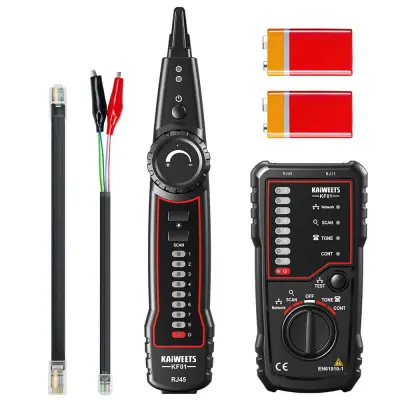
KAIWETS KF01 Network Cable Tester
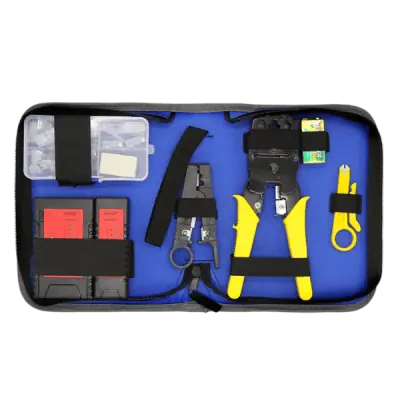
NOYAFA Network Cable Repair Toolkit
Describe your application and constraints in a request.
What is recorded about the regulatory status and the life of this part.
No compliance statement is recorded for this part. Ask the supplier for the RoHS and REACH declarations and, for a radio product, the EU declaration of conformity.
| Current status | Status not stated |
| Key dates | Not recorded |
| Manufacturer part number | PCAN-DIAG FD |
| Manufacturer | PEAK-System |
Network Test Tools
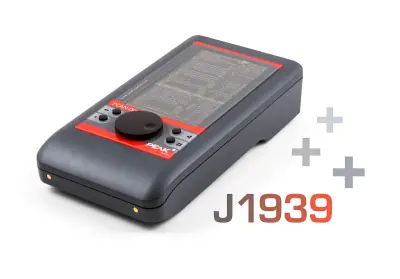
SAE J1939 license add-in for CAN diagnostic tester
Price on request
Network Test Tools
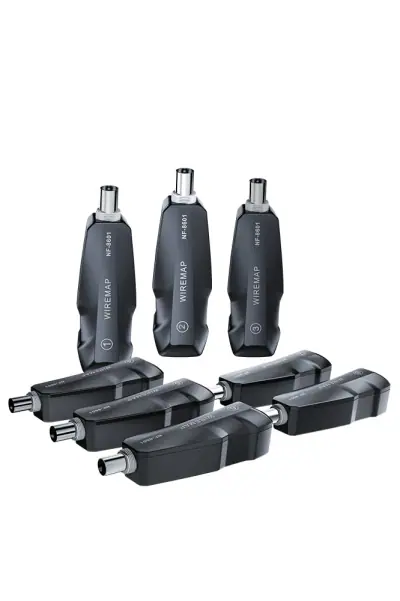
RJ11 BNC remote unit for Ethernet cable tester
Price on request
Network Test Tools
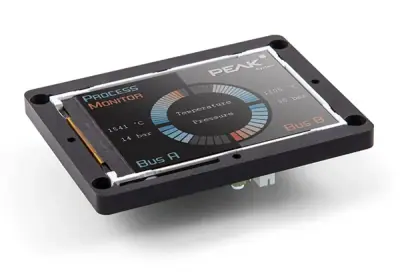
CAN bus display and data logger with TFT screen
Price on request
Network Test Tools
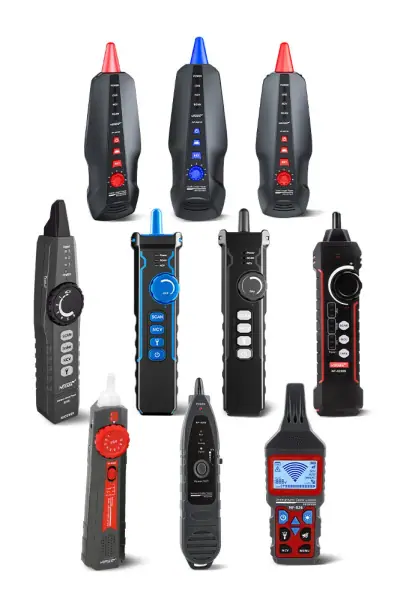
Network cable tester receiver unit
Price on request
With your consent, we use Google cookies to measure the site’s audience and our advertising. Your quote basket and comparison stay in your browser either way. Details