PCAN-MINIDISPLAY
CAN bus display and data logger with TFT screen
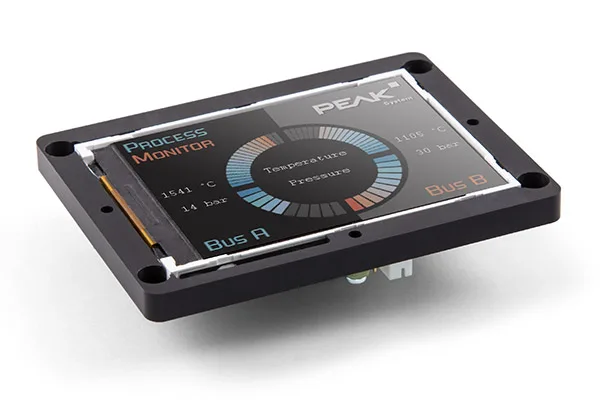
- Feature
- Signal-dependent display of image lists
- Feature
- Complies with CAN specifications 2.0 A/B
- Feature
- Dimensions: 80 x 55 mm
- Feature
- Voltage supply from 7 to 30 V
CAN bus display and data logger with TFT screen
A CAN bus human-machine interface and data logger with a TFT screen, for showing CAN signals on site or recording traffic to a microSD card for later analysis on a PC.
Human-machine interface for CAN bus data. The PCAN-MiniDisplay from PEAK-System is a CAN display with a 320 x 240 pixel TFT screen, used as a human-machine interface to visualize CAN bus data. The graphic representation is configured before the unit is used and then shown on the screen. Texts, CAN data and the values of the analog and digital inputs are displayed through text labels defined in text files, and CAN data can be formatted as numbers, float numbers or strings, with enums and multiplexers taken into account. Bitmap images with transparency, image lists driven by the signal and several signal curves in plotters complete the display.
Bus connection. Two High-speed CAN channels conforming to ISO 11898-2 and CAN specifications 2.0 A/B, with an NXP TJA1041 transceiver featuring wake-up, cover bit rates from 40 kbit/s up to 1 Mbit/s. CAN ID filtering for recordings is configured separately on each channel.
Logging, playback and PC access. Incoming CAN messages are recorded to a microSD card (max. 32 GByte), optionally including errors that occur. The card can be read from a PC through the High-speed USB 2.0 port, and recordings are converted to various output formats with Windows software. Playback can run with a loop function. Display, recording and playback cannot run at the same time, so the unit performs only one of these three functions at a time.
Controls, configuration and power. The version in plastic casing, with 3 push buttons, handles menu navigation and switching between display configurations. Key and buzzer functions as well as display brightness can be controlled via CAN, and CAN frame sequences can be sent at the start, during operation and at the end of a configuration. One configuration or recording can start automatically at power-up, and configurations run from the memory card. The unit is powered from 7 to 30 V, operates from -20 to +70 °C (-4 to +158 °F), measures 80 x 55 mm and connects through Phoenix terminal blocks. The two 10 bit analog inputs measure 0 to 16.5 V, with one digital input and one digital output completing the interface.
No published question about this part yet. Questions are reviewed before publication.
Every characteristic recorded for PCAN-MINIDISPLAY, with where it comes from. Use the filters to find one quickly.
| Characteristic | Value |
|---|---|
| Feature | CAN connections via two High-speed CAN channels (ISO 11898-2) Bit rates from 40 kbit/s up to 1 Mbit/s |
| Feature | Display of bitmap images with transparency |
| Feature | Signal-dependent display of image lists |
| Feature | Presentation of multiple signal curves in plotters |
| Feature | Configurable access to key and buzzer functions as well as display brightness via CAN |
| Feature | Transmitting CAN frame sequences at the start, operation, and end of a configuration |
| Feature | Slot for microSD memory card (max. 32 GByte) |
| Feature | High-speed USB 2.0 port for access to the memory card using a PC |
| Feature | Running configurations from the memory card |
| Feature | Optional auto-start of a single configuration or recording on power-up |
| Feature | Recording of incoming CAN messages to the internal memory card, optionally including occurring errors |
| Feature | Complies with CAN specifications 2.0 A/B |
| Feature | CAN ID filtering for recordings, separately configurable for each CAN channel |
| Feature | Conversion of recordings to various output formats using Windows software |
| Feature | Playback of a recording with optional loop function |
| Feature | Use of optionally equipped push buttons for menu navigation and to switch between multiple display configurations |
| Feature | Dimensions: 80 x 55 mm |
| Feature | Voltage supply from 7 to 30 V |
| Feature | Operating temperature range from -20 to +70 °C (-4 to +158 °F) |
| Feature | Device in plastic casing with 3 push buttons |
| Feature | Connections via terminal blocks (Phoenix) |
| Feature | NXP TJA1041 CAN transceiver with wake-up |
| Feature | 2 analog inputs Resolution 10 bit |
| Feature | Measuring range 0 to 16.5 V |
| Feature | 1 digital input and 1 digital output |
| Feature | TFT display with 320 x 240 pixel resolution |
| Feature | Freely configurable visualization of CAN data via text files Display of texts, CAN data as well as the values of the analog and digital inputs via text labels |
| Feature | Formattable output of CAN data as numbers, float numbers, or strings with consideration of enums and multiplexers |
No specification matches.
Last verification : 2026-11-25
Official documents and the technical data recorded for PCAN-MINIDISPLAY. For a missing document or a specific revision, our experts send it to you.
A CAN bus human-machine interface and data logger with a TFT screen, for showing CAN signals on site or recording traffic to a microSD card for later analysis on a PC.
| Parameter | Value |
|---|---|
| Feature | CAN connections via two High-speed CAN channels (ISO 11898-2) Bit rates from 40 kbit/s up to 1 Mbit/s |
| Feature | Display of bitmap images with transparency |
| Feature | Signal-dependent display of image lists |
| Feature | Presentation of multiple signal curves in plotters |
| Feature | Configurable access to key and buzzer functions as well as display brightness via CAN |
| Feature | Transmitting CAN frame sequences at the start, operation, and end of a configuration |
| Feature | Slot for microSD memory card (max. 32 GByte) |
| Feature | High-speed USB 2.0 port for access to the memory card using a PC |
| Feature | Running configurations from the memory card |
| Feature | Optional auto-start of a single configuration or recording on power-up |
| Feature | Recording of incoming CAN messages to the internal memory card, optionally including occurring errors |
| Feature | Complies with CAN specifications 2.0 A/B |
| Feature | CAN ID filtering for recordings, separately configurable for each CAN channel |
| Feature | Conversion of recordings to various output formats using Windows software |
| Feature | Playback of a recording with optional loop function |
| Feature | Use of optionally equipped push buttons for menu navigation and to switch between multiple display configurations |
| Feature | Dimensions: 80 x 55 mm |
| Feature | Voltage supply from 7 to 30 V |
| Feature | Operating temperature range from -20 to +70 °C (-4 to +158 °F) |
| Feature | Device in plastic casing with 3 push buttons |
| Feature | Connections via terminal blocks (Phoenix) |
| Feature | NXP TJA1041 CAN transceiver with wake-up |
| Feature | 2 analog inputs Resolution 10 bit |
| Feature | Measuring range 0 to 16.5 V |
| Feature | 1 digital input and 1 digital output |
| Feature | TFT display with 320 x 240 pixel resolution |
| Feature | Freely configurable visualization of CAN data via text files Display of texts, CAN data as well as the values of the analog and digital inputs via text labels |
| Feature | Formattable output of CAN data as numbers, float numbers, or strings with consideration of enums and multiplexers |
Answers to the questions that the recorded characteristics of PCAN-MINIDISPLAY can answer. A question is not asked when nothing is recorded to answer it.
Yes — recorded under "Feature": CAN connections via two High-speed CAN channels (ISO 11898-2) Bit rates from 40 kbit/s up to 1 Mbit/s.
Yes — recorded under "Feature": High-speed USB 2.0 port for access to the memory card using a PC.
Similar parts to answer your needs. Compare the main characteristics. A recorded replacement is a documented relation; a similar product is a similarity only, never a compatibility claim.
CAN bus display and data logger with TFT screen
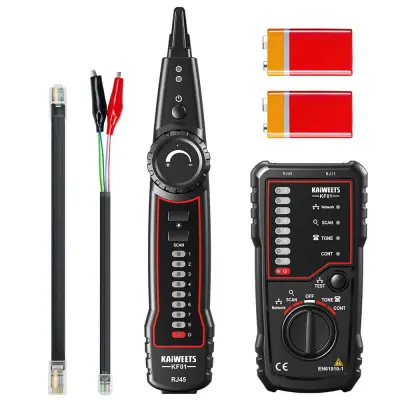
KAIWETS KF01 Network Cable Tester
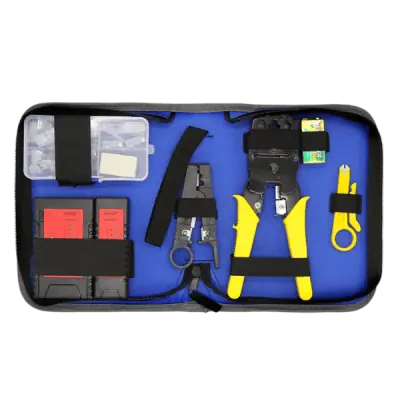
NOYAFA Network Cable Repair Toolkit
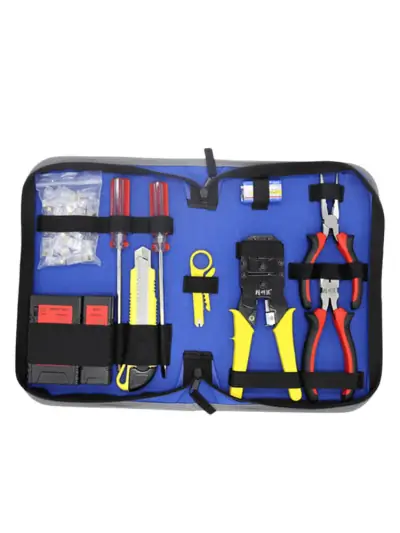
Network Toolkit
Describe your application and constraints in a request.
What is recorded about the regulatory status and the life of this part.
No compliance statement is recorded for this part. Ask the supplier for the RoHS and REACH declarations and, for a radio product, the EU declaration of conformity.
| Current status | Status not stated |
| Key dates | Not recorded |
| Manufacturer part number | PCAN-MINIDISPLAY |
| Manufacturer | PEAK-System |
Network Test Tools
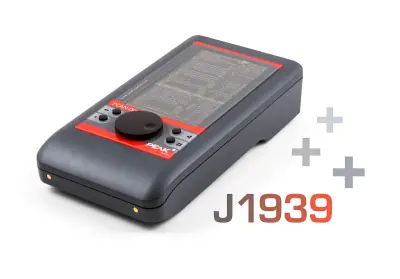
SAE J1939 license add-in for CAN diagnostic tester
Price on request
Network Test Tools
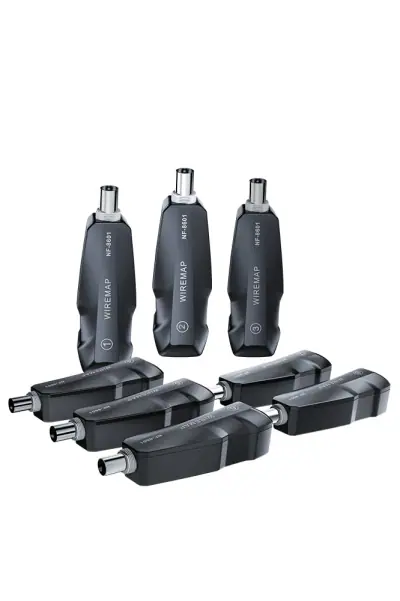
RJ11 BNC remote unit for Ethernet cable tester
Price on request
Network Test Tools
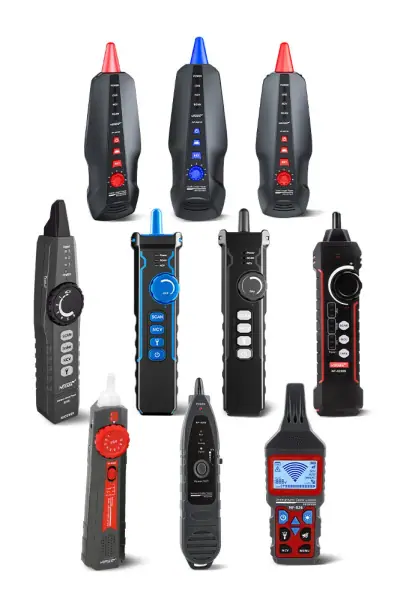
Network cable tester receiver unit
Price on request
Network Test Tools
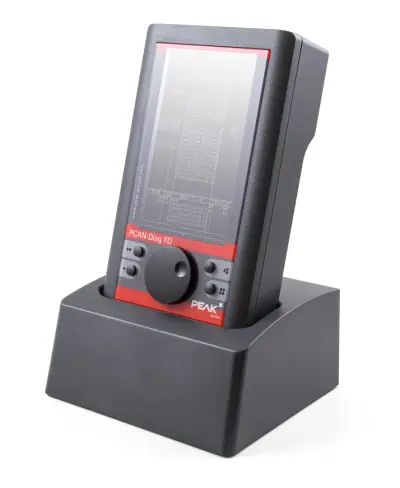
Mobile CAN and CAN FD bus diagnostic tool with oscilloscope
Price on request
With your consent, we use Google cookies to measure the site’s audience and our advertising. Your quote basket and comparison stay in your browser either way. Details