PIM462
Picade X HAT USB-C
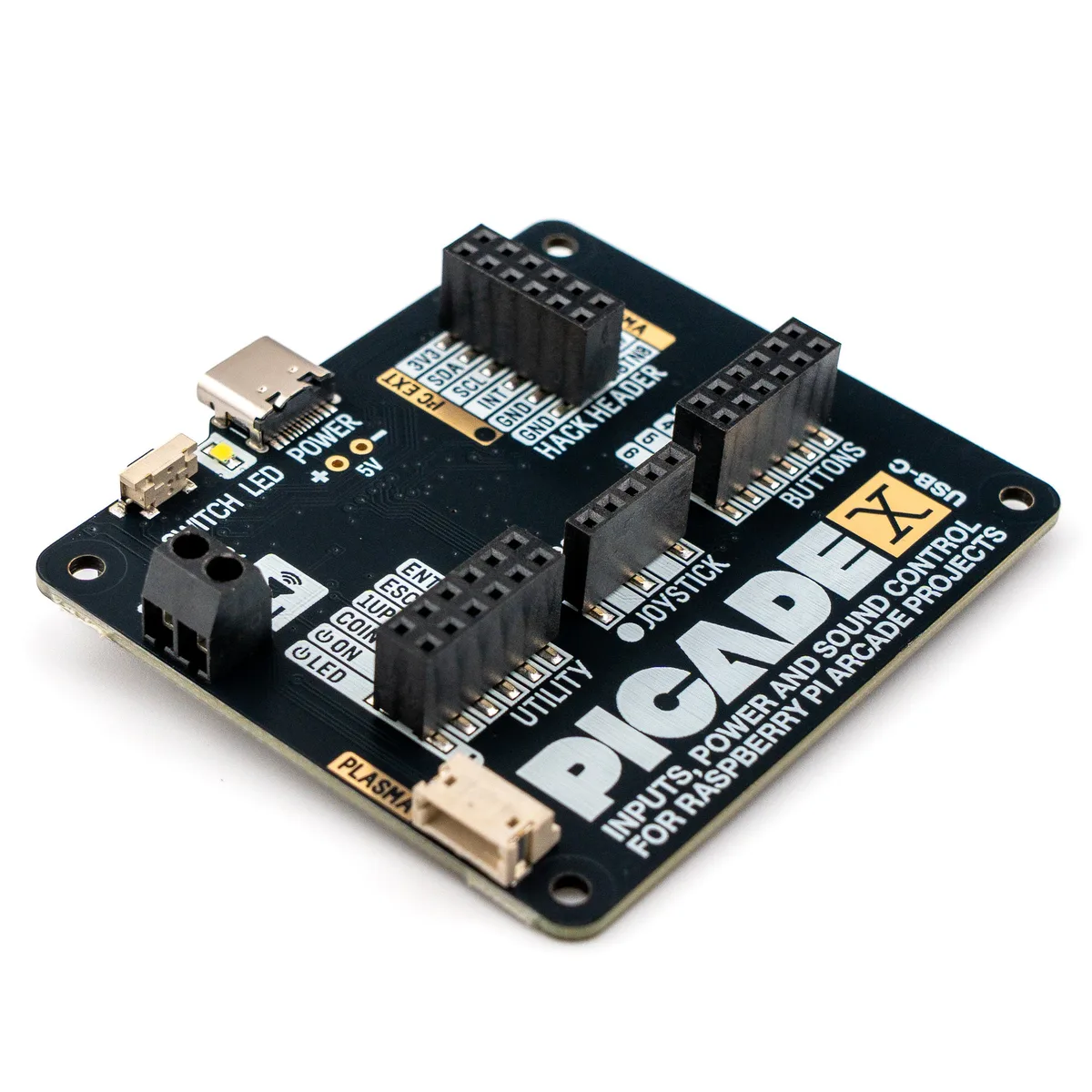
Limited record: this part has neither specifications nor a datasheet in the catalog yet. It is shown for reference and is not indexed.
Picade X HAT USB-C
Maker, Prototyping, Open-Hardware & Developer Boards
Pimoroni PIM462, listed under “Maker, Prototyping, Open-Hardware & Developer Boards”.
Turn your Raspberry Pi into a retro games console! Picade X HAT includes joystick and button inputs, a 3W I2S DAC/amplifier, and soft power switch. Nice!
Picade X HAT is now Raspberry Pi 4 compatible, with USB-C power!
This HAT has all the same great features as the original Picade HAT but now has no-fuss female Dupont connectors to hook up your joystick and buttons.
Simply pop Picade X HAT onto your Pi, plug a USB-C power supply into the connector on the HAT (it back-powers your Pi through the GPIO, so no need for a separate power supply), wire up your controls, and install our driver! It's ideal for your own DIY arcade cabinet builds, or for interfaces that need big, colourful buttons and sound.
We'd recommend also picking up one of our new Picade wiring looms to go with Picade X HAT. It has all the cables you'll need to connect up buttons and a joystick (with 5-pin connector) to Picade X HAT.
Features
I2S audio DAC with 3W amplifier (mono) and screw terminals
Safe power on/off system with tactile power button and LED
USB-C connector for power (back-powers your Pi)
4-way digital joystick inputs
6x player button inputs
4x utility button inputs
1x soft power switch input
1x power LED output
Plasma button connector
Breakout pins for power, I2C, and 2 additional buttons
Picade X HAT pinout
Compatible with Raspberry Pi computers with 40 pin header
Python library
Schematic
The I2S DAC blends both channels of digital audio from the Raspberry Pi into a single mono output. This is then passed through a 3W amplifier to power a connected speaker.
The board also features a soft power switch that allows you turn your Pi on and off safely without risk of SD card corruption. Tap the connected button to start up, and press and hold it for 3 seconds to fully shutdown and disconnect power.
Software
We've put together a simple one-line installer that'll get everything set up on your Picade X HAT, the controls, safe shutdown, and audio. Open a terminal and type curl | bash to run the installer. You'll need to reboot once the installation is complete, if it doesn't prompt you to do so.
Notes
With USB-C power connected through Picade X HAT you'll need either to tap the connected power button or the button marked "switch" on the HAT to power on your Pi.
No published question about this part yet. Questions are reviewed before publication.
Official documents and the technical data recorded for PIM462. For a missing document or a specific revision, our experts send it to you.
Pimoroni PIM462, listed under “Maker, Prototyping, Open-Hardware & Developer Boards”.
Similar parts to answer your needs. Compare the main characteristics. A recorded replacement is a documented relation; a similar product is a similarity only, never a compatibility claim.
Picade X HAT USB-C
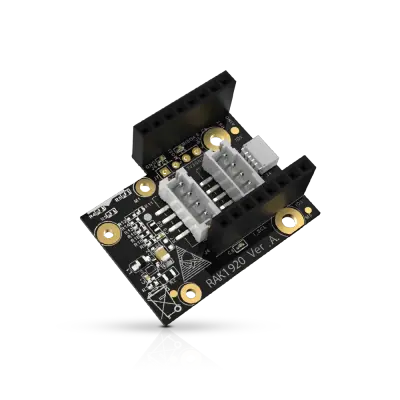
Sensor Adapter for Click, QWIIC and Grove Modules
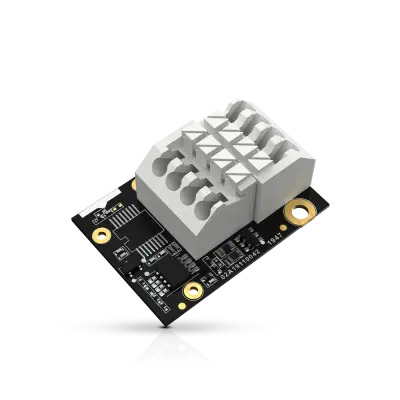
RS485 Module 3PEAK TP8485E
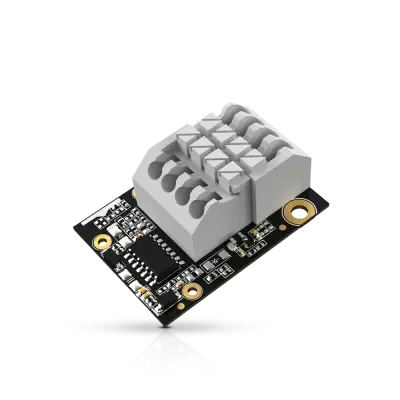
4-20mA Module STMicroelectronics LM2902
Describe your application and constraints in a request.
What is recorded about the regulatory status and the life of this part.
No compliance statement is recorded for this part. Ask the supplier for the RoHS and REACH declarations and, for a radio product, the EU declaration of conformity.
| Current status | Status not stated |
| Key dates | Not recorded |
| Manufacturer part number | PIM462 |
| Manufacturer | Pimoroni |
Maker, Prototyping, Open-Hardware & Developer Boards
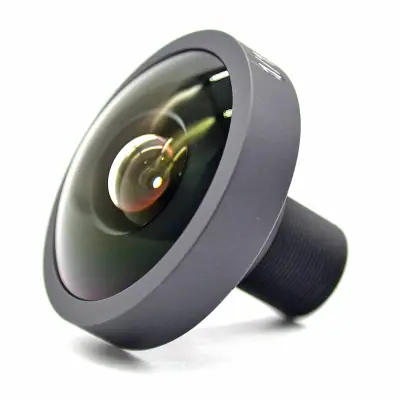
M12 fisheye lens for camera module · Ref. : M12_FISHEYE
Price on request
Maker, Prototyping, Open-Hardware & Developer Boards
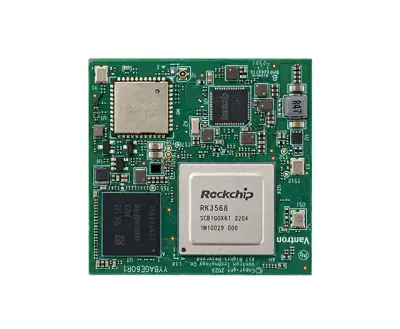
RK3568 System-on-Module with 1 TOPS NPU
Price on request
Maker, Prototyping, Open-Hardware & Developer Boards
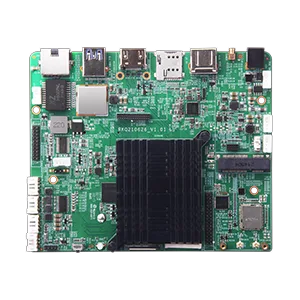
RK3568 Android tablet mainboard with DTV tuner · Ref. : K3-3568
Price on request
Maker, Prototyping, Open-Hardware & Developer Boards
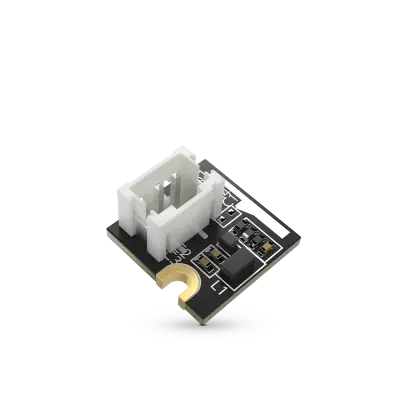
Boost converter module 3.3 V to 12 V 50 mA · Ref. : 110155
Price on request
No advertising or analytics cookies. A single, strictly necessary cookie is set only if you sign in to your account. Your quote basket and comparison stay in your browser. Details